
Model Details
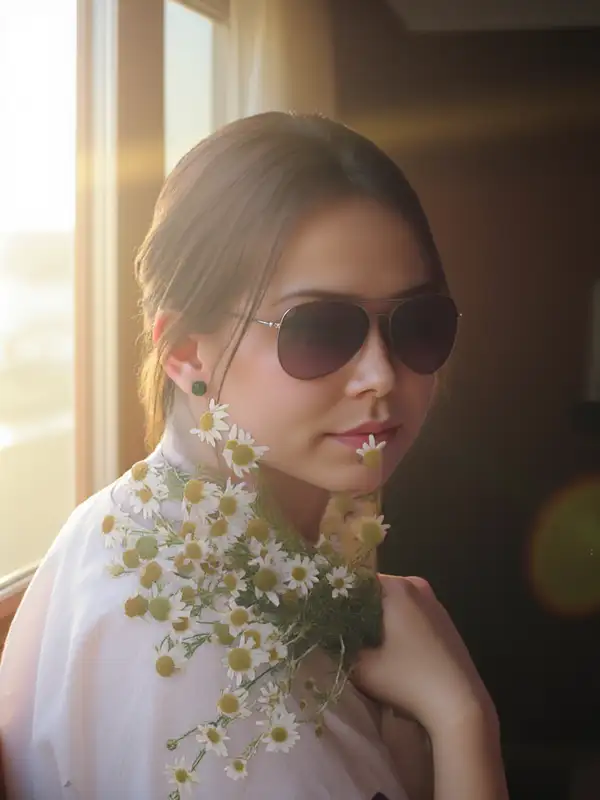
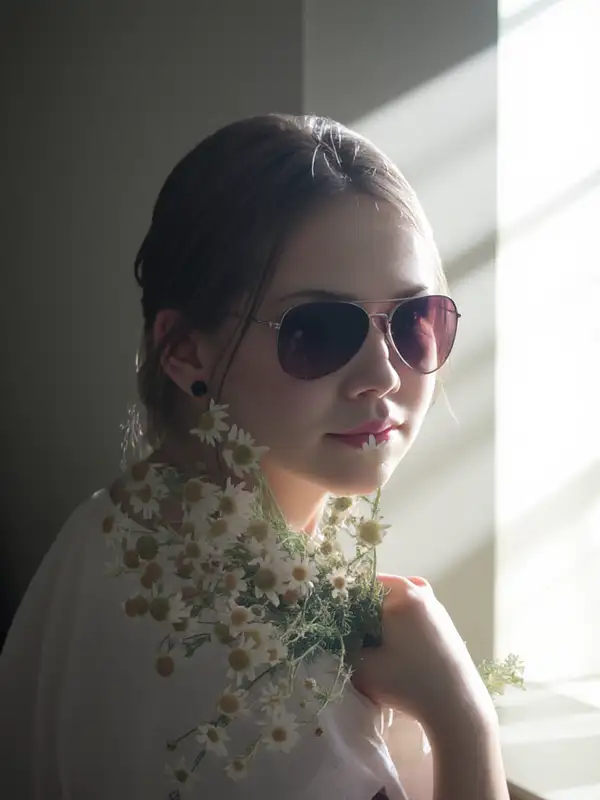
IC-Light V2 relights a photo you provide to match a described lighting setup. You pass a source image and a short prompt describing the light (direction, color, mood, and the surrounding scene), and it re-renders the subject under that lighting while preserving its identity, shape, and detail. When you leave the size unset, the output keeps your input image's dimensions, so the relit result lines up with the original for compositing. Its strength is realistic, physically plausible light wrap and shadows rather than a flat color filter.
## Best for - Relighting product shots to a new studio or environment lighting setup - Adjusting portrait lighting — softening, warming, or redirecting the key light - Compositing a cut-out subject into a new background with matching light - Replacing or restyling the background while the subject stays consistent - Generating consistent lighting across a batch of catalog images
## Choose another model when - You want to change the subject's content, pose, or objects rather than its lighting — use an image-editing model - You need a brand-new scene with no source photo to relight — use a text-to-image model - You need the relit subject animated — use an image-to-video model
## Tips - Describe the light source and the scene together ("warm sunset light from the left, golden-hour window behind") — the prompt sets both the lighting and the new background - Use `initial_latent` to bias the dominant light direction: `Left`, `Right`, `Top`, or `Bottom` (default `None` lets the prompt decide) - Leave `image_size` unset to preserve the input's dimensions; set a preset only when you deliberately want to re-frame the output - Supply `mask_image_url` to control exactly which region is treated as the subject; with no mask, the subject is isolated by automatic background removal
## Advanced Configuration - `cfg` is the real classifier-free-guidance scale (0.01–5, default 1) — lower values keep the result more faithful to the input photo. - `guidance_scale` (0–20, default 5) controls how strongly the relighting follows the text prompt; raise it for stronger prompt adherence. - `enable_hr_fix` runs a high-resolution refinement pass; `lowres_denoise`, `highres_denoise`, and `hr_downscale` tune that pass and only take effect when it is enabled.
To run via the ModelRunner JavaScript client: ```js import { modelrunner } from "@modelrunner/client";
const result = await modelrunner.subscribe("lllyasviel/iclight/v2", { input: { prompt: "warm golden-hour sunlight from the left, soft window light", image_url: "https://media.modelrunner.ai/MvSAQVWwUHJspDow-1024", initial_latent: "Left", }, }); ```