

Model Details
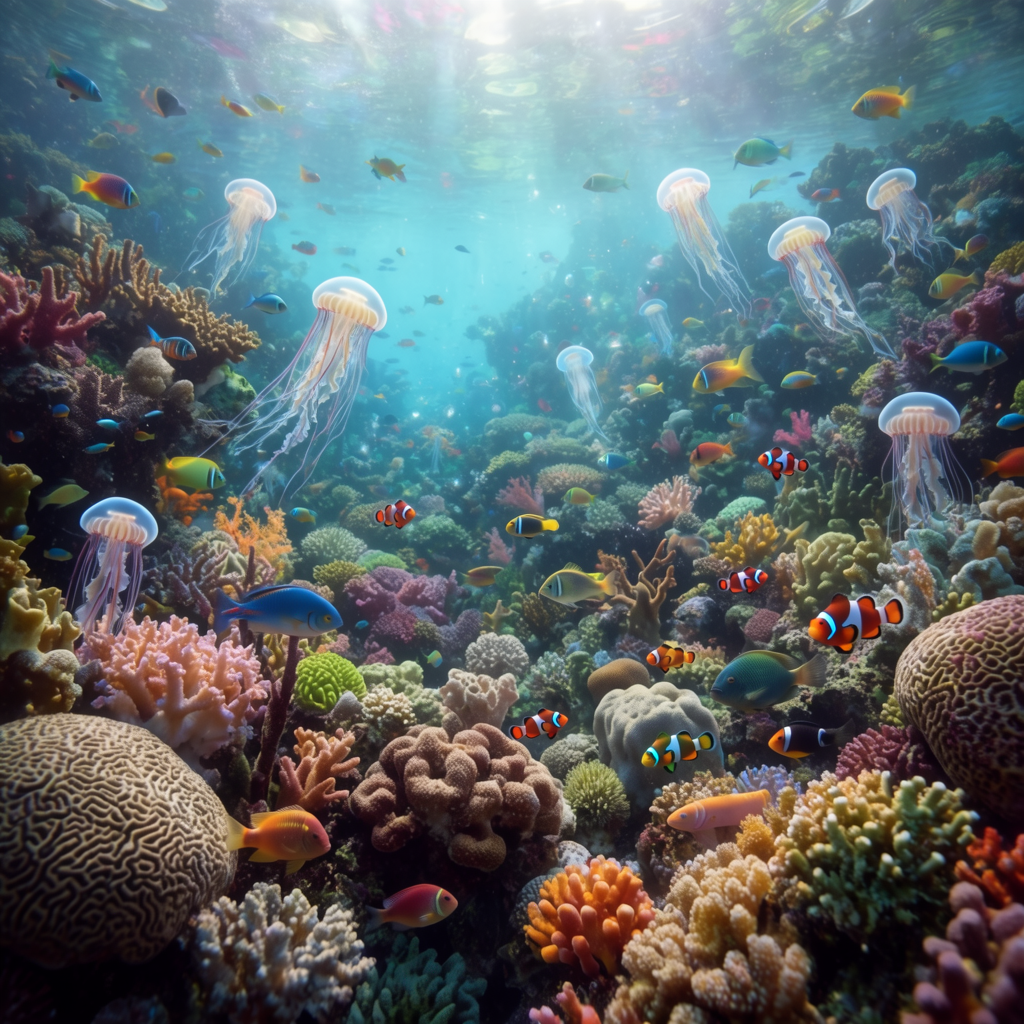
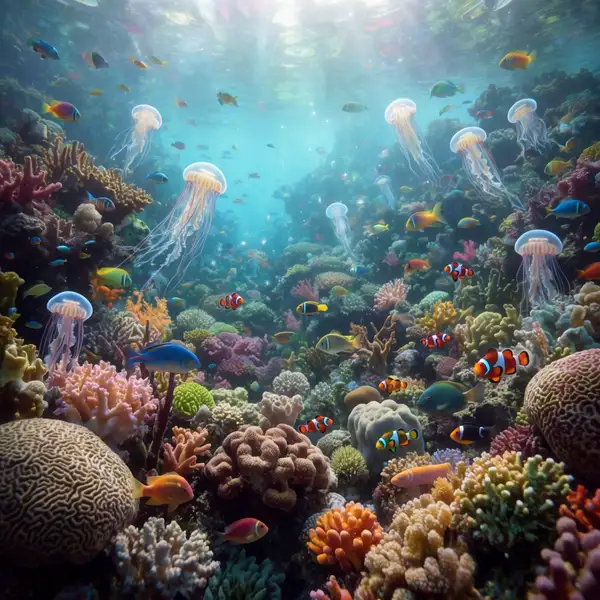
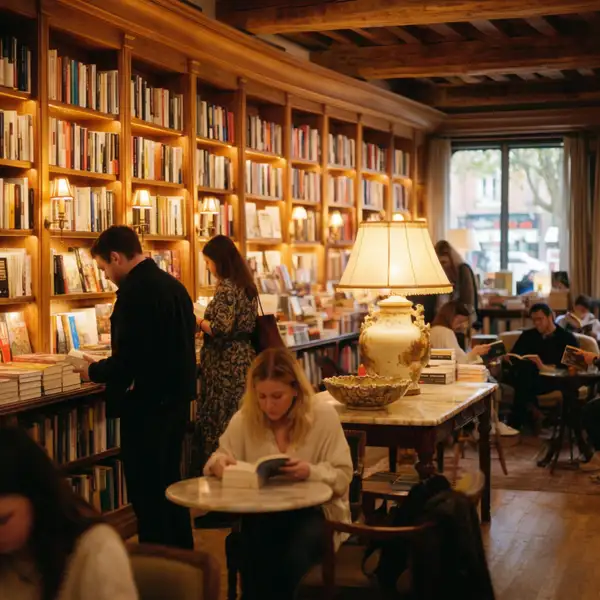
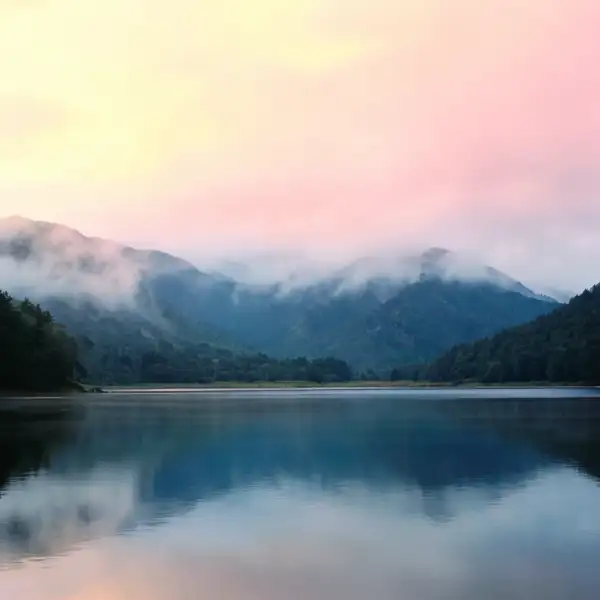
Krea 2 Large turns a text prompt into a single, high-fidelity image. It is tuned for sharp detail, coherent composition, and strong prompt adherence — built for hero stills where one polished result matters more than a batch of quick variations. Write a descriptive prompt, pick a framing with `aspect_ratio`, and the model handles the rest.
## Features - High-fidelity single-image generation from text - Wide framing range via `aspect_ratio`, including a `2.35:1` cinematic widescreen ratio for film-style stills - Adjustable prompt interpretation through `creativity` - Deterministic, repeatable results when you set a `seed`
## What it's good at - Detailed, photographic and illustrative stills with clean composition - Strong adherence to long, specific prompts (up to 5000 characters) - Cinematic and editorial framing thanks to the extended aspect-ratio set
## Tips - Be specific about subject, lighting, lens, and mood — longer prompts steer the result more precisely - Use `2.35:1` for film-style scenes and `9:16` for vertical/mobile compositions - Lock a `seed` when you want to reproduce or fine-tune a particular result across prompt tweaks
## Advanced Configuration - **creativity** — controls how loosely the model interprets your prompt. `raw` follows the prompt as literally as possible with minimal embellishment; `low` stays close to the prompt with slight refinement; `medium` (the default) balances faithfulness with tasteful creative filling-in; `high` allows the most creative drift, adding detail and interpretation beyond the literal text. Lower values when you need precise, predictable output; raise it when you want the model to enrich sparse prompts.
## Limitations - Produces one image per request — there is no batch/variation count - Very long or contradictory prompts can dilute focus; tighten the prompt if results wander - Fine text, exact counts, and precise spatial relationships can still be imperfect
To run via the ModelRunner JavaScript client: ```js import { modelrunner } from "@modelrunner/client";
const result = await modelrunner.subscribe("krea/krea-2-large", { input: { prompt: "a red apple on a white table, soft studio lighting", aspect_ratio: "1:1", creativity: "medium", }, }); ```