
krea avatar

Krea 2 Large API

krea/krea-2-large

Generate one high-fidelity, photorealistic image from a text prompt, tuned for sharp detail and strong prompt adherence.

0.06

Model Input

Input

The text prompt describing the image to generate.

The aspect ratio of the generated image. Includes a 2.35:1 cinematic widescreen ratio.

Additional Settings

Customize your input with more control.

How loosely the model interprets the prompt. 'raw' follows the prompt most literally; 'high' allows the most creative drift.

Optional seed for reproducible results. Leave empty for a random seed.

You need to be logged in to run this model and view results.
Log in

Model Output

Output

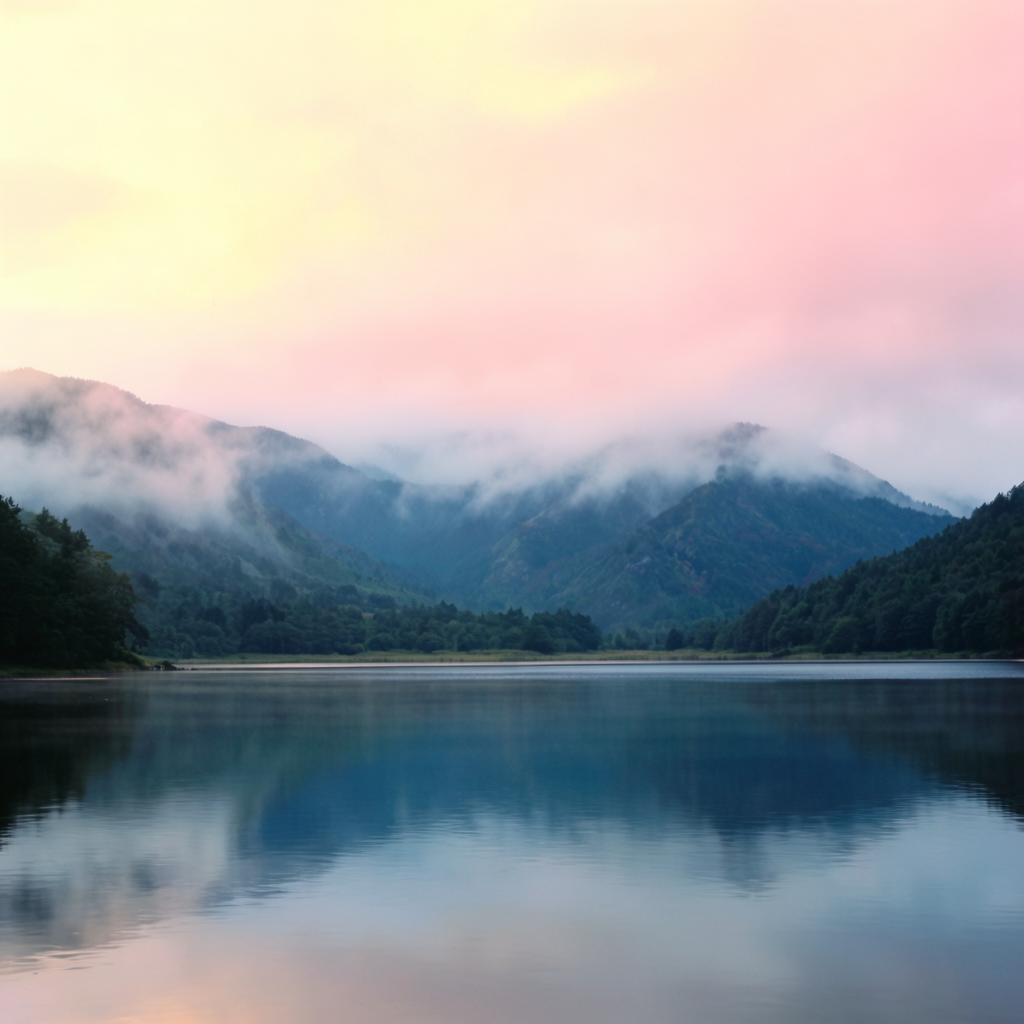
Generated image output
Generated in 41.653 seconds
Logs (1 lines)

Model Example Requests

Examples

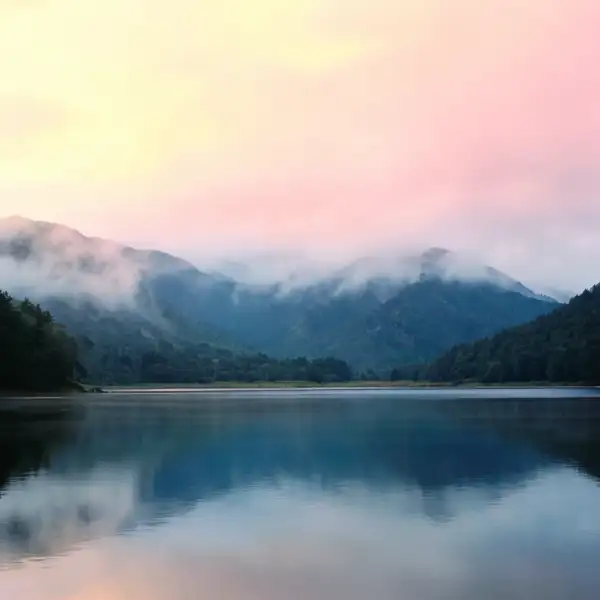
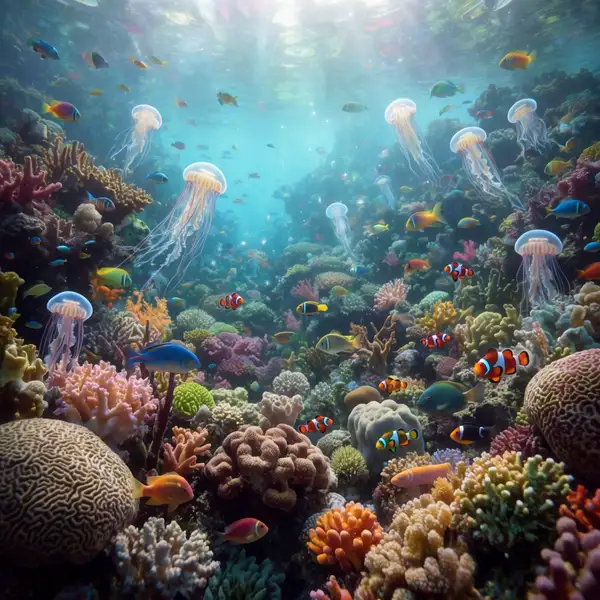
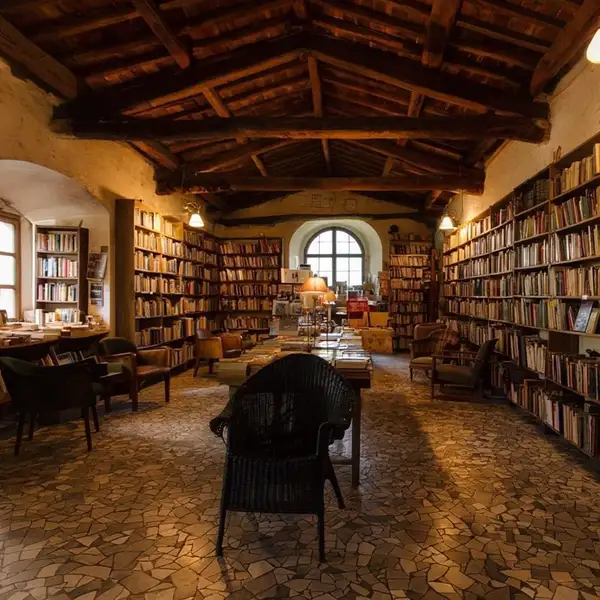
Example output 1Example output 2Example output 3Example output 4

Krea 2 Large API

Krea 2 Large is a text-to-image AI model by krea. On ModelRunner it runs through a REST API or via MCP from any AI assistant, at $0.06 per image.

POST https://queue.modelrunner.run/krea/krea-2-large

cURL

# Submit a request to the queue. Input fields go at the top level of the
# body. The optional reserved "metadata" object holds your own flat string
# tags — stored on the request, never sent to the model; filter later with
# GET https://queue.modelrunner.run/requests?metadata=<url-encoded JSON>.
curl -X POST https://queue.modelrunner.run/krea/krea-2-large \
  -H "Authorization: Key $MRUN_API_KEY" \
  -H "Content-Type: application/json" \
  -d '{
    "seed": null,
    "prompt": "a serene mountain lake at dawn, photorealistic, ultra detailed",
    "creativity": "medium",
    "aspect_ratio": "1:1",
    "metadata": {
      "project": "my-project"
    }
  }'
# → { "request_id": "...", "status_url": "...", "response_url": "..." }

# Poll status_url until "COMPLETED", then fetch the result
curl "https://queue.modelrunner.run/krea/krea-2-large/requests/$REQUEST_ID/status" \
  -H "Authorization: Key $MRUN_API_KEY"
curl "https://queue.modelrunner.run/krea/krea-2-large/requests/$REQUEST_ID" \
  -H "Authorization: Key $MRUN_API_KEY"

JavaScript

import { modelrunner } from "@modelrunner/client";

const result = await modelrunner.subscribe("krea/krea-2-large", {
  input: {
    "seed": null,
    "prompt": "a serene mountain lake at dawn, photorealistic, ultra detailed",
    "creativity": "medium",
    "aspect_ratio": "1:1"
  },
});
console.log(result);

Python

import os
import requests

headers = {"Authorization": f"Key {os.environ['MRUN_API_KEY']}"}

submitted = requests.post(
    "https://queue.modelrunner.run/krea/krea-2-large",
    headers=headers,
    json={
      "seed": null,
      "prompt": "a serene mountain lake at dawn, photorealistic, ultra detailed",
      "creativity": "medium",
      "aspect_ratio": "1:1"
    },
).json()

# Poll submitted["status_url"] until "COMPLETED", then:
result = requests.get(submitted["response_url"], headers=headers).json()

Input parameters

NameTypeRequiredDescription
promptstringyesThe text prompt describing the image to generate.
aspect_ratioenumnoThe aspect ratio of the generated image. Includes a 2.35:1 cinematic widescreen ratio. Default: "1:1".
creativityenumnoHow loosely the model interprets the prompt. 'raw' follows the prompt most literally; 'high' allows the most creative drift. Default: "medium".
seedintegernoOptional seed for reproducible results. Leave empty for a random seed. Default: null.

Machine-readable: OpenAPI schema · llms.txt

Use Krea 2 Large from Claude & Cursor (MCP)

Point Claude Code, Claude Desktop, Cursor, or any MCP client at the ModelRunner MCP server and Krea 2 Large becomes a tool your assistant can call directly — it authorizes via OAuth (no API key in config) and runs this model with the run_model tool using the endpoint krea/krea-2-large.

MCP client config (Claude Desktop, Cursor)

{
  "mcpServers": {
    "modelrunner": {
      "command": "npx",
      "args": ["-y", "mcp-remote", "https://mcp.modelrunner.run/mcp"]
    }
  }
}

Claude Code

claude mcp add --transport http modelrunner https://mcp.modelrunner.run/mcp

Then ask your assistant, for example: “Run krea/krea-2-large on ModelRunner to generate image”. MCP setup guide.

Model Details

Model Details

Krea 2 Large turns a text prompt into a single, high-fidelity image. It is tuned for sharp detail, coherent composition, and strong prompt adherence — built for hero stills where one polished result matters more than a batch of quick variations. Write a descriptive prompt, pick a framing with `aspect_ratio`, and the model renders a photoreal or illustrative result that stays faithful to what you asked for.

## Best for - Hero and marketing stills where one clean, polished image carries the shot - Photoreal scenes — interiors, landscapes, product-style imagery — with believable light and detail - Concept art and editorial illustration from long, specific prompts (up to 5000 characters) - Cinematic framing using the `2.35:1` widescreen ratio, or vertical `9:16` compositions for mobile

## Choose another model when - The image must contain a lot of accurate, legible text — logos, posters, signage — use a model specialized in in-image text rendering - You want to edit, restyle, or transform an existing image rather than generate from text — use an image-to-image / image-editing model - You need motion or animation — use a text-to-video or image-to-video model - You need many variations per call — this model returns one image per request

## Tips - Be specific about subject, lighting, lens, and mood; longer, well-structured prompts steer the result more precisely - Use `2.35:1` for film-style scenes and `9:16` for vertical/mobile layouts - Lock a `seed` to reproduce or fine-tune a particular result across prompt tweaks

## Limitations - One image per request — there is no batch or variation count - Very long or contradictory prompts can dilute focus; tighten the prompt if results wander - Fine text, exact object counts, and precise spatial relationships can still be imperfect

## Advanced Configuration - **creativity** — controls how loosely the model interprets your prompt. `raw` follows the prompt most literally with minimal embellishment; `low` stays close with slight refinement; `medium` (default) balances faithfulness with tasteful creative filling-in; `high` allows the most creative drift, adding detail beyond the literal text. Lower it for precise, predictable output; raise it to enrich sparse prompts.

To run via the ModelRunner JavaScript client: ```js import { modelrunner } from "@modelrunner/client";

const result = await modelrunner.subscribe("krea/krea-2-large", { input: { prompt: "a serene mountain lake at dawn, photorealistic, ultra detailed", aspect_ratio: "2.35:1", creativity: "medium", }, }); ```