

google avatar

Veo 3.1 Text to Video API

google/veo-3.1/text-to-video

Create cinematic 8-second videos with Veo 3.1, Google’s latest text-to-video model in the Gemini API — now with native audio, frame control, and reference image support.

0.4 per second of output video

Model Input

Input

Text description of the desired video. Supports cinematic and natural language prompts.

Optional text describing what should not appear in the video.

Video duration in seconds.

Video resolution. Use 1080p for higher fidelity.

Aspect ratio of the generated video.

Controls whether people may be generated. Only 'allow_all' supported for text-to-video.

You need to be logged in to run this model and view results.
Log in

Model Output

Output

Loading
Logs (1 lines)

Model Example Requests

Examples

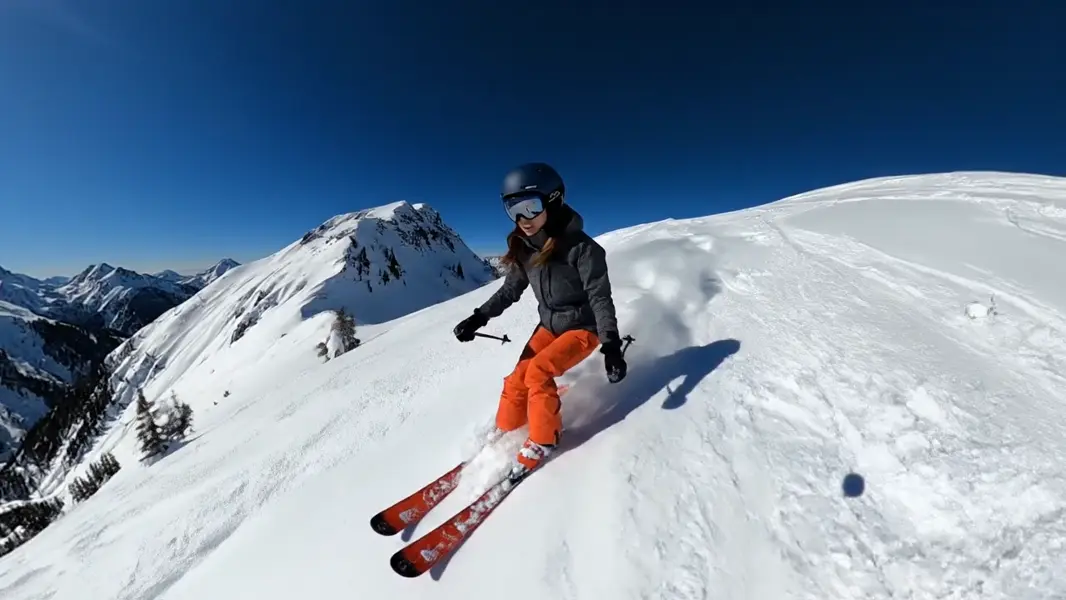
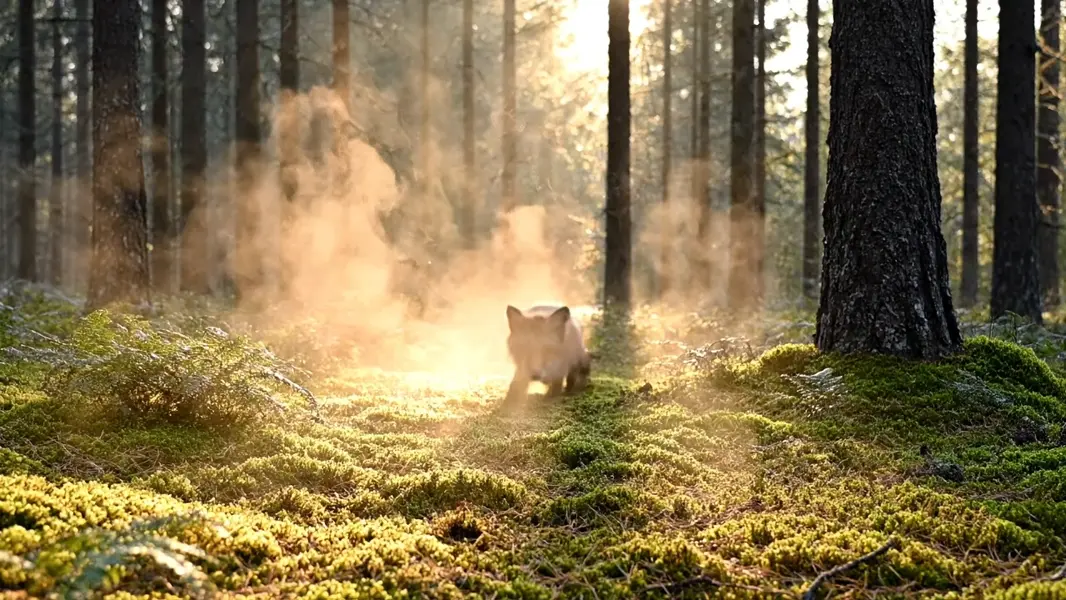
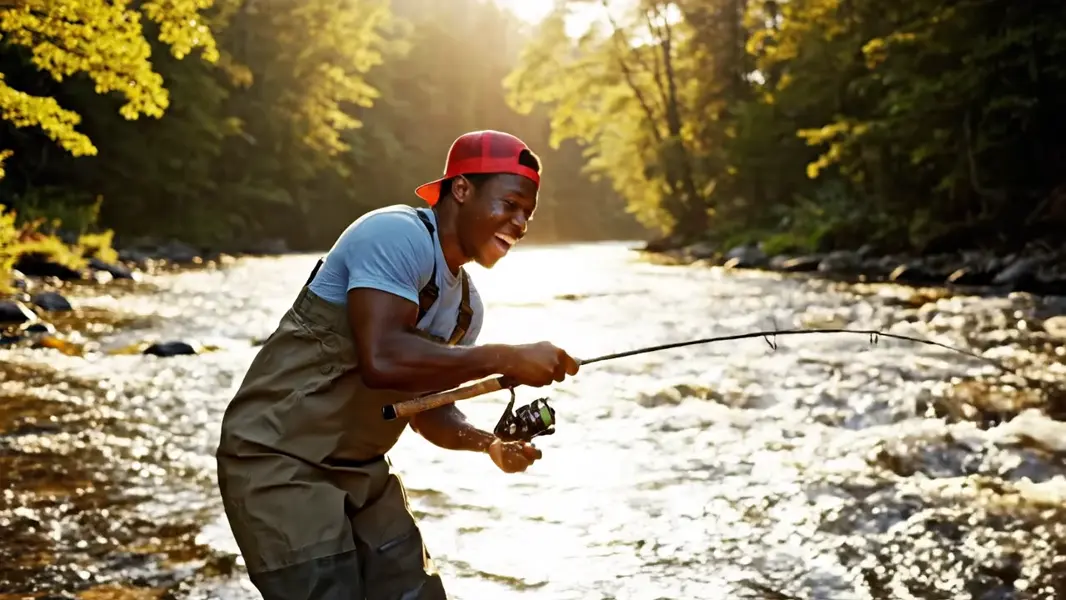
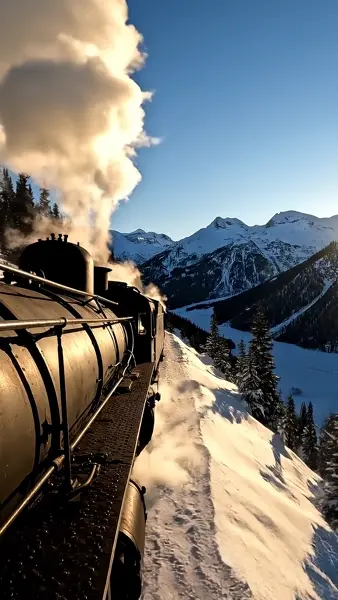
Example output 1Example output 2Example output 3Example output 4

Veo 3.1 Text to Video API

Veo 3.1 Text to Video is a text-to-video AI model by google. On ModelRunner it runs through a REST API or via MCP from any AI assistant, at $0.4 per second of video.

POST https://queue.modelrunner.run/google/veo-3.1/text-to-video

cURL

# Submit a request to the queue. Input fields go at the top level of the
# body. The optional reserved "metadata" object holds your own flat string
# tags — stored on the request, never sent to the model; filter later with
# GET https://queue.modelrunner.run/requests?metadata=<url-encoded JSON>.
curl -X POST https://queue.modelrunner.run/google/veo-3.1/text-to-video \
  -H "Authorization: Key $MRUN_API_KEY" \
  -H "Content-Type: application/json" \
  -d '{
    "prompt": "A vintage steam train chugging heavily up a steep, snow-covered mountain pass in the late afternoon. Thick white smok…",
    "duration": 8,
    "resolution": "1080p",
    "aspect_ratio": "9:16",
    "negative_prompt": "modern electric trains, people, blurry, low resolution, unnatural colors, 3d render, watermark",
    "person_generation": "allow_all",
    "metadata": {
      "project": "my-project"
    }
  }'
# → { "request_id": "...", "status_url": "...", "response_url": "..." }

# Poll status_url until "COMPLETED", then fetch the result
curl "https://queue.modelrunner.run/google/veo-3.1/text-to-video/requests/$REQUEST_ID/status" \
  -H "Authorization: Key $MRUN_API_KEY"
curl "https://queue.modelrunner.run/google/veo-3.1/text-to-video/requests/$REQUEST_ID" \
  -H "Authorization: Key $MRUN_API_KEY"

JavaScript

import { modelrunner } from "@modelrunner/client";

const result = await modelrunner.subscribe("google/veo-3.1/text-to-video", {
  input: {
    "prompt": "A vintage steam train chugging heavily up a steep, snow-covered mountain pass in the late afternoon. Thick white smok…",
    "duration": 8,
    "resolution": "1080p",
    "aspect_ratio": "9:16",
    "negative_prompt": "modern electric trains, people, blurry, low resolution, unnatural colors, 3d render, watermark",
    "person_generation": "allow_all"
  },
});
console.log(result);

Python

import os
import requests

headers = {"Authorization": f"Key {os.environ['MRUN_API_KEY']}"}

submitted = requests.post(
    "https://queue.modelrunner.run/google/veo-3.1/text-to-video",
    headers=headers,
    json={
      "prompt": "A vintage steam train chugging heavily up a steep, snow-covered mountain pass in the late afternoon. Thick white smok…",
      "duration": 8,
      "resolution": "1080p",
      "aspect_ratio": "9:16",
      "negative_prompt": "modern electric trains, people, blurry, low resolution, unnatural colors, 3d render, watermark",
      "person_generation": "allow_all"
    },
).json()

# Poll submitted["status_url"] until "COMPLETED", then:
result = requests.get(submitted["response_url"], headers=headers).json()

Input parameters

NameTypeRequiredDescription
promptstringyesText description of the desired video. Supports cinematic and natural language prompts.
negative_promptstringnoOptional text describing what should not appear in the video.
durationenumnoVideo duration in seconds. Default: 8.
resolutionenumnoVideo resolution. Use 1080p for higher fidelity. Default: "720p".
aspect_ratioenumnoAspect ratio of the generated video. Default: "16:9".
person_generationenumnoControls whether people may be generated. Only 'allow_all' supported for text-to-video. Default: "allow_all".

Machine-readable: OpenAPI schema · llms.txt

Use Veo 3.1 Text to Video from Claude & Cursor (MCP)

Point Claude Code, Claude Desktop, Cursor, or any MCP client at the ModelRunner MCP server and Veo 3.1 Text to Video becomes a tool your assistant can call directly — it authorizes via OAuth (no API key in config) and runs this model with the run_model tool using the endpoint google/veo-3.1/text-to-video.

MCP client config (Claude Desktop, Cursor)

{
  "mcpServers": {
    "modelrunner": {
      "command": "npx",
      "args": ["-y", "mcp-remote", "https://mcp.modelrunner.run/mcp"]
    }
  }
}

Claude Code

claude mcp add --transport http modelrunner https://mcp.modelrunner.run/mcp

Then ask your assistant, for example: “Run google/veo-3.1/text-to-video on ModelRunner to generate video”. MCP setup guide.

Model Details

Model Details

Veo 3.1 is Google’s most advanced text-to-video model, available through the **Gemini API**. It generates cinematic **720p or 1080p videos up to 8 seconds long**, complete with high-fidelity visuals and **natively synthesized audio**. Simply describe your scene in natural language — including subjects, actions, camera angles, and ambience — and Veo 3.1 will bring it to life with realistic motion and synchronized sound.

To **add audio**, embed cues directly in your text prompt such as: - **Dialogue:** `"He whispers, 'This is the code.'"` - **Sound effects (SFX):** `engine roaring, footsteps echoing` - **Ambient noise:** `waves crashing softly, distant thunder`

The model interprets these details to generate corresponding soundscapes that match your scene’s tone and rhythm. You can further refine the output by specifying parameters like `aspectRatio`, `resolution`, and `negativePrompt`, or by guiding composition using **reference images**, **first and last frames**, and **video extensions** to continue a previously generated clip.

Ideal for **creators, developers, and filmmakers**, Veo 3.1 turns written descriptions into **cinematic, sound-rich video experiences** — perfect for storytelling, advertising, education, and rapid content prototyping.