




google avatar

Nano Banana API

google/nano-banana

State of the art image editing model from Google Gemini 2.5.

edit
L40S
0.039

Model Input

Input

The text prompt to generate an image from.

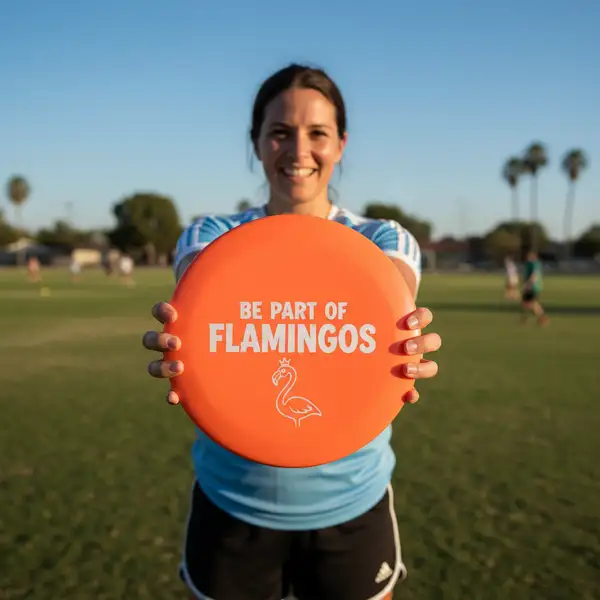
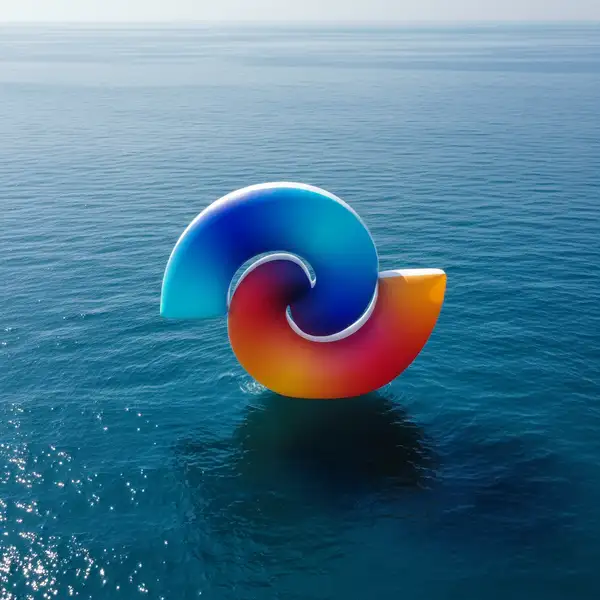
  • https://media.modelrunner.ai/EJQrRj0bqKGj5e9u
  • https://media.modelrunner.ai/UY25DbajyBabWHTB

Optional URLs of images to use as input.

Min: 1 - Max: 4

The number of images to generate. Each generated image is billed.

The desired format for the output images.

You need to be logged in to run this model and view results.
Log in

Model Output

Output

Generated image output
Logs (1 lines)

Model Example Requests

Examples

Example output 1Example output 2Example output 3Example output 4

Nano Banana API

Nano Banana is a image-to-image AI model by google. On ModelRunner it runs through a REST API or via MCP from any AI assistant, at $0.039 per image.

POST https://queue.modelrunner.run/google/nano-banana

cURL

# Submit a request to the queue. Input fields go at the top level of the
# body. The optional reserved "metadata" object holds your own flat string
# tags — stored on the request, never sent to the model; filter later with
# GET https://queue.modelrunner.run/requests?metadata=<url-encoded JSON>.
curl -X POST https://queue.modelrunner.run/google/nano-banana \
  -H "Authorization: Key $MRUN_API_KEY" \
  -H "Content-Type: application/json" \
  -d '{
    "prompt": "Put the logo over the umbrella as texture. Make it natural and realistic.",
    "image_urls": [
      "https://media.modelrunner.ai/EJQrRj0bqKGj5e9u",
      "https://media.modelrunner.ai/UY25DbajyBabWHTB"
    ],
    "num_outputs": 1,
    "output_format": "png",
    "metadata": {
      "project": "my-project"
    }
  }'
# → { "request_id": "...", "status_url": "...", "response_url": "..." }

# Poll status_url until "COMPLETED", then fetch the result
curl "https://queue.modelrunner.run/google/nano-banana/requests/$REQUEST_ID/status" \
  -H "Authorization: Key $MRUN_API_KEY"
curl "https://queue.modelrunner.run/google/nano-banana/requests/$REQUEST_ID" \
  -H "Authorization: Key $MRUN_API_KEY"

JavaScript

import { modelrunner } from "@modelrunner/client";

const result = await modelrunner.subscribe("google/nano-banana", {
  input: {
    "prompt": "Put the logo over the umbrella as texture. Make it natural and realistic.",
    "image_urls": [
      "https://media.modelrunner.ai/EJQrRj0bqKGj5e9u",
      "https://media.modelrunner.ai/UY25DbajyBabWHTB"
    ],
    "num_outputs": 1,
    "output_format": "png"
  },
});
console.log(result);

Python

import os
import requests

headers = {"Authorization": f"Key {os.environ['MRUN_API_KEY']}"}

submitted = requests.post(
    "https://queue.modelrunner.run/google/nano-banana",
    headers=headers,
    json={
      "prompt": "Put the logo over the umbrella as texture. Make it natural and realistic.",
      "image_urls": [
        "https://media.modelrunner.ai/EJQrRj0bqKGj5e9u",
        "https://media.modelrunner.ai/UY25DbajyBabWHTB"
      ],
      "num_outputs": 1,
      "output_format": "png"
    },
).json()

# Poll submitted["status_url"] until "COMPLETED", then:
result = requests.get(submitted["response_url"], headers=headers).json()

Input parameters

NameTypeRequiredDescription
promptstringyesThe text prompt to generate an image from.
image_urlsarraynoOptional URLs of images to use as input.
num_outputsintegernoThe number of images to generate. Each generated image is billed. Default: 1.
output_formatenumnoThe desired format for the output images. Default: "png".

Machine-readable: OpenAPI schema · llms.txt

Use Nano Banana from Claude & Cursor (MCP)

Point Claude Code, Claude Desktop, Cursor, or any MCP client at the ModelRunner MCP server and Nano Banana becomes a tool your assistant can call directly — it authorizes via OAuth (no API key in config) and runs this model with the run_model tool using the endpoint google/nano-banana.

MCP client config (Claude Desktop, Cursor)

{
  "mcpServers": {
    "modelrunner": {
      "command": "npx",
      "args": ["-y", "mcp-remote", "https://mcp.modelrunner.run/mcp"]
    }
  }
}

Claude Code

claude mcp add --transport http modelrunner https://mcp.modelrunner.run/mcp

Then ask your assistant, for example: “Run google/nano-banana on ModelRunner to generate image”. MCP setup guide.

Model Details

Model Details

**Gemini 2.5 (Nano Banana)** is Google’s latest multimodal image editing model, built to deliver precise, high-quality results for creative and practical workflows. It combines text-to-image and image-to-image generation in a single system, enabling users to produce entirely new visuals or refine existing ones with natural language prompts.

Unlike earlier models, Gemini 2.5 (Nano Banana) emphasizes both speed and control. It can generate images that align closely with user instructions while maintaining fidelity to fine details such as lighting, texture, and composition. This balance makes it particularly useful for design, prototyping, content creation, and rapid experimentation.

The model’s image editing capabilities extend beyond simple generation. It supports nuanced transformations like object replacement, background adjustments, or stylistic changes, allowing creators to iterate quickly without manual editing tools. With its streamlined interface, it lowers the barrier for non-technical users while offering enough flexibility for professionals.

As part of Google’s Gemini family, Nano Banana represents a step toward more integrated multimodal AI systems. By bridging text and image modalities, it provides a powerful yet approachable tool for anyone looking to expand their creative possibilities through AI.