

Model Details
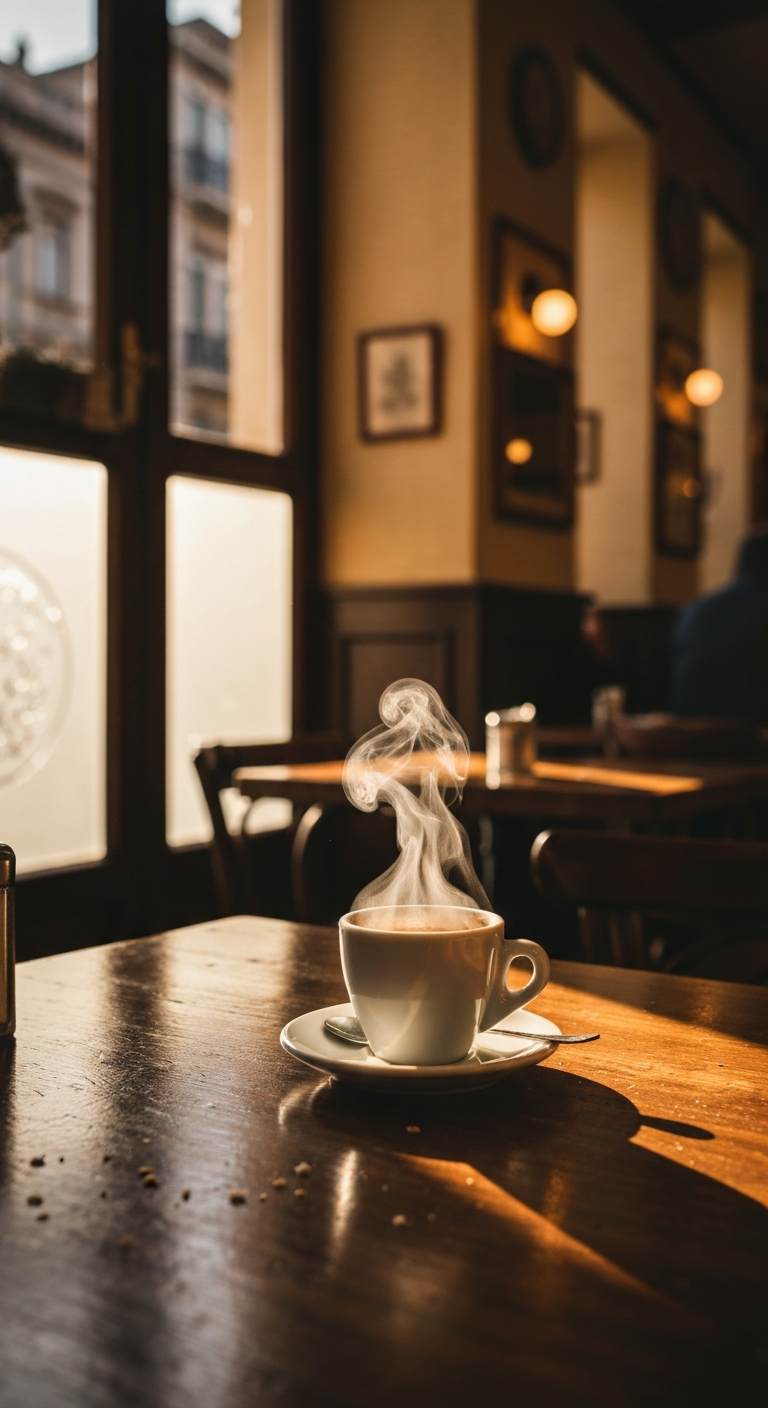
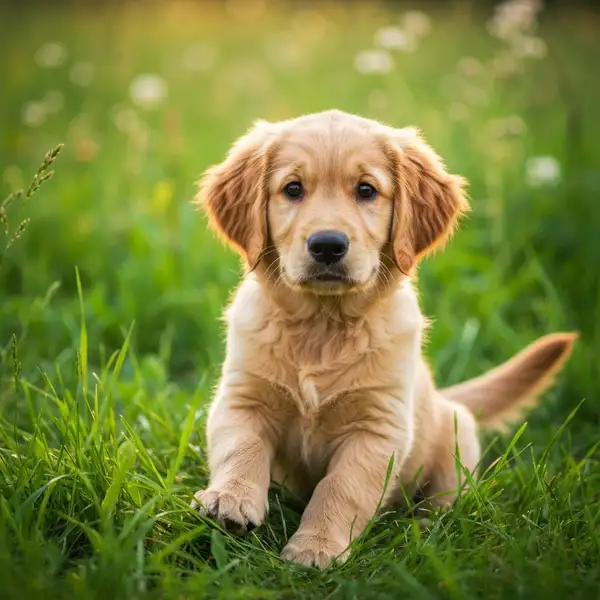
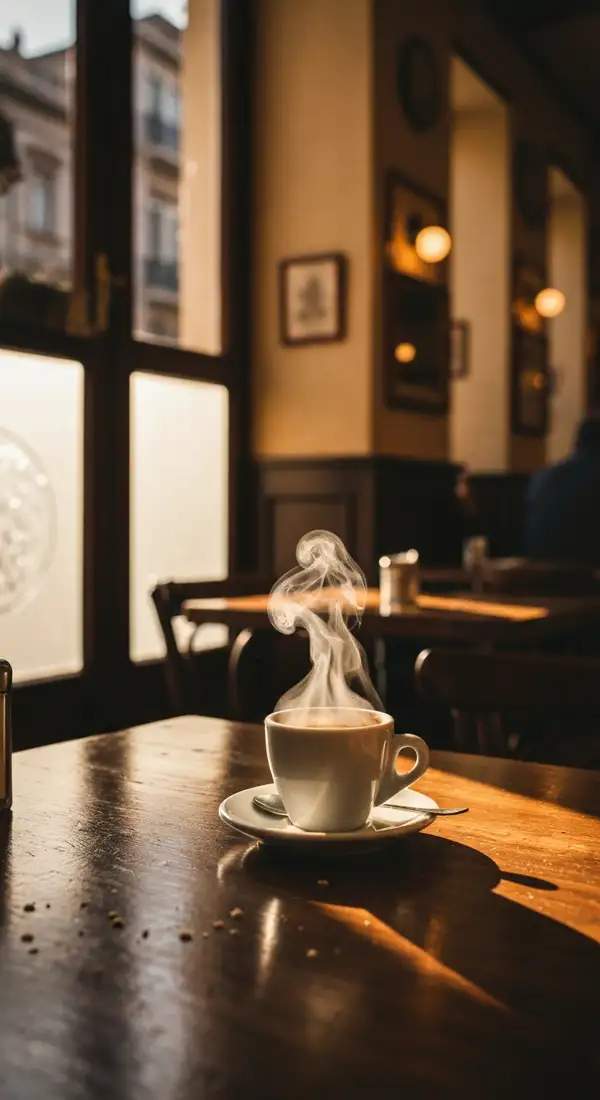
Imagen 4 Fast is the speed- and cost-optimized member of the Imagen 4 family. It turns a text prompt into a high-quality, photorealistic image with strong prompt adherence and improved in-image text rendering (legible words, signage, and short labels) at the best price in the family, ideal for rapid iteration and high-volume generation.
The only required input is prompt. Use aspect_ratio to set the frame (1:1, 16:9, 9:16, 4:3, 3:4). Output is one generated image returned as a URL. This is the Fast tier the best value; for a balanced default use Imagen 4 (Standard), and for the highest quality use Imagen 4 Ultra.
## Best for - Rapid iteration and high-volume image generation on a budget - Web-sized product, lifestyle, and marketing images from a written brief - Scenes that need legible in-image text such as short signage, labels, posters - Quick concept exploration before committing to a higher-quality tier
## Choose another model when - You want maximum detail or 2K output use Imagen 4 Ultra (or Imagen 4 Standard for 2K) - You want the balanced quality/cost default use Imagen 4 (Standard) - You want to edit, restyle, or extend an existing image use an image-to-image or image-editing model - You need motion or animation use a text-to-video or image-to-video model
## Tips - Describe the subject, setting, lighting, lens/feel, and any short text you want rendered explicitly in the prompt - Set framing with aspect_ratio (e.g. 16:9 for banners, 9:16 for mobile/social, 1:1 for thumbnails)
## Safety and Content Moderation - safety_tolerance (advanced) controls how strict content filtering is, as a string from 1 (strictest) to 6 (most permissive); the default is 4. Lower it for tighter moderation, raise it only when stricter filtering is rejecting acceptable prompts.
To run via the ModelRunner JavaScript client:
```js import { modelrunner } from "@modelrunner/client";
const result = await modelrunner.subscribe("google/imagen4/fast", { input: { prompt: "a glass coffee mug on a marble counter, soft morning light", aspect_ratio: "1:1", }, }); ```