
fashn avatar

FASHN Virtual Try-On v1.6 API

fashn/tryon

Dress a person in any garment from a product photo, generating realistic on-model fashion images at high resolution from a model photo and a garment photo.

edit
0.075

Model Input

Input

Speed/quality tradeoff: 'performance' (fastest), 'balanced' (default), or 'quality' (most detailed).

Random seed for reproducibility.

Additional Settings

Customize your input with more control.

Garment category. Use 'auto' to detect automatically.

URL of the model/person image the garment will be applied to.

URL of the garment image to put on the model. Can be a flat-lay product shot or a garment worn by a person.

Output image format.

Content moderation strictness.

How the garment source image is shot: 'flat-lay', 'model' (already worn), or 'auto'.

You need to be logged in to run this model and view results.
Log in

Model Output

Output

Generated image output
Generated in 15.399 seconds
Logs (1 lines)

Model Example Requests

Examples

Example output 1Example output 2

FASHN Virtual Try-On v1.6 API

FASHN Virtual Try-On v1.6 is a image-to-image AI model by fashn. On ModelRunner it runs through a REST API or via MCP from any AI assistant, at $0.075 per image.

POST https://queue.modelrunner.run/fashn/tryon

cURL

# Submit a request to the queue. Input fields go at the top level of the
# body. The optional reserved "metadata" object holds your own flat string
# tags — stored on the request, never sent to the model; filter later with
# GET https://queue.modelrunner.run/requests?metadata=<url-encoded JSON>.
curl -X POST https://queue.modelrunner.run/fashn/tryon \
  -H "Authorization: Key $MRUN_API_KEY" \
  -H "Content-Type: application/json" \
  -d '{
    "mode": "balanced",
    "category": "tops",
    "model_image": "https://media.modelrunner.ai/topNB55sVLVizJAh-model.png",
    "garment_image": "https://media.modelrunner.ai/7LZiIWv5vp59CTJn-garment.webp",
    "output_format": "png",
    "moderation_level": "permissive",
    "garment_photo_type": "auto",
    "metadata": {
      "project": "my-project"
    }
  }'
# → { "request_id": "...", "status_url": "...", "response_url": "..." }

# Poll status_url until "COMPLETED", then fetch the result
curl "https://queue.modelrunner.run/fashn/tryon/requests/$REQUEST_ID/status" \
  -H "Authorization: Key $MRUN_API_KEY"
curl "https://queue.modelrunner.run/fashn/tryon/requests/$REQUEST_ID" \
  -H "Authorization: Key $MRUN_API_KEY"

JavaScript

import { modelrunner } from "@modelrunner/client";

const result = await modelrunner.subscribe("fashn/tryon", {
  input: {
    "mode": "balanced",
    "category": "tops",
    "model_image": "https://media.modelrunner.ai/topNB55sVLVizJAh-model.png",
    "garment_image": "https://media.modelrunner.ai/7LZiIWv5vp59CTJn-garment.webp",
    "output_format": "png",
    "moderation_level": "permissive",
    "garment_photo_type": "auto"
  },
});
console.log(result);

Python

import os
import requests

headers = {"Authorization": f"Key {os.environ['MRUN_API_KEY']}"}

submitted = requests.post(
    "https://queue.modelrunner.run/fashn/tryon",
    headers=headers,
    json={
      "mode": "balanced",
      "category": "tops",
      "model_image": "https://media.modelrunner.ai/topNB55sVLVizJAh-model.png",
      "garment_image": "https://media.modelrunner.ai/7LZiIWv5vp59CTJn-garment.webp",
      "output_format": "png",
      "moderation_level": "permissive",
      "garment_photo_type": "auto"
    },
).json()

# Poll submitted["status_url"] until "COMPLETED", then:
result = requests.get(submitted["response_url"], headers=headers).json()

Input parameters

NameTypeRequiredDescription
modeenumnoSpeed/quality tradeoff: 'performance' (fastest), 'balanced' (default), or 'quality' (most detailed). Default: "balanced".
seedintegernoRandom seed for reproducibility.
categoryenumnoGarment category. Use 'auto' to detect automatically. Default: "auto".
model_imagestring (uri)yesURL of the model/person image the garment will be applied to.
garment_imagestring (uri)yesURL of the garment image to put on the model. Can be a flat-lay product shot or a garment worn by a person.
output_formatenumnoOutput image format. Default: "png".
moderation_levelenumnoContent moderation strictness. Default: "permissive".
garment_photo_typeenumnoHow the garment source image is shot: 'flat-lay', 'model' (already worn), or 'auto'. Default: "auto".

Machine-readable: OpenAPI schema · llms.txt

Use FASHN Virtual Try-On v1.6 from Claude & Cursor (MCP)

Point Claude Code, Claude Desktop, Cursor, or any MCP client at the ModelRunner MCP server and FASHN Virtual Try-On v1.6 becomes a tool your assistant can call directly — it authorizes via OAuth (no API key in config) and runs this model with the run_model tool using the endpoint fashn/tryon.

MCP client config (Claude Desktop, Cursor)

{
  "mcpServers": {
    "modelrunner": {
      "command": "npx",
      "args": ["-y", "mcp-remote", "https://mcp.modelrunner.run/mcp"]
    }
  }
}

Claude Code

claude mcp add --transport http modelrunner https://mcp.modelrunner.run/mcp

Then ask your assistant, for example: “Run fashn/tryon on ModelRunner to generate image”. MCP setup guide.

Model Details

Model Details

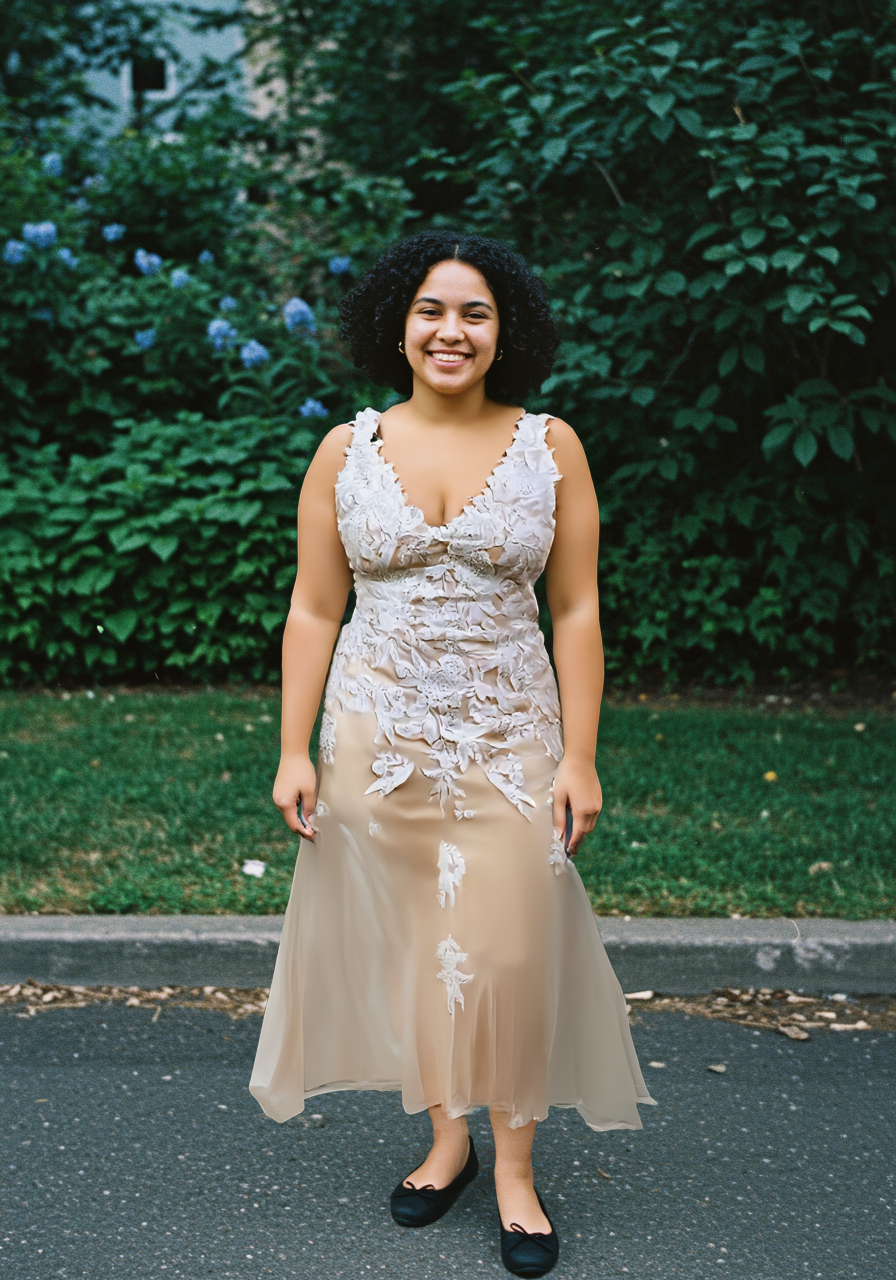
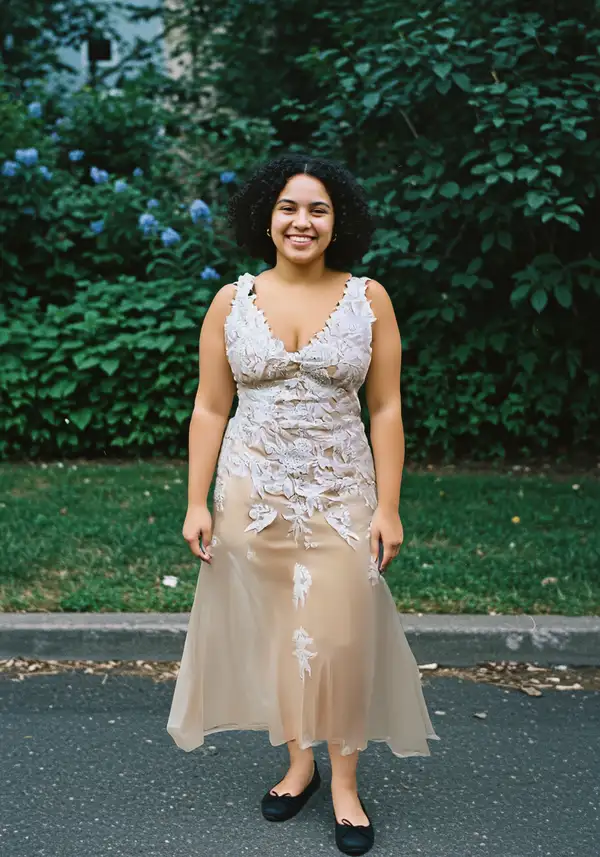
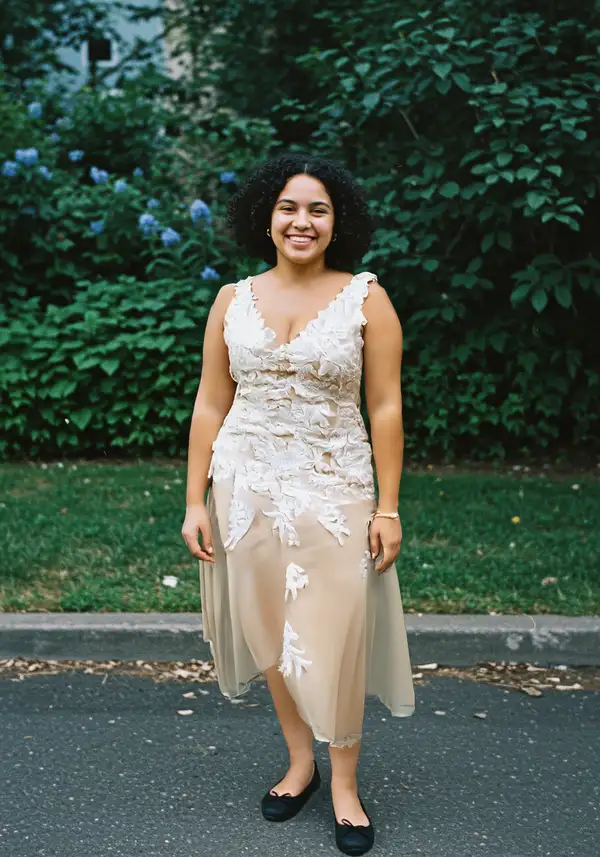
FASHN Virtual Try-On v1.6 puts a real garment onto a person. Provide a photo of a model (or any person) and a photo of a piece of clothing — either a flat-lay product shot or a garment already worn by someone — and it returns a photo of that person wearing the garment at 864x1296 resolution. Its strength is fidelity: it renders fabric texture, patterns, prints, and printed text on the garment faithfully while the clothing drapes, folds, and fits to the body naturally instead of looking pasted on. It handles tops, bottoms, and one-piece garments from either flat-lay or on-model source images.

## Best for - E-commerce and catalog imagery — show a product garment on a model without a photoshoot - Swapping the outfit on an existing model photo to a new garment - Visualizing how a flat-lay clothing product looks worn on a real person - Generating consistent on-model looks across many SKUs from product photos - Try-before-you-buy and styling previews from a customer or model photo

## Choose another model when - You want to generate a fashion scene from a text prompt with no garment reference — use a text-to-image model (this endpoint takes no text prompt) - You want to edit, relight, or restyle an image freely rather than place a specific garment on a person — use a general image-editing model - You need the garment shown in motion or a runway video — use an image-to-video model

## Tips - Use a clear, well-lit, mostly unobstructed full-body or upper-body photo for `model_image` so the body and pose are easy to read - Use a clean product shot for `garment_image`; set `garment_photo_type` to `flat-lay` for packshot/laid-flat images or `model` when the source garment is already worn, and leave it `auto` to let the model decide - Set `category` (`tops`, `bottoms`, `one-pieces`) to constrain placement when `auto` guesses wrong - Use `mode` to trade speed for fidelity: `performance` is fastest, `quality` is most detailed, `balanced` is the default

## Advanced Configuration - `mode` — generation strategy: `performance` (fastest), `balanced` (default), or `quality` (highest fidelity). - `garment_photo_type` — tells the model how the garment source is shot: `flat-lay` (laid flat / packshot), `model` (already worn on a person), or `auto` (detect automatically, default).

## Safety & Content Moderation - `moderation_level` controls input/output content filtering: `none`, `permissive` (default), or `conservative`. Raise it to `conservative` for stricter filtering or lower it to `none` to disable moderation.

To run via the ModelRunner JavaScript client: ```js import { modelrunner } from "@modelrunner/client";

const result = await modelrunner.subscribe("fashn/tryon", { input: { model_image: "https://media.modelrunner.ai/topNB55sVLVizJAh-model.png", garment_image: "https://media.modelrunner.ai/7LZiIWv5vp59CTJn-garment.webp", category: "tops", mode: "balanced", }, }); ```