


bytedance avatar

Seedream 5.0 Lite Image Editing API

bytedance/seedream-v5/edit

Edit, restyle, and composite images from a text prompt and up to 10 reference images — the fast, affordable Lite tier of Seedream 5.0.

edit
0.035

Model Input

Input

Text prompt describing the edit to apply to the reference image(s).

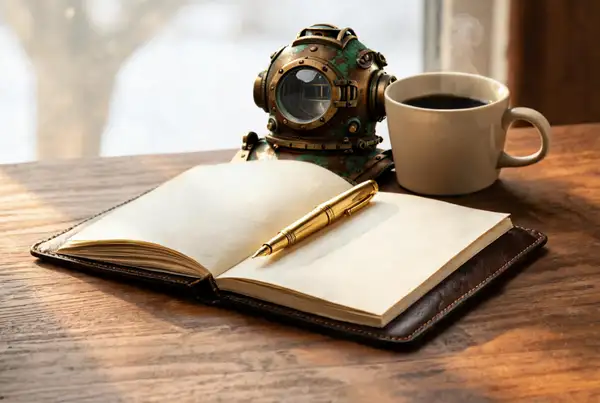
  • https://media.modelrunner.ai/4ZQTl9vZZdFI944B05Cuu.jpeg

Reference image(s) to edit or use for reference-based generation. Required — provide 1 to 10 images. Reference images are free on this tier.

Output image dimensions as WxH pixels, which set both resolution and aspect ratio. All options are 2K-class (~3.7-4.3 megapixels); this tier does not produce smaller images. Match the aspect ratio to your source image to avoid unwanted cropping. Price is flat regardless of the value chosen.

You need to be logged in to run this model and view results.
Log in

Model Output

Output

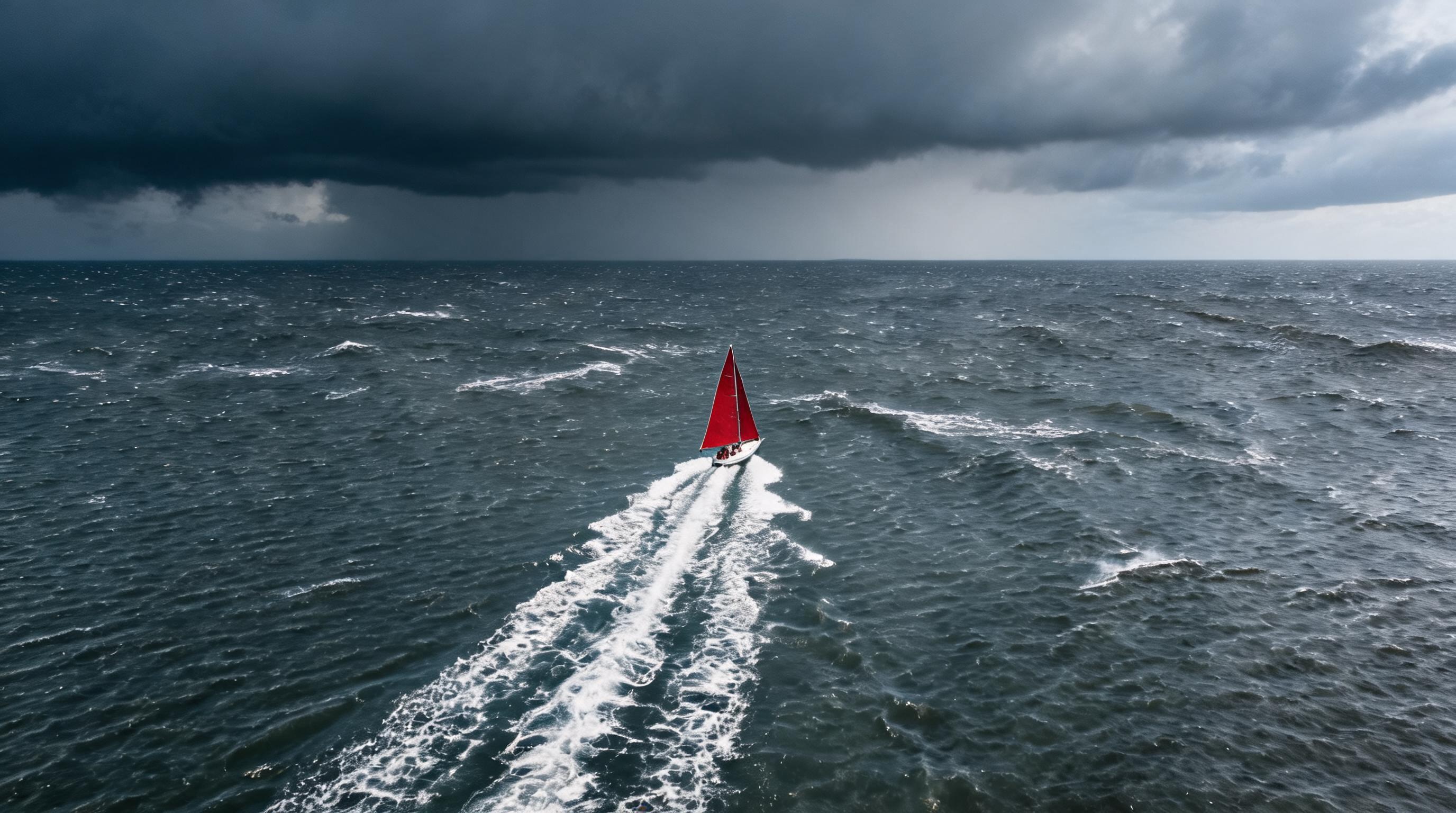
Generated image output
Generated in 29.712 seconds
Logs (1 lines)

Model Example Requests

Examples

Example output 1Example output 2Example output 3

Seedream 5.0 Lite Image Editing API

Seedream 5.0 Lite Image Editing is a image-to-image AI model by bytedance. On ModelRunner it runs through a REST API or via MCP from any AI assistant, at $0.035 per image.

POST https://queue.modelrunner.run/bytedance/seedream-v5/edit

cURL

# Submit a request to the queue. Input fields go at the top level of the
# body. The optional reserved "metadata" object holds your own flat string
# tags — stored on the request, never sent to the model; filter later with
# GET https://queue.modelrunner.run/requests?metadata=<url-encoded JSON>.
curl -X POST https://queue.modelrunner.run/bytedance/seedream-v5/edit \
  -H "Authorization: Key $MRUN_API_KEY" \
  -H "Content-Type: application/json" \
  -d '{
    "size": "2752x1536",
    "prompt": "Change the weather to a stormy overcast afternoon with choppy slate-grey water and scattered whitecaps, keeping the c…",
    "image_urls": [
      "https://media.modelrunner.ai/4ZQTl9vZZdFI944B05Cuu.jpeg"
    ],
    "metadata": {
      "project": "my-project"
    }
  }'
# → { "request_id": "...", "status_url": "...", "response_url": "..." }

# Poll status_url until "COMPLETED", then fetch the result
curl "https://queue.modelrunner.run/bytedance/seedream-v5/edit/requests/$REQUEST_ID/status" \
  -H "Authorization: Key $MRUN_API_KEY"
curl "https://queue.modelrunner.run/bytedance/seedream-v5/edit/requests/$REQUEST_ID" \
  -H "Authorization: Key $MRUN_API_KEY"

JavaScript

import { modelrunner } from "@modelrunner/client";

const result = await modelrunner.subscribe("bytedance/seedream-v5/edit", {
  input: {
    "size": "2752x1536",
    "prompt": "Change the weather to a stormy overcast afternoon with choppy slate-grey water and scattered whitecaps, keeping the c…",
    "image_urls": [
      "https://media.modelrunner.ai/4ZQTl9vZZdFI944B05Cuu.jpeg"
    ]
  },
});
console.log(result);

Python

import os
import requests

headers = {"Authorization": f"Key {os.environ['MRUN_API_KEY']}"}

submitted = requests.post(
    "https://queue.modelrunner.run/bytedance/seedream-v5/edit",
    headers=headers,
    json={
      "size": "2752x1536",
      "prompt": "Change the weather to a stormy overcast afternoon with choppy slate-grey water and scattered whitecaps, keeping the c…",
      "image_urls": [
        "https://media.modelrunner.ai/4ZQTl9vZZdFI944B05Cuu.jpeg"
      ]
    },
).json()

# Poll submitted["status_url"] until "COMPLETED", then:
result = requests.get(submitted["response_url"], headers=headers).json()

Input parameters

NameTypeRequiredDescription
promptstringyesText prompt describing the edit to apply to the reference image(s).
image_urlsarrayyesReference image(s) to edit or use for reference-based generation. Required — provide 1 to 10 images. Reference images are free on this tier.
sizeenumnoOutput image dimensions as WxH pixels, which set both resolution and aspect ratio. All options are 2K-class (~3.7-4.3 megapixels); this tier does not produce smaller images. Match the aspect ratio to your source image to avoid unwanted cropping. Price is flat regardless of the value chosen. Default: "2048x2048".

Machine-readable: OpenAPI schema · llms.txt

Use Seedream 5.0 Lite Image Editing from Claude & Cursor (MCP)

Point Claude Code, Claude Desktop, Cursor, or any MCP client at the ModelRunner MCP server and Seedream 5.0 Lite Image Editing becomes a tool your assistant can call directly — it authorizes via OAuth (no API key in config) and runs this model with the run_model tool using the endpoint bytedance/seedream-v5/edit.

MCP client config (Claude Desktop, Cursor)

{
  "mcpServers": {
    "modelrunner": {
      "command": "npx",
      "args": ["-y", "mcp-remote", "https://mcp.modelrunner.run/mcp"]
    }
  }
}

Claude Code

claude mcp add --transport http modelrunner https://mcp.modelrunner.run/mcp

Then ask your assistant, for example: “Run bytedance/seedream-v5/edit on ModelRunner to generate image”. MCP setup guide.

Model Details

Model Details

Seedream 5.0 Lite Image Editing applies a written instruction to one or more images you supply. Give it up to ten reference images plus a prompt and it edits, restyles, or composites them into a single coherent 2K-class result. It is the fast, affordable tier of the Seedream 5.0 line: reference images are free, and every output bills the same flat price per image.

## Best for - Editing or restyling a photo from a text instruction while keeping the rest intact - Reference-based generation: transferring style, identity, or product details from up to 10 images - Compositing several products, people, or scenes into one image - Adding, removing, or replacing objects in an existing image

## Choose another model when - You have no reference image and want to generate from a prompt alone — use `bytedance/seedream-v5/text-to-image` - You need the highest edit fidelity, or output below 2K — use `bytedance/seedream-v5-pro/edit` - You need a video rather than a still image — use an image-to-video model

## Tips - Pass the source image(s) in `image_urls` and describe the change precisely, stating explicitly what should stay unchanged - Reference images are free on this tier — supply up to 10 without affecting the price - `size` sets both resolution and aspect ratio. Every option is 2K-class; this tier does not produce smaller images. Match the aspect ratio to your source image to avoid unwanted cropping - Put any text you want rendered inside quotation marks in the prompt for the most accurate spelling

To run via the ModelRunner JavaScript client: ```js import { modelrunner } from "@modelrunner/client";

const result = await modelrunner.subscribe("bytedance/seedream-v5/edit", { input: { prompt: "replace the background with a sunlit studio, keep the subject unchanged", image_urls: ["https://media.modelrunner.ai/example-photo.jpg"], size: "2048x2048", }, }); ```