

bytedance avatar

Seedance 2.0 Mini Image to Video API

bytedance/seedance-v2-mini/image-to-video

Animate a still image into a short video with synchronized audio at 480p or 720p — the cheapest tier of the Seedance 2.0 family, built for drafting and high-volume work.

0.113 per second of output video

Model Input

Input

Describe what should happen from the first frame onwards: the action, the camera move, and the sound you want. English, Chinese, Japanese, Indonesian, Spanish and Portuguese prompts are all understood.

Still image used as the first frame of the clip. 300-6000 px on a side, under 30 MB, aspect ratio between 1:2.5 and 2.5:1.

Output resolution of the clip. Higher resolutions cost more per second of video.

Frame shape of the clip. adaptive keeps the shape of the supplied image; any other value re-frames it.

Min: 4 - Max: 15

Clip length in seconds.

Additional Settings

Customize your input with more control.

Generate a synchronized soundtrack (dialogue, ambience and sound effects) together with the picture. Set false for a silent clip; the price is the same either way.

You need to be logged in to run this model and view results.
Log in

Model Output

Output

Loading
Generated in 97 seconds
Logs (1 lines)

Model Example Requests

Examples

Example output 1Example output 2

Seedance 2.0 Mini Image to Video API

Seedance 2.0 Mini Image to Video is a image-to-video AI model by bytedance. On ModelRunner it runs through a REST API or via MCP from any AI assistant, at $0.113 per second of video.

POST https://queue.modelrunner.run/bytedance/seedance-v2-mini/image-to-video

cURL

# Submit a request to the queue. Input fields go at the top level of the
# body. The optional reserved "metadata" object holds your own flat string
# tags — stored on the request, never sent to the model; filter later with
# GET https://queue.modelrunner.run/requests?metadata=<url-encoded JSON>.
curl -X POST https://queue.modelrunner.run/bytedance/seedance-v2-mini/image-to-video \
  -H "Authorization: Key $MRUN_API_KEY" \
  -H "Content-Type: application/json" \
  -d '{
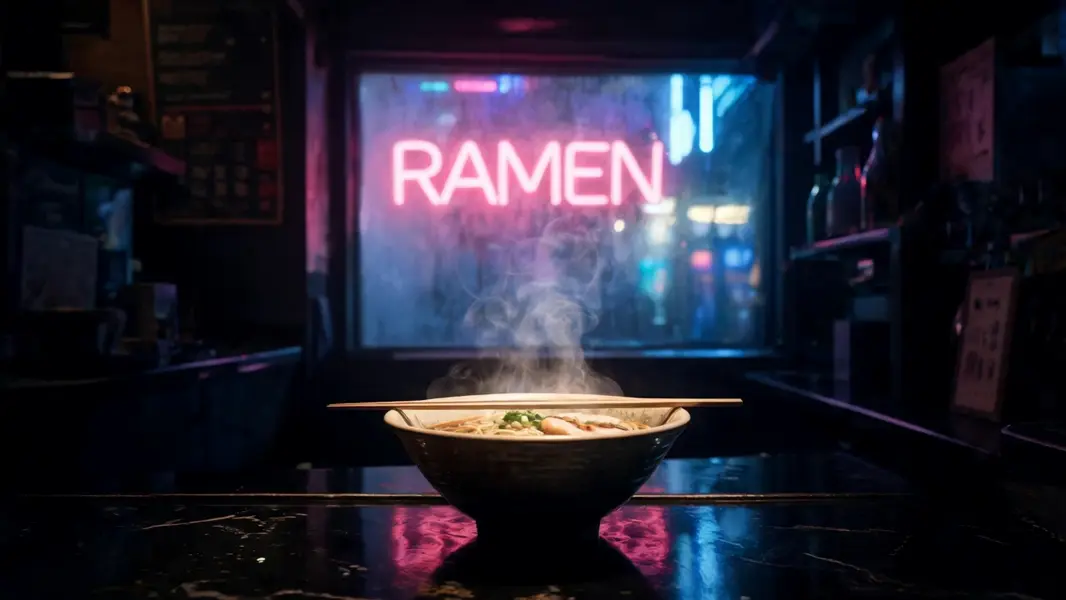
    "image": "https://media.modelrunner.ai/NIuasctFS2kf1KjL9vy4C.jpeg",
    "prompt": "Steam curls upward from the bowl in slow ribbons while the neon glow pulses gently across the wet lacquered counter a…",
    "duration": 5,
    "resolution": "720p",
    "aspect_ratio": "adaptive",
    "generate_audio": true,
    "metadata": {
      "project": "my-project"
    }
  }'
# → { "request_id": "...", "status_url": "...", "response_url": "..." }

# Poll status_url until "COMPLETED", then fetch the result
curl "https://queue.modelrunner.run/bytedance/seedance-v2-mini/image-to-video/requests/$REQUEST_ID/status" \
  -H "Authorization: Key $MRUN_API_KEY"
curl "https://queue.modelrunner.run/bytedance/seedance-v2-mini/image-to-video/requests/$REQUEST_ID" \
  -H "Authorization: Key $MRUN_API_KEY"

JavaScript

import { modelrunner } from "@modelrunner/client";

const result = await modelrunner.subscribe("bytedance/seedance-v2-mini/image-to-video", {
  input: {
    "image": "https://media.modelrunner.ai/NIuasctFS2kf1KjL9vy4C.jpeg",
    "prompt": "Steam curls upward from the bowl in slow ribbons while the neon glow pulses gently across the wet lacquered counter a…",
    "duration": 5,
    "resolution": "720p",
    "aspect_ratio": "adaptive",
    "generate_audio": true
  },
});
console.log(result);

Python

import os
import requests

headers = {"Authorization": f"Key {os.environ['MRUN_API_KEY']}"}

submitted = requests.post(
    "https://queue.modelrunner.run/bytedance/seedance-v2-mini/image-to-video",
    headers=headers,
    json={
      "image": "https://media.modelrunner.ai/NIuasctFS2kf1KjL9vy4C.jpeg",
      "prompt": "Steam curls upward from the bowl in slow ribbons while the neon glow pulses gently across the wet lacquered counter a…",
      "duration": 5,
      "resolution": "720p",
      "aspect_ratio": "adaptive",
      "generate_audio": true
    },
).json()

# Poll submitted["status_url"] until "COMPLETED", then:
result = requests.get(submitted["response_url"], headers=headers).json()

Input parameters

NameTypeRequiredDescription
promptstringyesDescribe what should happen from the first frame onwards: the action, the camera move, and the sound you want. English, Chinese, Japanese, Indonesian, Spanish and Portuguese prompts are all understood.
imagestring (uri)yesStill image used as the first frame of the clip. 300-6000 px on a side, under 30 MB, aspect ratio between 1:2.5 and 2.5:1.
resolutionenumnoOutput resolution of the clip. Higher resolutions cost more per second of video. Default: "720p".
aspect_ratioenumnoFrame shape of the clip. adaptive keeps the shape of the supplied image; any other value re-frames it. Default: "adaptive".
durationintegernoClip length in seconds. Default: 5.
generate_audiobooleannoGenerate a synchronized soundtrack (dialogue, ambience and sound effects) together with the picture. Set false for a silent clip; the price is the same either way. Default: true.

Machine-readable: OpenAPI schema · llms.txt

Use Seedance 2.0 Mini Image to Video from Claude & Cursor (MCP)

Point Claude Code, Claude Desktop, Cursor, or any MCP client at the ModelRunner MCP server and Seedance 2.0 Mini Image to Video becomes a tool your assistant can call directly — it authorizes via OAuth (no API key in config) and runs this model with the run_model tool using the endpoint bytedance/seedance-v2-mini/image-to-video.

MCP client config (Claude Desktop, Cursor)

{
  "mcpServers": {
    "modelrunner": {
      "command": "npx",
      "args": ["-y", "mcp-remote", "https://mcp.modelrunner.run/mcp"]
    }
  }
}

Claude Code

claude mcp add --transport http modelrunner https://mcp.modelrunner.run/mcp

Then ask your assistant, for example: “Run bytedance/seedance-v2-mini/image-to-video on ModelRunner to generate video”. MCP setup guide.

Model Details

Model Details

Seedance 2.0 Mini Image to Video animates a still you supply: the image becomes the first frame, the prompt describes what happens next, and the clip returns with a synchronized soundtrack of dialogue, ambience, and sound effects generated with the picture rather than dubbed on afterwards. Clips run 4 to 15 seconds at 24 fps, at 480p or 720p; `aspect_ratio` on `adaptive` keeps your source image's shape. It is the family's cheapest tier — about half the flagship's price per second — so it suits animating stills in volume, or drafting a move before paying for a higher tier.

One price note: Mini's 720p rate sits just above the flagship tier's 480p rate — choose between them on resolution and fidelity, not price. Mini buys 720p at Mini quality; the flagship's 480p buys less resolution at flagship quality.

## Best for - Animating product photos and packshots in volume for social and ads - Drafting a camera move on a still before re-running it on a higher tier - Turning illustrations and concept art into short animations cheaply - Batch-animating an image library where cost per clip matters

## Choose another model when - You need 1080p, or the family's best identity retention and motion — use `bytedance/seedance-v2/image-to-video` - You want a middle tier — better than Mini, still 720p, cheaper than the flagship — use `bytedance/seedance-v2-fast/image-to-video` - You have no source image and want the shot built from a prompt alone — use `bytedance/seedance-v2-mini/text-to-video` - You need to pin a last frame, steer with reference images, or restyle footage — flagship tier only: `bytedance/seedance-v2/first-last-frame`, `bytedance/seedance-v2/reference-to-video`, `bytedance/seedance-v2/video-to-video`

## Tips - Describe the motion and the sound, not the picture — the still already fixes the subject - Keep `aspect_ratio` on `adaptive` unless you want a deliberate re-frame - Source images: 300–6000 px per side, under 30 MB, aspect no wilder than ~2.5:1 - Set `generate_audio` to false for a silent clip; the price is unchanged either way

## Limitations - As the smallest tier, fidelity and prompt adherence sit below the Fast and flagship tiers - 720p is the ceiling; fine texture and small text in the source soften once the shot moves - Large motions away from the first frame can drift from the source subject's identity - No seed and no camera lock: runs are not reproducible, and camera moves go in the prompt

To run via the ModelRunner JavaScript client: ```js import { modelrunner } from "@modelrunner/client";

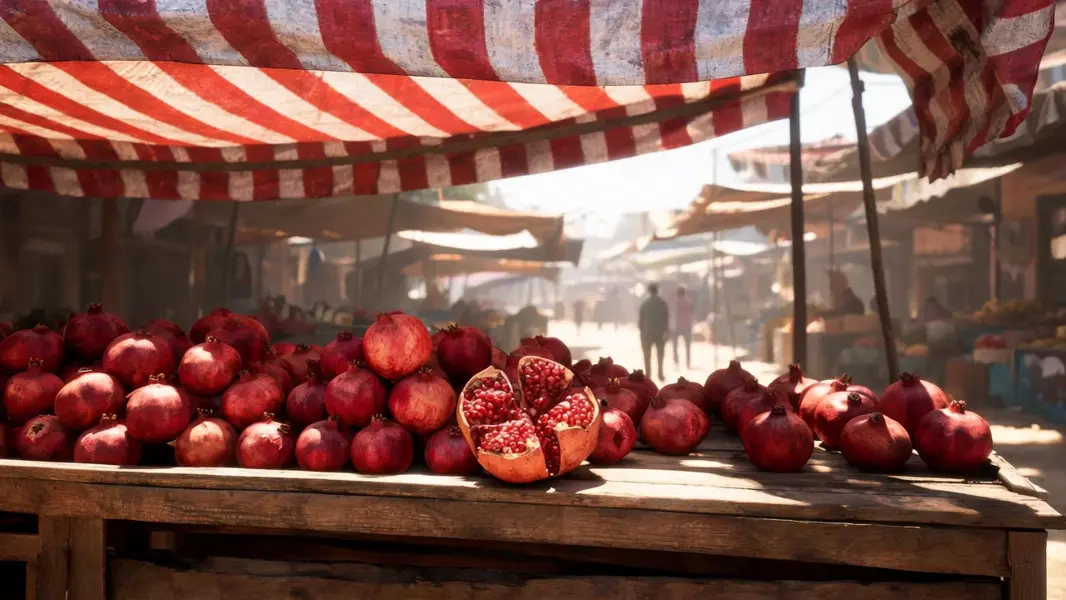
const result = await modelrunner.subscribe("bytedance/seedance-v2-mini/image-to-video", { input: { image: "https://media.modelrunner.ai/he9695xKjLdNs8bK2yONM.jpeg", prompt: "The striped awning ripples in a hot breeze and its shadow slides across the piled fruit as shoppers drift past behind the stall", resolution: "720p", aspect_ratio: "adaptive", duration: 6, }, }); ```