
Model Details
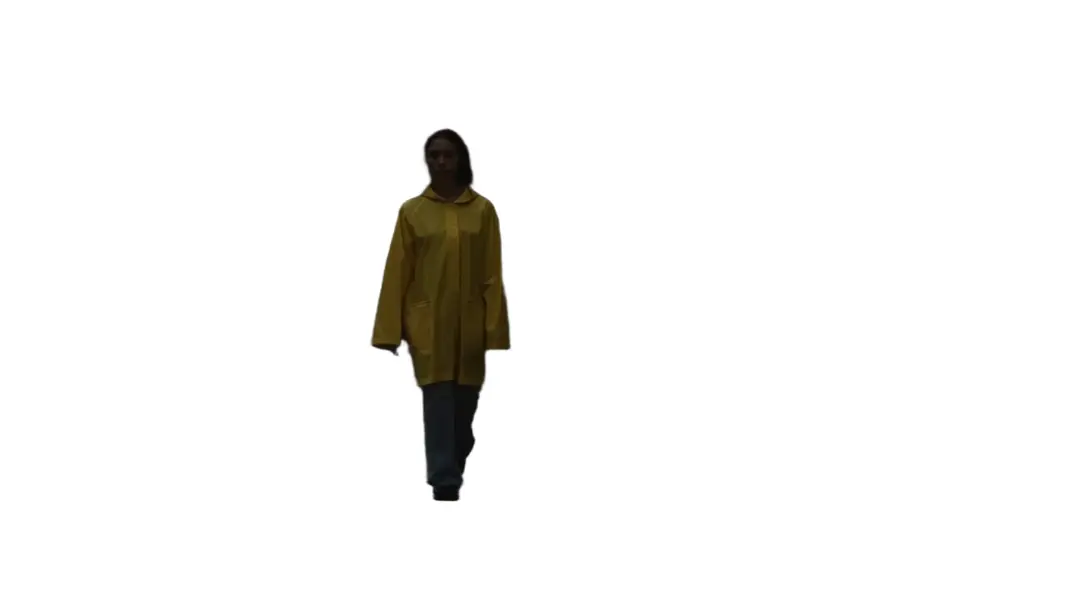
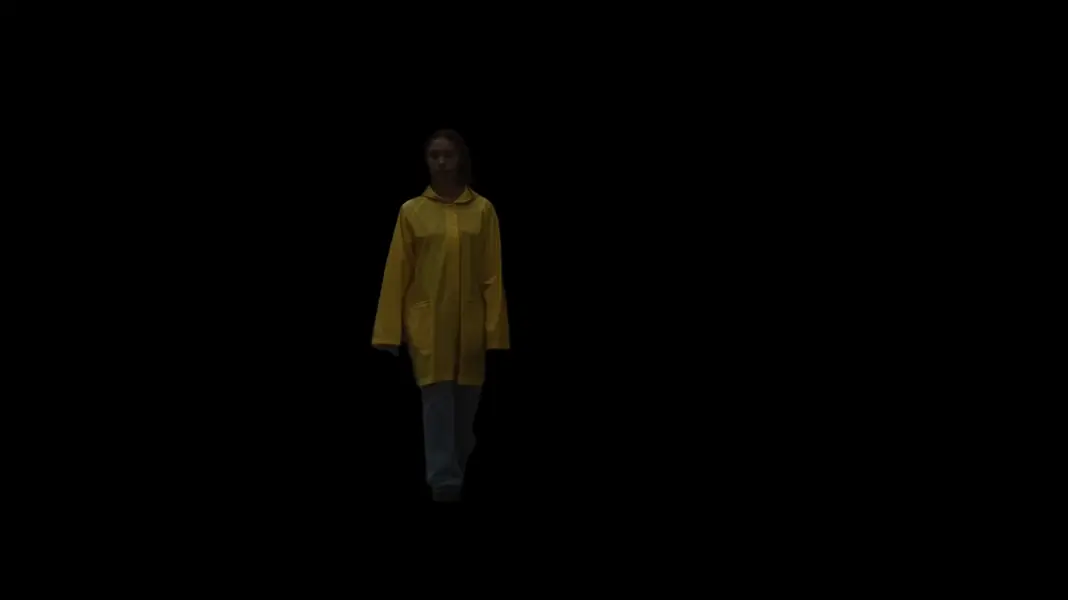
Bria Video Background Removal (VRMBG 3.0) strips the background from a video automatically, frame by frame, with no green screen and no manual rotoscoping. Supply a video URL and the model returns the same clip with the background removed — either as a transparent alpha channel for compositing, or filled with a solid color you choose. Audio from the source is preserved by default, and clip length is unchanged. It is trained entirely on licensed data, so the results are safe to use commercially and at scale.
## Best for - Cutting out a presenter, talking head, or podcast host so they can be composited into a new scene - Producing transparent-background (alpha) clips for editors, motion graphics, and overlays - Cleaning up product and e-commerce videos onto a solid, distraction-free background - Swapping a busy background for a single flat color without shooting against a green screen - Commercially-safe video cutouts where licensed training data matters
## Choose another model when - You need to remove the background from a still image rather than a video — use an image background-removal model - You want to lip-sync, re-voice, or dub a talking-head video rather than cut out its background — use a video lip-sync model - You need to generate a new video from a prompt or a still image — use a text-to-video or image-to-video model
## Tips - The input video must be under 4000×4000 resolution and shorter than 30 seconds. - Choose `background_color: "Transparent"` for an alpha-channel cutout to composite over other footage; pick any of the 10 solid colors to flatten the background instead. - The default output is `mp4_h264` (broadly compatible, opaque). Transparency requires an alpha-capable container — `webm_vp9` or `mov_proresks` — so pair `background_color: "Transparent"` with one of those; `mp4_h264`/`mp4_h265` and `gif` cannot carry an alpha channel. - Set `preserve_audio: false` to drop the original audio track from the output.
## Advanced Configuration - `background_color` — the fill behind the subject once the original background is removed. `Transparent` yields an alpha cutout; the other values (`Black`, `White`, `Gray`, `Red`, `Green`, `Blue`, `Yellow`, `Cyan`, `Magenta`, `Orange`) flatten to that solid color. - `output_container_and_codec` — the container and video codec of the result. Options: `mp4_h265`, `mp4_h264` (default), `webm_vp9`, `mov_h265`, `mov_proresks`, `mkv_h265`, `mkv_h264`, `mkv_vp9`, `gif`. Only alpha-capable containers (`webm_vp9`, `mov_proresks`) carry a transparent background.
```js import { modelrunner } from "@modelrunner/client";
const result = await modelrunner.subscribe("bria/video/background-removal", { input: { video_url: "https://media.modelrunner.ai/00eWLaMhCPsIt1hB-woman-yellow-raincoat-walking.mp4", background_color: "Transparent", output_container_and_codec: "webm_vp9", preserve_audio: true, }, }); ```