
bria avatar

Bria Fibo Edit Colorize API

bria/fibo-edit/colorize

Add realistic color to black-and-white photos, or apply a curated color treatment (vivid, sepia vintage), with commercially safe outputs.

edit
0.04

Model Input

Input

The source image to colorize or color-grade.

The color palette or aesthetic for the output image.

You need to be logged in to run this model and view results.
Log in

Model Output

Output

Loading
Generated in 15.459 seconds
Logs (1 lines)

Model Example Requests

Examples

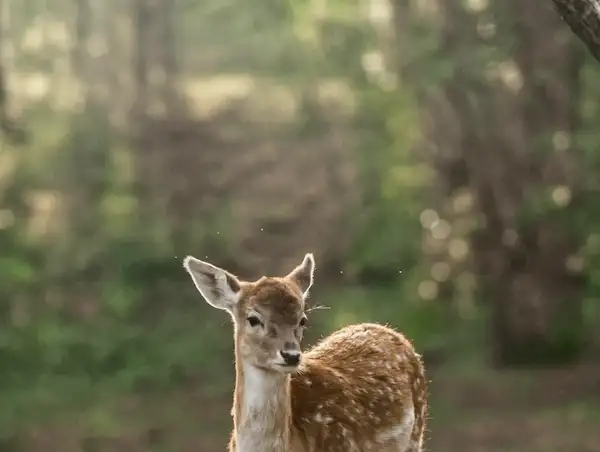
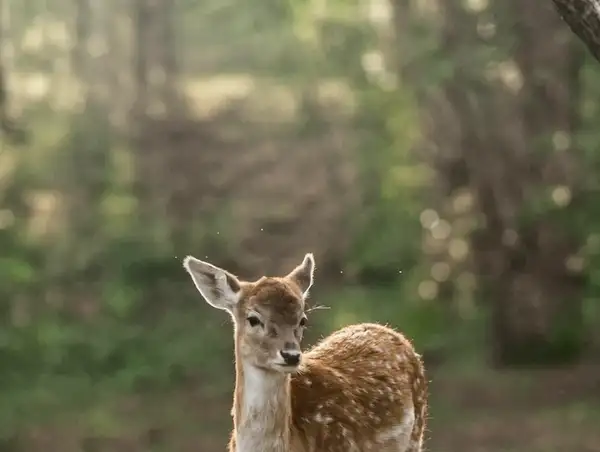
Example output 1Example output 2

Bria Fibo Edit Colorize API

Bria Fibo Edit Colorize is a image-to-image AI model by bria. On ModelRunner it runs through a REST API or via MCP from any AI assistant, at $0.04 per image.

POST https://queue.modelrunner.run/bria/fibo-edit/colorize

cURL

# Submit a request to the queue. Input fields go at the top level of the
# body. The optional reserved "metadata" object holds your own flat string
# tags — stored on the request, never sent to the model; filter later with
# GET https://queue.modelrunner.run/requests?metadata=<url-encoded JSON>.
curl -X POST https://queue.modelrunner.run/bria/fibo-edit/colorize \
  -H "Authorization: Key $MRUN_API_KEY" \
  -H "Content-Type: application/json" \
  -d '{
    "color": "contemporary color",
    "image_url": "https://media.modelrunner.ai/QFYAnSxCxrkaSsDm-bw-landscape-forest.jpg",
    "metadata": {
      "project": "my-project"
    }
  }'
# → { "request_id": "...", "status_url": "...", "response_url": "..." }

# Poll status_url until "COMPLETED", then fetch the result
curl "https://queue.modelrunner.run/bria/fibo-edit/colorize/requests/$REQUEST_ID/status" \
  -H "Authorization: Key $MRUN_API_KEY"
curl "https://queue.modelrunner.run/bria/fibo-edit/colorize/requests/$REQUEST_ID" \
  -H "Authorization: Key $MRUN_API_KEY"

JavaScript

import { modelrunner } from "@modelrunner/client";

const result = await modelrunner.subscribe("bria/fibo-edit/colorize", {
  input: {
    "color": "contemporary color",
    "image_url": "https://media.modelrunner.ai/QFYAnSxCxrkaSsDm-bw-landscape-forest.jpg"
  },
});
console.log(result);

Python

import os
import requests

headers = {"Authorization": f"Key {os.environ['MRUN_API_KEY']}"}

submitted = requests.post(
    "https://queue.modelrunner.run/bria/fibo-edit/colorize",
    headers=headers,
    json={
      "color": "contemporary color",
      "image_url": "https://media.modelrunner.ai/QFYAnSxCxrkaSsDm-bw-landscape-forest.jpg"
    },
).json()

# Poll submitted["status_url"] until "COMPLETED", then:
result = requests.get(submitted["response_url"], headers=headers).json()

Input parameters

NameTypeRequiredDescription
image_urlstring (uri)yesThe source image to colorize or color-grade.
colorenumyesThe color palette or aesthetic for the output image. Default: "contemporary color".

Machine-readable: OpenAPI schema · llms.txt

Use Bria Fibo Edit Colorize from Claude & Cursor (MCP)

Point Claude Code, Claude Desktop, Cursor, or any MCP client at the ModelRunner MCP server and Bria Fibo Edit Colorize becomes a tool your assistant can call directly — it authorizes via OAuth (no API key in config) and runs this model with the run_model tool using the endpoint bria/fibo-edit/colorize.

MCP client config (Claude Desktop, Cursor)

{
  "mcpServers": {
    "modelrunner": {
      "command": "npx",
      "args": ["-y", "mcp-remote", "https://mcp.modelrunner.run/mcp"]
    }
  }
}

Claude Code

claude mcp add --transport http modelrunner https://mcp.modelrunner.run/mcp

Then ask your assistant, for example: “Run bria/fibo-edit/colorize on ModelRunner to generate image”. MCP setup guide.

Model Details

Model Details

Bria Fibo Edit Colorize turns a black-and-white or low-color photo into a believable color image, or applies a curated color treatment to a photo you already have. You supply one source image and pick a `color` style, and it returns a same-resolution image with color added consistently across the scene — skin, foliage, sky, and materials each get plausible tones rather than a flat wash. Because Bria models are trained exclusively on fully licensed data, the outputs are safe and risk-free for commercial use.

The `color` control selects the overall palette and aesthetic: `contemporary color` for natural, modern-looking color (the default and best general choice); `vivid color` for a punchier, more saturated look; `black and white colors` for a clean, restored monochrome grade; and `sepia vintage` for a warm, aged, sepia-toned finish.

## Best for - Colorizing old or archival black-and-white photographs into natural-looking color - Restoring and color-grading scanned family or historical photos - Applying a consistent vintage sepia or vivid color treatment across a set of images - Producing commercially cleared color or restored versions of existing photos

## Choose another model when - You want to fill or replace a specific masked region of an image rather than recolor the whole frame — use a generative-fill / inpainting model - You need to generate a brand-new image from a text prompt with no source photo — use a text-to-image model - You want to animate the photo or produce video — use an image-to-video model

## Tips - Provide the highest-resolution source you have; output matches the input dimensions - Start with `contemporary color` for realistic results, then try `vivid color` if you want more saturation - Use `sepia vintage` or `black and white colors` when you want a stylized period look rather than true-to-life color

To run via the ModelRunner JavaScript client: ```js import { modelrunner } from "@modelrunner/client";

const result = await modelrunner.subscribe("bria/fibo-edit/colorize", { input: { image_url: "https://media.modelrunner.ai/example-bw-photo.jpg", color: "contemporary color", }, }); ```