
Model Details
FLUX.2 [dev] turns a text prompt into a high-quality image. It is a lightweight, efficient text-to-image generator from Black Forest Labs that keeps strong prompt adherence and image fidelity while running fast and cheap, making it a solid general-purpose default for illustrations, product shots, concept art, and marketing visuals. Pick it when you want clean, faithful results from a single prompt without managing a heavy, slow pipeline.
## Best for - General text-to-image generation — illustrations, concept art, product and editorial scenes — with faithful prompt following - Fast, low-cost iteration where you want several prompt variations quickly - Marketing and social visuals, backgrounds, and hero images generated from a description - Batch ideation: request up to 4 images from one prompt to compare compositions
## Choose another model when - You want to edit, restyle, or modify an existing image rather than generate one from scratch — use an image-editing / image-to-image model - Your image is mostly dense or multi-line typography that must stay perfectly legible — use a model specialized in in-image text rendering - You want video or animation from your prompt — use a text-to-video model
## Tips - Be specific about subject, composition, lighting, and style; FLUX.2 follows detailed prompts closely - Pick `image_size` to match the layout: `landscape_16_9` or `landscape_4_3` for wide scenes, `portrait_4_3` / `portrait_16_9` for vertical, `square` / `square_hd` for social - Use `num_images` (1-4) to get several variations from one prompt in a single call - `guidance_scale` (default 2.5) trades creativity for prompt adherence; raise `num_inference_steps` (default 28, minimum 4) for more detail at the cost of speed
## Limitations - Long passages of small text can still introduce glyph errors - Highly photorealistic faces and hands may need a follow-up edit pass
To run via the ModelRunner JavaScript client: ```js import { modelrunner } from "@modelrunner/client";
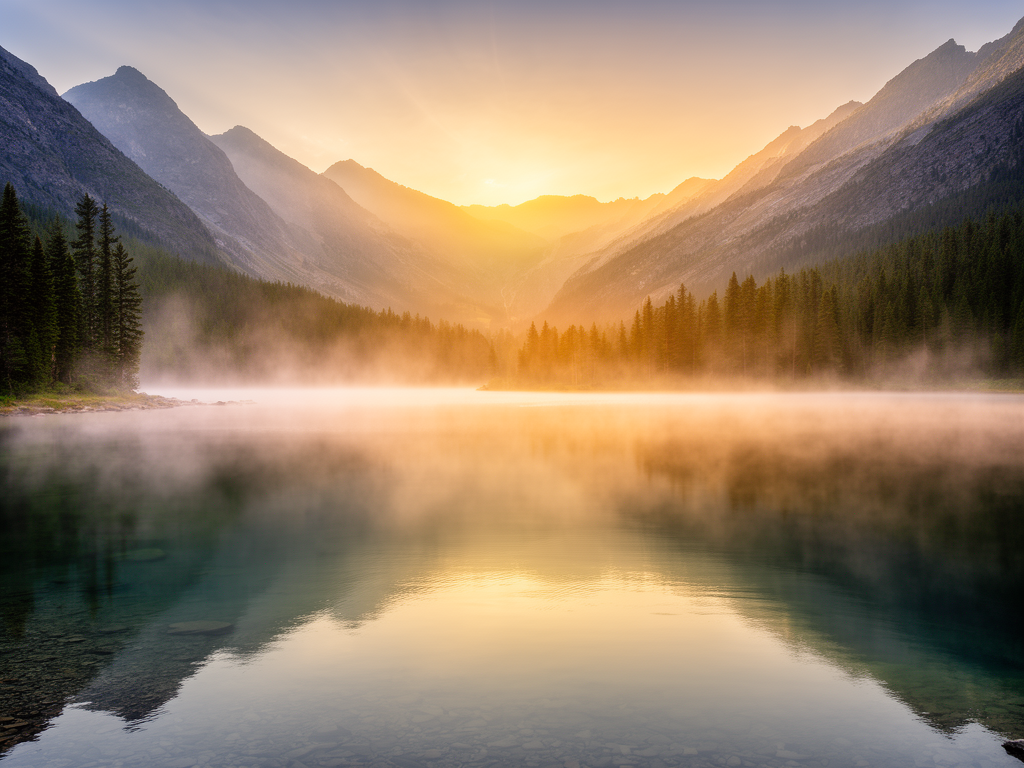
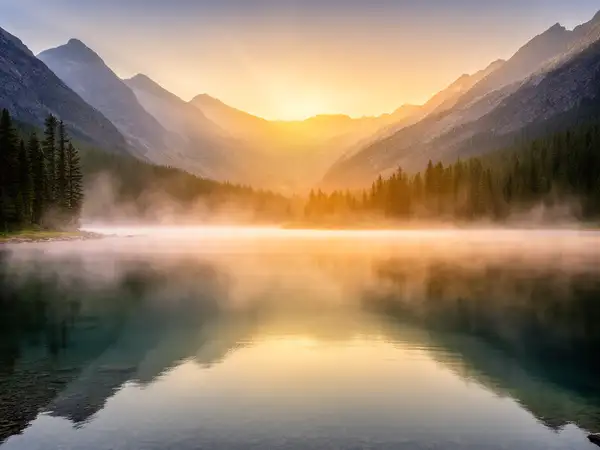
const result = await modelrunner.subscribe("black-forest-labs/flux-2", { input: { prompt: "a serene mountain lake at golden hour, mist over the water, photorealistic", image_size: "landscape_4_3", num_images: 1, }, }); ```