
black-forest-labs avatar

FLUX.2 [dev] API

Generate high-quality images from a text prompt with strong prompt adherence and efficient, fast inference.

0.012 per megapixel of image

Model Input

Input

The text prompt describing the image to generate.

The size of the generated image. Choose a preset (e.g. '16_9_1k', '4_3_2k') or pass a custom {width, height} object.

Min: 4 - Max: 50

The number of inference steps to perform. More steps can improve detail at the cost of speed.

Additional Settings

Customize your input with more control.

Min: 0 - Max: 20

The CFG (Classifier Free Guidance) scale. Higher values increase adherence to the prompt.

The same seed and the same prompt given to the same version of the model will output the same image every time.

Min: 1 - Max: 4

The number of images to generate. Each generated image is billed.

You need to be logged in to run this model and view results.
Log in

Model Output

Output

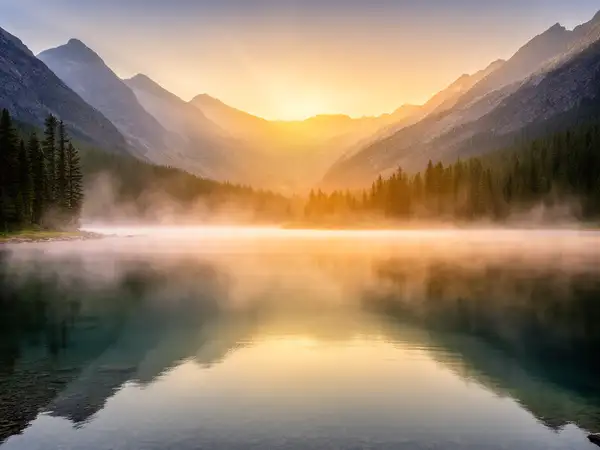
Generated image output
Generated in 2.956 seconds
Logs (1 lines)

Model Example Requests

Examples

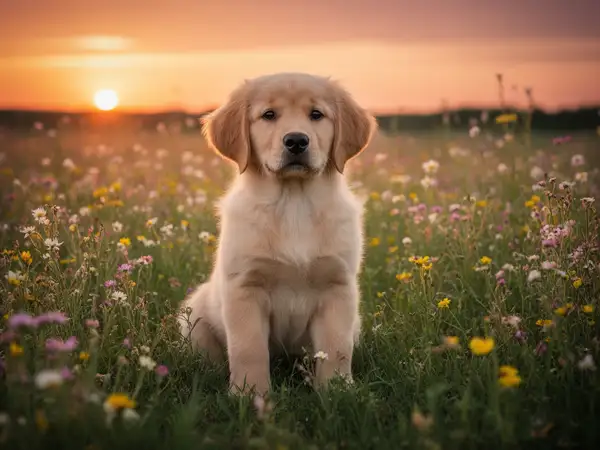
Example output 1Example output 2

FLUX.2 [dev] API

FLUX.2 [dev] is a text-to-image AI model by black-forest-labs. On ModelRunner it runs through a REST API or via MCP from any AI assistant, at $0.012 per megapixel.

POST https://queue.modelrunner.run/black-forest-labs/flux-2

cURL

# Submit a request to the queue. Input fields go at the top level of the
# body. The optional reserved "metadata" object holds your own flat string
# tags — stored on the request, never sent to the model; filter later with
# GET https://queue.modelrunner.run/requests?metadata=<url-encoded JSON>.
curl -X POST https://queue.modelrunner.run/black-forest-labs/flux-2 \
  -H "Authorization: Key $MRUN_API_KEY" \
  -H "Content-Type: application/json" \
  -d '{
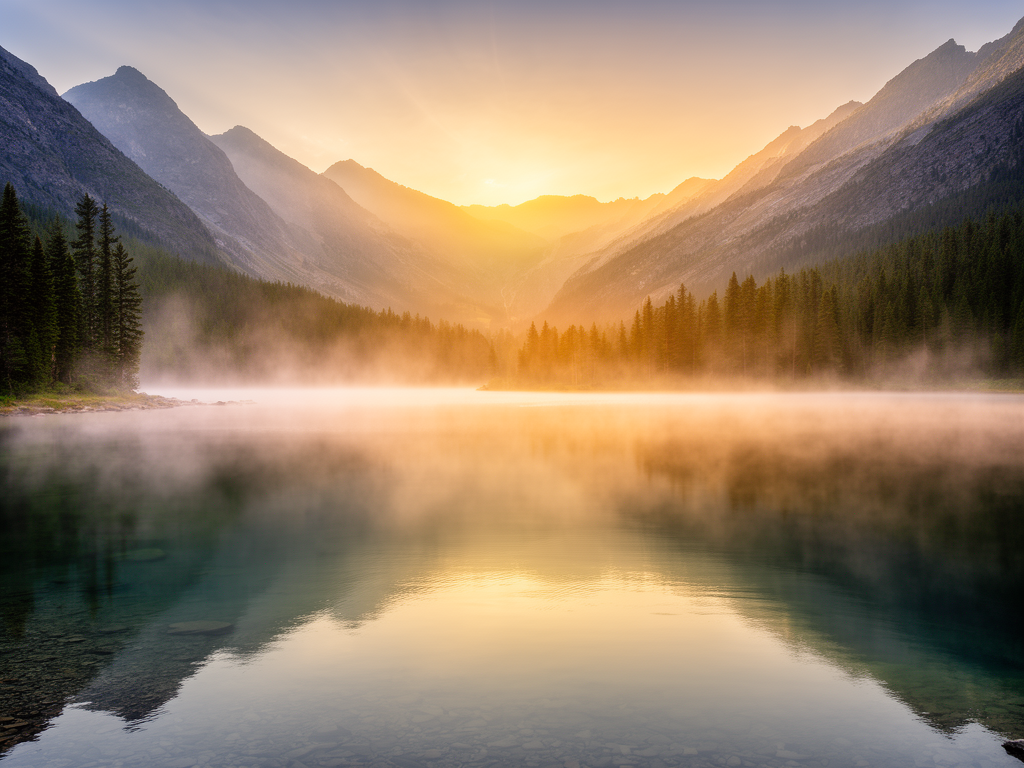
    "prompt": "a serene mountain lake at golden hour, mist over the water, photorealistic",
    "image_size": "landscape_4_3",
    "num_images": 1,
    "guidance_scale": 2.5,
    "num_inference_steps": 28,
    "metadata": {
      "project": "my-project"
    }
  }'
# → { "request_id": "...", "status_url": "...", "response_url": "..." }

# Poll status_url until "COMPLETED", then fetch the result
curl "https://queue.modelrunner.run/black-forest-labs/flux-2/requests/$REQUEST_ID/status" \
  -H "Authorization: Key $MRUN_API_KEY"
curl "https://queue.modelrunner.run/black-forest-labs/flux-2/requests/$REQUEST_ID" \
  -H "Authorization: Key $MRUN_API_KEY"

JavaScript

import { modelrunner } from "@modelrunner/client";

const result = await modelrunner.subscribe("black-forest-labs/flux-2", {
  input: {
    "prompt": "a serene mountain lake at golden hour, mist over the water, photorealistic",
    "image_size": "landscape_4_3",
    "num_images": 1,
    "guidance_scale": 2.5,
    "num_inference_steps": 28
  },
});
console.log(result);

Python

import os
import requests

headers = {"Authorization": f"Key {os.environ['MRUN_API_KEY']}"}

submitted = requests.post(
    "https://queue.modelrunner.run/black-forest-labs/flux-2",
    headers=headers,
    json={
      "prompt": "a serene mountain lake at golden hour, mist over the water, photorealistic",
      "image_size": "landscape_4_3",
      "num_images": 1,
      "guidance_scale": 2.5,
      "num_inference_steps": 28
    },
).json()

# Poll submitted["status_url"] until "COMPLETED", then:
result = requests.get(submitted["response_url"], headers=headers).json()

Input parameters

NameTypeRequiredDescription
promptstringyesThe text prompt describing the image to generate.
image_sizeenumnoThe size of the generated image. Choose a preset (e.g. '16_9_1k', '4_3_2k') or pass a custom {width, height} object. Default: "4_3_1k".
num_inference_stepsintegernoThe number of inference steps to perform. More steps can improve detail at the cost of speed. Default: 28.
guidance_scalenumbernoThe CFG (Classifier Free Guidance) scale. Higher values increase adherence to the prompt. Default: 2.5.
seedintegernoThe same seed and the same prompt given to the same version of the model will output the same image every time.
num_imagesintegernoThe number of images to generate. Each generated image is billed. Default: 1.

Machine-readable: OpenAPI schema · llms.txt

Use FLUX.2 [dev] from Claude & Cursor (MCP)

Point Claude Code, Claude Desktop, Cursor, or any MCP client at the ModelRunner MCP server and FLUX.2 [dev] becomes a tool your assistant can call directly — it authorizes via OAuth (no API key in config) and runs this model with the run_model tool using the endpoint black-forest-labs/flux-2.

MCP client config (Claude Desktop, Cursor)

{
  "mcpServers": {
    "modelrunner": {
      "command": "npx",
      "args": ["-y", "mcp-remote", "https://mcp.modelrunner.run/mcp"]
    }
  }
}

Claude Code

claude mcp add --transport http modelrunner https://mcp.modelrunner.run/mcp

Then ask your assistant, for example: “Run black-forest-labs/flux-2 on ModelRunner to generate image”. MCP setup guide.

Model Details

Model Details

FLUX.2 [dev] turns a text prompt into a high-quality image. It is a lightweight, efficient text-to-image generator from Black Forest Labs that keeps strong prompt adherence and image fidelity while running fast and cheap, making it a solid general-purpose default for illustrations, product shots, concept art, and marketing visuals. Pick it when you want clean, faithful results from a single prompt without managing a heavy, slow pipeline.

## Best for - General text-to-image generation — illustrations, concept art, product and editorial scenes — with faithful prompt following - Fast, low-cost iteration where you want several prompt variations quickly - Marketing and social visuals, backgrounds, and hero images generated from a description - Batch ideation: request up to 4 images from one prompt to compare compositions

## Choose another model when - You want to edit, restyle, or modify an existing image rather than generate one from scratch — use an image-editing / image-to-image model - Your image is mostly dense or multi-line typography that must stay perfectly legible — use a model specialized in in-image text rendering - You want video or animation from your prompt — use a text-to-video model

## Tips - Be specific about subject, composition, lighting, and style; FLUX.2 follows detailed prompts closely - Pick `image_size` to match the layout: `landscape_16_9` or `landscape_4_3` for wide scenes, `portrait_4_3` / `portrait_16_9` for vertical, `square` / `square_hd` for social - Use `num_images` (1-4) to get several variations from one prompt in a single call - `guidance_scale` (default 2.5) trades creativity for prompt adherence; raise `num_inference_steps` (default 28, minimum 4) for more detail at the cost of speed

## Limitations - Long passages of small text can still introduce glyph errors - Highly photorealistic faces and hands may need a follow-up edit pass

To run via the ModelRunner JavaScript client: ```js import { modelrunner } from "@modelrunner/client";

const result = await modelrunner.subscribe("black-forest-labs/flux-2", { input: { prompt: "a serene mountain lake at golden hour, mist over the water, photorealistic", image_size: "landscape_4_3", num_images: 1, }, }); ```