
Product Placement API

roomix/product-placement

Composite 1–4 product reference images into a room or outdoor scene photo, with optional brushed-area or text guidance. Preserves the source scene and matches the product to existing lighting, scale, and perspective.

Starts from $0.039 /run
2 model optionspublicpublished

Wrapper Input

Input

URL of the room or outdoor scene photo to place products into.

  • https://media.modelrunner.ai/4ffo6Rxau8TQ6pTf-product-EEB14A30-DFE4-4F8A-B474-E18D69C5F207.jpg

1–4 product reference image URLs. Each is treated as a distinct product to place in the scene.

Optional copy of the source scene with bright-yellow brush strokes marking where the product should go. Only effective with a single product reference.

Optional natural-language placement guidance (e.g. 'on the left wall, next to the sofa'). Leave blank to let the model choose the most natural placement.

Output image size preset. `auto` matches the source photo's aspect.

You need to be logged in to run this model and view results.
Log in

Wrapper Output

Output

Loading
Generated in 14.755 seconds
Logs (1 lines)

Wrapper Examples

Examples

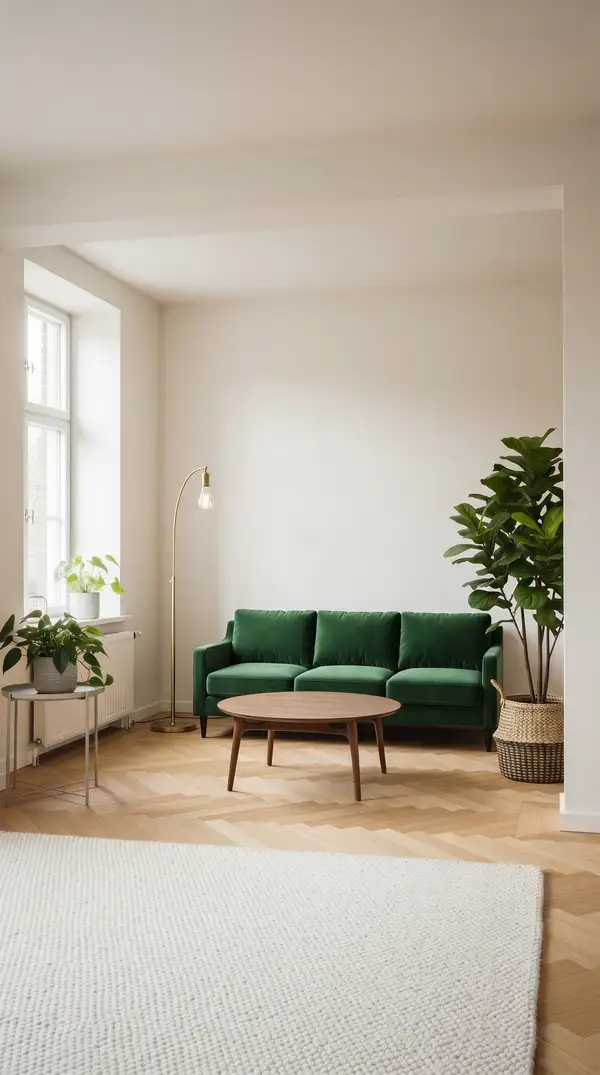
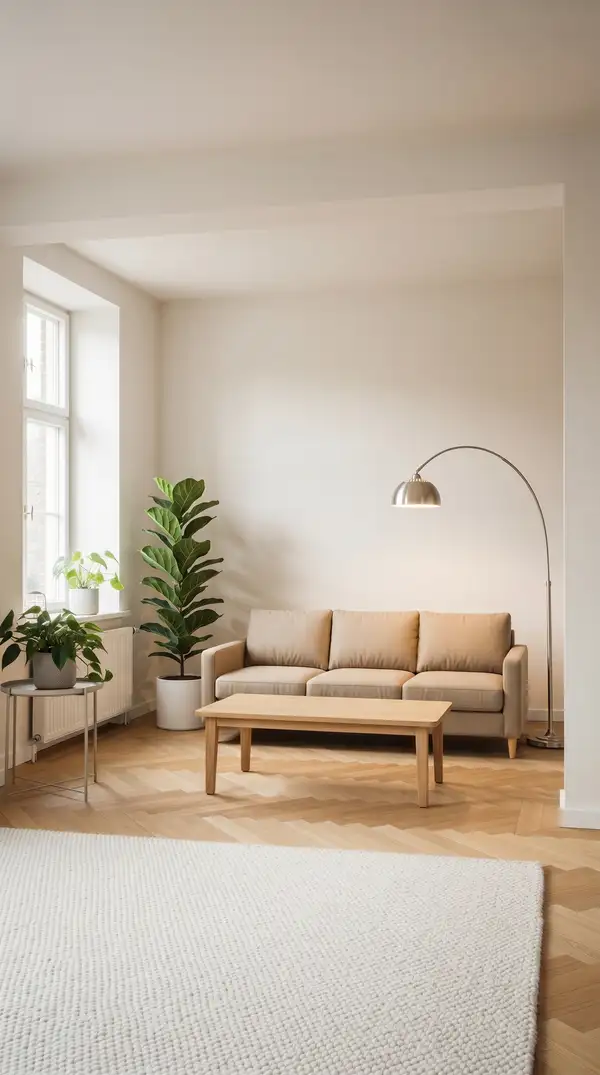
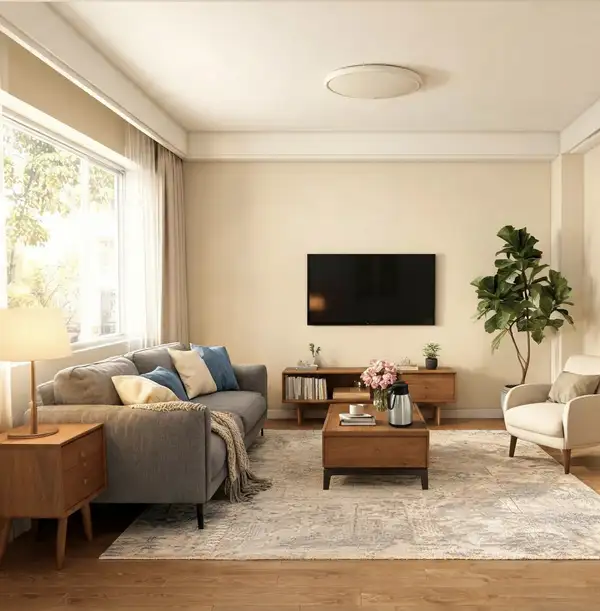
Example output 1Example output 2Example output 3

Pricing

Base ModelPricing ModeEffective Cost
nano-banana-2/editdefaultmegapixel tieredTiered pricing
nano-bananaper output$0.039

Product Placement API

Product Placement is a image-to-image AI wrapper by roomix. On ModelRunner it runs through a REST API or via MCP from any AI assistant with pay-per-use pricing.

POST https://queue.modelrunner.run/roomix/product-placement

cURL

# Submit a request to the queue. Input fields go at the top level of the
# body. The optional reserved "metadata" object holds your own flat string
# tags — stored on the request, never sent to the model; filter later with
# GET https://queue.modelrunner.run/requests?metadata=<url-encoded JSON>.
curl -X POST https://queue.modelrunner.run/roomix/product-placement \
  -H "Authorization: Key $MRUN_API_KEY" \
  -H "Content-Type: application/json" \
  -d '{
    "file_url": "https://media.modelrunner.ai/jsQERVifKrCkBWW7-source-B15852B1-5BDB-4B6D-92F6-86DE2829560B.jpg",
    "image_size": "auto",
    "brushed_url": "https://media.modelrunner.ai/nj7l8NvC1iWSV1Aj-brushed-E9ECADD6-BE2A-483F-9CFA-AF381D3F6DF7.jpg",
    "product_urls": [
      "https://media.modelrunner.ai/4ffo6Rxau8TQ6pTf-product-EEB14A30-DFE4-4F8A-B474-E18D69C5F207.jpg"
    ],
    "metadata": {
      "project": "my-project"
    }
  }'
# → { "request_id": "...", "status_url": "...", "response_url": "..." }

# Poll status_url until "COMPLETED", then fetch the result
curl "https://queue.modelrunner.run/roomix/product-placement/requests/$REQUEST_ID/status" \
  -H "Authorization: Key $MRUN_API_KEY"
curl "https://queue.modelrunner.run/roomix/product-placement/requests/$REQUEST_ID" \
  -H "Authorization: Key $MRUN_API_KEY"

JavaScript

import { modelrunner } from "@modelrunner/client";

const result = await modelrunner.subscribe("roomix/product-placement", {
  input: {
    "file_url": "https://media.modelrunner.ai/jsQERVifKrCkBWW7-source-B15852B1-5BDB-4B6D-92F6-86DE2829560B.jpg",
    "image_size": "auto",
    "brushed_url": "https://media.modelrunner.ai/nj7l8NvC1iWSV1Aj-brushed-E9ECADD6-BE2A-483F-9CFA-AF381D3F6DF7.jpg",
    "product_urls": [
      "https://media.modelrunner.ai/4ffo6Rxau8TQ6pTf-product-EEB14A30-DFE4-4F8A-B474-E18D69C5F207.jpg"
    ]
  },
});
console.log(result);

Python

import os
import requests

headers = {"Authorization": f"Key {os.environ['MRUN_API_KEY']}"}

submitted = requests.post(
    "https://queue.modelrunner.run/roomix/product-placement",
    headers=headers,
    json={
      "file_url": "https://media.modelrunner.ai/jsQERVifKrCkBWW7-source-B15852B1-5BDB-4B6D-92F6-86DE2829560B.jpg",
      "image_size": "auto",
      "brushed_url": "https://media.modelrunner.ai/nj7l8NvC1iWSV1Aj-brushed-E9ECADD6-BE2A-483F-9CFA-AF381D3F6DF7.jpg",
      "product_urls": [
        "https://media.modelrunner.ai/4ffo6Rxau8TQ6pTf-product-EEB14A30-DFE4-4F8A-B474-E18D69C5F207.jpg"
      ]
    },
).json()

# Poll submitted["status_url"] until "COMPLETED", then:
result = requests.get(submitted["response_url"], headers=headers).json()

Input parameters

NameTypeRequiredDescription
file_urlstring (uri)yesURL of the room or outdoor scene photo to place products into.
product_urlsarrayyes1–4 product reference image URLs. Each is treated as a distinct product to place in the scene.
brushed_urlstring (uri)noOptional copy of the source scene with bright-yellow brush strokes marking where the product should go. Only effective with a single product reference.
promptstringnoOptional natural-language placement guidance (e.g. 'on the left wall, next to the sofa'). Leave blank to let the model choose the most natural placement.
image_sizeenumnoOutput image size preset. `auto` matches the source photo's aspect. Default: "auto".

Machine-readable: OpenAPI schema · llms.txt

Use Product Placement from Claude & Cursor (MCP)

Point Claude Code, Claude Desktop, Cursor, or any MCP client at the ModelRunner MCP server and Product Placement becomes a tool your assistant can call directly — it authorizes via OAuth (no API key in config) and runs this wrapper with the run_model tool using the endpoint roomix/product-placement.

MCP client config (Claude Desktop, Cursor)

{
  "mcpServers": {
    "modelrunner": {
      "command": "npx",
      "args": ["-y", "mcp-remote", "https://mcp.modelrunner.run/mcp"]
    }
  }
}

Claude Code

claude mcp add --transport http modelrunner https://mcp.modelrunner.run/mcp

Then ask your assistant, for example: “Run roomix/product-placement on ModelRunner to generate image”. MCP setup guide.

Wrapper Details

Model Details

Place one to four products into an existing photo of a room, yard, balcony, garden, or other real-world scene. The wrapper composites the products into the scene while preserving the original architecture, surfaces, decor, and lighting. Guidance is optional: brush a region on a copy of the source photo (single-product only), describe placement in natural language, or skip both and let the model decide. The model is instructed to match scale, perspective, lighting, and contact shadows, and to avoid hallucinated text, logos, or restyling of existing surfaces. Output size defaults to `auto` so the result matches the source aspect.