
Fill an Empty Room API

roomix/fill-empty-room

Furnish an empty or bare room from a single photo — complete, realistic staging in a chosen style.

Starts from $0.039 /run
2 model optionspublicpublished

Wrapper Input

Input

External URL of the uploaded photo of the empty or bare room to furnish.

Controls how strongly the staging should preserve the photographed room versus reinterpret it artistically.

The type of interior space to furnish.

The desired furnishing and decor style for the staged room.

Preferred color palette for the furnishings and decor.

Min: 0.5 - Max: 1

Fine-grained creativity value used only when creativity is precise.

Additional user instructions for the furnishing.

You need to be logged in to run this model and view results.
Log in

Wrapper Output

Output

Fill in the input form and click submit to see the output
Logs (1 lines)

Pricing

Base ModelPricing ModeEffective Cost
nano-banana-2/editdefaultmegapixel tieredTiered pricing
nano-bananaper output0.039

Fill an Empty Room API

Fill an Empty Room is a image-to-image AI wrapper by roomix. On ModelRunner it runs through a REST API or via MCP from any AI assistant with pay-per-use pricing.

POST https://queue.modelrunner.run/roomix/fill-empty-room

cURL

# Submit a request to the queue. Input fields go at the top level of the
# body. The optional reserved "metadata" object holds your own flat string
# tags — stored on the request, never sent to the model; filter later with
# GET https://queue.modelrunner.run/requests?metadata=<url-encoded JSON>.
curl -X POST https://queue.modelrunner.run/roomix/fill-empty-room \
  -H "Authorization: Key $MRUN_API_KEY" \
  -H "Content-Type: application/json" \
  -d '{
    "file_url": "https://example.com/input.jpg",
    "creativity": "balanced",
    "metadata": {
      "project": "my-project"
    }
  }'
# → { "request_id": "...", "status_url": "...", "response_url": "..." }

# Poll status_url until "COMPLETED", then fetch the result
curl "https://queue.modelrunner.run/roomix/fill-empty-room/requests/$REQUEST_ID/status" \
  -H "Authorization: Key $MRUN_API_KEY"
curl "https://queue.modelrunner.run/roomix/fill-empty-room/requests/$REQUEST_ID" \
  -H "Authorization: Key $MRUN_API_KEY"

JavaScript

import { modelrunner } from "@modelrunner/client";

const result = await modelrunner.subscribe("roomix/fill-empty-room", {
  input: {
    "file_url": "https://example.com/input.jpg",
    "creativity": "balanced"
  },
});
console.log(result);

Python

import os
import requests

headers = {"Authorization": f"Key {os.environ['MRUN_API_KEY']}"}

submitted = requests.post(
    "https://queue.modelrunner.run/roomix/fill-empty-room",
    headers=headers,
    json={
      "file_url": "https://example.com/input.jpg",
      "creativity": "balanced"
    },
).json()

# Poll submitted["status_url"] until "COMPLETED", then:
result = requests.get(submitted["response_url"], headers=headers).json()

Input parameters

NameTypeRequiredDescription
file_urlstring (uri)yesExternal URL of the uploaded photo of the empty or bare room to furnish.
creativityenumyesControls how strongly the staging should preserve the photographed room versus reinterpret it artistically. Default: "balanced".
typeenumnoThe type of interior space to furnish. Default: "no-type".
styleenumnoThe desired furnishing and decor style for the staged room. Default: "no-style".
colorenumnoPreferred color palette for the furnishings and decor. Default: "auto".
creativity_levelnumbernoFine-grained creativity value used only when creativity is precise. Default: 0.7.
promptstringnoAdditional user instructions for the furnishing.

Machine-readable: OpenAPI schema · llms.txt

Use Fill an Empty Room from Claude & Cursor (MCP)

Point Claude Code, Claude Desktop, Cursor, or any MCP client at the ModelRunner MCP server and Fill an Empty Room becomes a tool your assistant can call directly — it authorizes via OAuth (no API key in config) and runs this wrapper with the run_model tool using the endpoint roomix/fill-empty-room.

MCP client config (Claude Desktop, Cursor)

{
  "mcpServers": {
    "modelrunner": {
      "command": "npx",
      "args": ["-y", "mcp-remote", "https://mcp.modelrunner.run/mcp"]
    }
  }
}

Claude Code

claude mcp add --transport http modelrunner https://mcp.modelrunner.run/mcp

Then ask your assistant, for example: “Run roomix/fill-empty-room on ModelRunner to generate image”. MCP setup guide.

Wrapper Details

Model Details

**Furnish an empty or bare room from a single photo — complete, realistic virtual staging in a chosen style.**

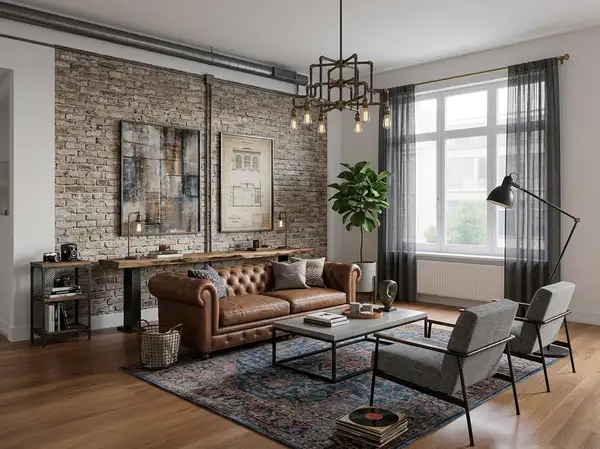
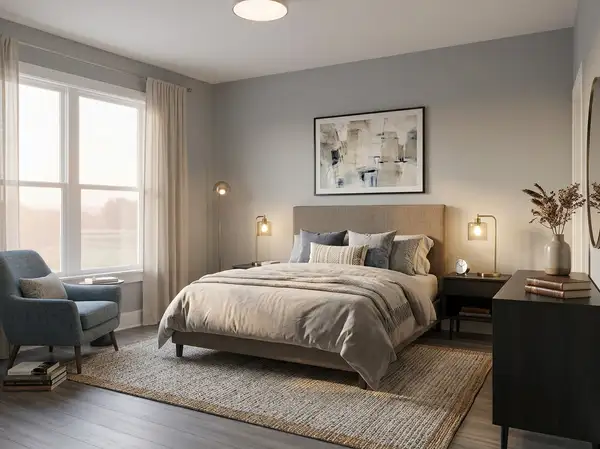
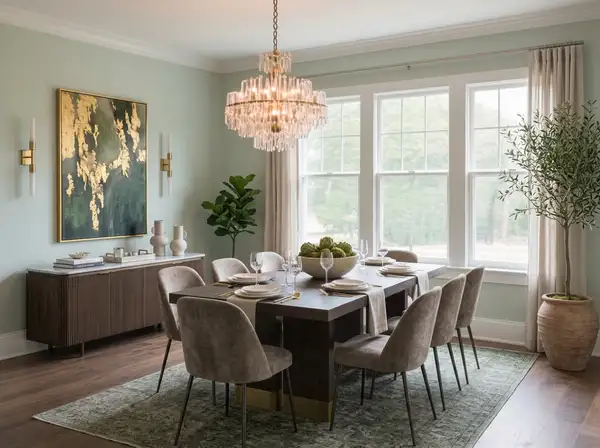
Upload a photo of an empty, vacant, or only sparsely furnished room and get back the same space fully furnished and professionally staged. The wrapper composes a detailed staging prompt for the underlying image-edit model: a full furniture set appropriate to the room type, plus rugs, layered lighting, wall decor, window treatments, and plants — at realistic scale, with natural placement and clear traffic flow — while the room's architecture (walls, windows, doors, flooring, ceiling, camera angle, and the view through the windows) is preserved exactly.

Designed for **virtual staging**, real-estate listing preparation, rental furnishing previews, and "what could this room become" exploration. Uses the same `type`, `style`, and `color` enum values as the `roomix/room-redesign` wrapper, so the same UI can drive both.

## How to use

1. Upload the room photo and pass its URL as `file_url` (required). 2. Pick `creativity` (required): `precise` stays closest to the photographed room (fine-tune with `creativity_level`, 0.5–1.0), `balanced` gives a confident complete staging, `creative` allows bolder furnishing and decor choices. 3. Optionally guide the result: - `type` — the room type to stage (e.g. `living-room`, `bedroom`); leave `no-type` to let the model infer it from the architecture. - `style` — the furnishing style (e.g. `scandinavian-sanctuary`, `mid-century-modern`). - `color` — a preferred palette, or `auto`. - `prompt` — free-text instructions (e.g. "include a reading corner by the window"). 4. If the room already has some furniture, the wrapper keeps its feel and completes the staging around it instead of starting over.

## Staging several rooms of one home

Run each room as its own independent request, but keep `style` and `color` identical across all runs so the staged set reads as one coherent home. Do not chain one room's output into the next room's input — always start each room from its own original photo.