
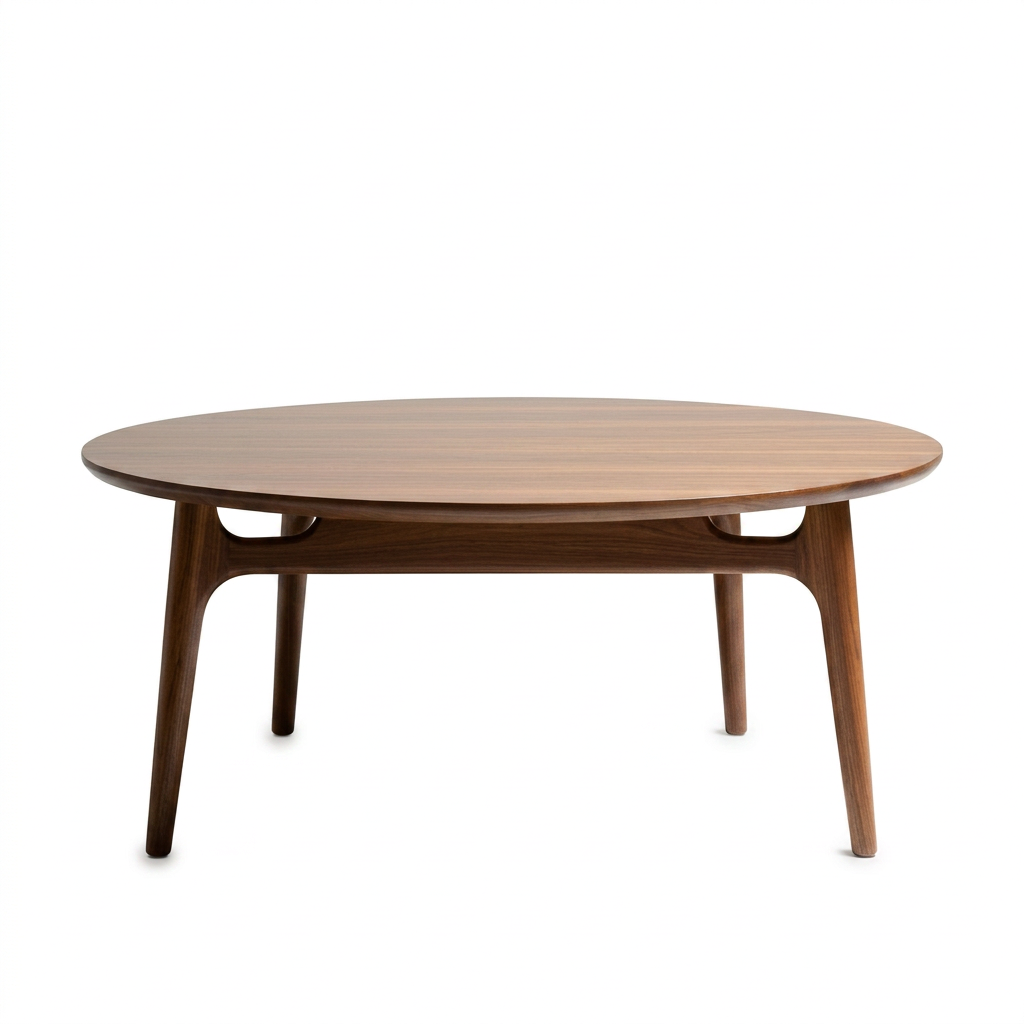
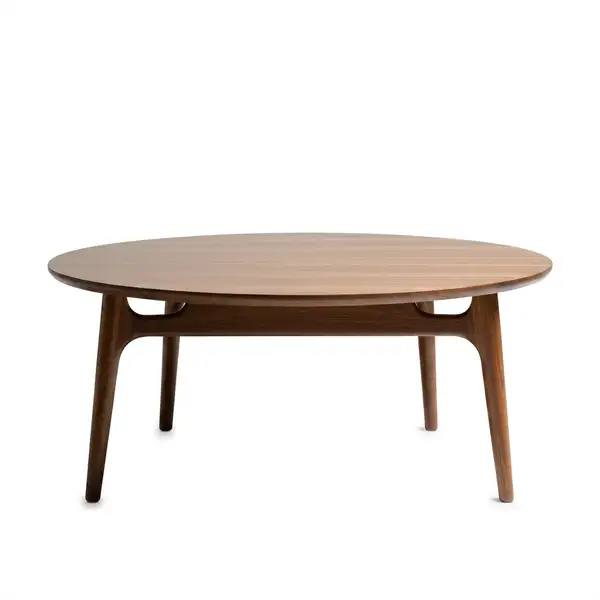
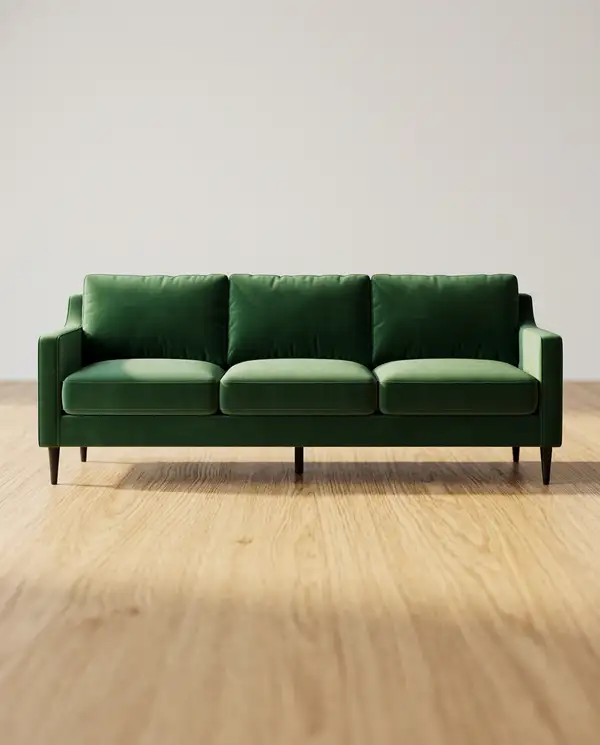
Product Packshot API

modelrunner/product-packshot

Turn a messy product photo into a clean, commercial-grade packshot on a studio or lifestyle background, preserving the product 1:1.

Wrapper Input

Input

  • https://media.modelrunner.ai/0iZbty8K0Y0zpQSknF7vx.png

1–3 photos of the SAME product. One works; 2–3 different views sharpen fidelity and reduce label hallucination. Supports public URLs or data URIs.

The studio or lifestyle look. Each preset carries its own natural shadow and composition. Use marketplace_white for a flat #FFFFFF Amazon-style background (see description for the exact-white caveat).

auto uses the background's natural shadow; otherwise override it.

standard ≈80% fill with even margins, fill ≈90% tight, breathing_room ≈65% with negative space for text/ad overlays.

Output size. Square (1_1_1k) is the marketplace standard; 4_5 / 3_4 suit Shopify & social, 16_9 suits ads, auto matches the source aspect.

Optional art direction (props, mood, lighting). Refines the look but cannot override the product-identity constraints.

You need to be logged in to run this model and view results.
Log in

Wrapper Output

Output

Generated image output
Generated in 11.552 seconds
Logs (1 lines)

Wrapper Examples

Examples

Example output 1Example output 2

Pricing

Base ModelPricing ModeEffective Cost
nano-banana-2/editdefaultmegapixel tieredTiered pricing

Product Packshot API

Product Packshot is a image-to-image AI wrapper by modelrunner. On ModelRunner it runs through a REST API or via MCP from any AI assistant with pay-per-use pricing.

POST https://queue.modelrunner.run/modelrunner/product-packshot

cURL

# Submit a request to the queue. Input fields go at the top level of the
# body. The optional reserved "metadata" object holds your own flat string
# tags — stored on the request, never sent to the model; filter later with
# GET https://queue.modelrunner.run/requests?metadata=<url-encoded JSON>.
curl -X POST https://queue.modelrunner.run/modelrunner/product-packshot \
  -H "Authorization: Key $MRUN_API_KEY" \
  -H "Content-Type: application/json" \
  -d '{
    "shadow": "auto",
    "framing": "fill",
    "background": "marketplace_white",
    "image_size": "1_1_1k",
    "product_images": [
      "https://media.modelrunner.ai/0iZbty8K0Y0zpQSknF7vx.png"
    ],
    "metadata": {
      "project": "my-project"
    }
  }'
# → { "request_id": "...", "status_url": "...", "response_url": "..." }

# Poll status_url until "COMPLETED", then fetch the result
curl "https://queue.modelrunner.run/modelrunner/product-packshot/requests/$REQUEST_ID/status" \
  -H "Authorization: Key $MRUN_API_KEY"
curl "https://queue.modelrunner.run/modelrunner/product-packshot/requests/$REQUEST_ID" \
  -H "Authorization: Key $MRUN_API_KEY"

JavaScript

import { modelrunner } from "@modelrunner/client";

const result = await modelrunner.subscribe("modelrunner/product-packshot", {
  input: {
    "shadow": "auto",
    "framing": "fill",
    "background": "marketplace_white",
    "image_size": "1_1_1k",
    "product_images": [
      "https://media.modelrunner.ai/0iZbty8K0Y0zpQSknF7vx.png"
    ]
  },
});
console.log(result);

Python

import os
import requests

headers = {"Authorization": f"Key {os.environ['MRUN_API_KEY']}"}

submitted = requests.post(
    "https://queue.modelrunner.run/modelrunner/product-packshot",
    headers=headers,
    json={
      "shadow": "auto",
      "framing": "fill",
      "background": "marketplace_white",
      "image_size": "1_1_1k",
      "product_images": [
        "https://media.modelrunner.ai/0iZbty8K0Y0zpQSknF7vx.png"
      ]
    },
).json()

# Poll submitted["status_url"] until "COMPLETED", then:
result = requests.get(submitted["response_url"], headers=headers).json()

Input parameters

NameTypeRequiredDescription
product_imagesarrayyes1–3 photos of the SAME product. One works; 2–3 different views sharpen fidelity and reduce label hallucination. Supports public URLs or data URIs.
backgroundenumnoThe studio or lifestyle look. Each preset carries its own natural shadow and composition. Use marketplace_white for a flat #FFFFFF Amazon-style background (see description for the exact-white caveat). Default: "studio_white".
shadowenumnoauto uses the background's natural shadow; otherwise override it. Default: "auto".
framingenumnostandard ≈80% fill with even margins, fill ≈90% tight, breathing_room ≈65% with negative space for text/ad overlays. Default: "standard".
image_sizeenumnoOutput size. Square (1_1_1k) is the marketplace standard; 4_5 / 3_4 suit Shopify & social, 16_9 suits ads, auto matches the source aspect. Default: "1_1_1k".
promptstringnoOptional art direction (props, mood, lighting). Refines the look but cannot override the product-identity constraints.

Machine-readable: OpenAPI schema · llms.txt

Use Product Packshot from Claude & Cursor (MCP)

Point Claude Code, Claude Desktop, Cursor, or any MCP client at the ModelRunner MCP server and Product Packshot becomes a tool your assistant can call directly — it authorizes via OAuth (no API key in config) and runs this wrapper with the run_model tool using the endpoint modelrunner/product-packshot.

MCP client config (Claude Desktop, Cursor)

{
  "mcpServers": {
    "modelrunner": {
      "command": "npx",
      "args": ["-y", "mcp-remote", "https://mcp.modelrunner.run/mcp"]
    }
  }
}

Claude Code

claude mcp add --transport http modelrunner https://mcp.modelrunner.run/mcp

Then ask your assistant, for example: “Run modelrunner/product-packshot on ModelRunner to generate image”. MCP setup guide.

Wrapper Details

Model Details

**Turn a real product photo — cluttered, in-hand, or on a desk — into a clean commercial packshot, relit and re-backgrounded while preserving the product exactly as shot.**

This is the isolated hero-shot companion to the on-model wrappers: `clothes-on-model` and `jewelry-modeling` put a product *on a person*, `product-placement` drops it *into a scene* — this one produces the plain, catalog-ready **packshot** (the Amazon / Shopify main image).

## How to use

Upload **1–3 photos of the *same* product** (`product_images`). One works; 2–3 different views sharpen fidelity and cut down on label/logo hallucination. Then pick a look:

- `background` — the studio or lifestyle surface. Each preset carries its own natural shadow and composition. - `shadow` — leave on `auto` to use the background's natural shadow, or override (`soft_contact`, `reflection`, `floating`, `none`). - `framing` — `standard` (~80% fill), `fill` (tight ~90%), or `breathing_room` (~65%, leaves negative space for text/ad overlays). - `image_size` — defaults to `1_1_1k` (square is the marketplace standard); use `4_5` / `3_4` for Shopify & social, `16_9` for ads, or `auto` to match the source aspect. - `prompt` — optional art direction (props, mood, lighting). It refines the look but **cannot** override the identity constraints.

The product itself is held 1:1: shape, color, materials, and every label/logo/printed word are preserved; only the background, lighting, and clutter change.

### Marketplace-white caveat (read this)

`marketplace_white` pushes the model hard toward a flat `#FFFFFF`, but generative output is **not pixel-guaranteed** to pass Amazon's exact-white check. For listings that must comply, run `marketplace_white` and then pass the result through a background-removal/matte step onto a true `#FFFFFF` canvas. `studio_white` and the surface/lifestyle presets are the Shopify / DTC / ad path where exact white doesn't matter.

### Producing a consistent set

For a hero + alternate backgrounds of one product:

1. Generate the `studio_white` hero **first**. 2. Take **that clean output** and pass it back as `product_images` for the surface/lifestyle variants — this locks lighting and color across the whole set. Always reuse the *same* first hero as the anchor, never the previous run's output.

### Fidelity tip

Each run returns one image, and text fidelity varies run-to-run. For text-heavy packaging, supply 2–3 reference views and run it a few times, then keep the sharpest label. Runs on Google `nano-banana-2/edit` for its strong in-place text preservation.