
Model Details
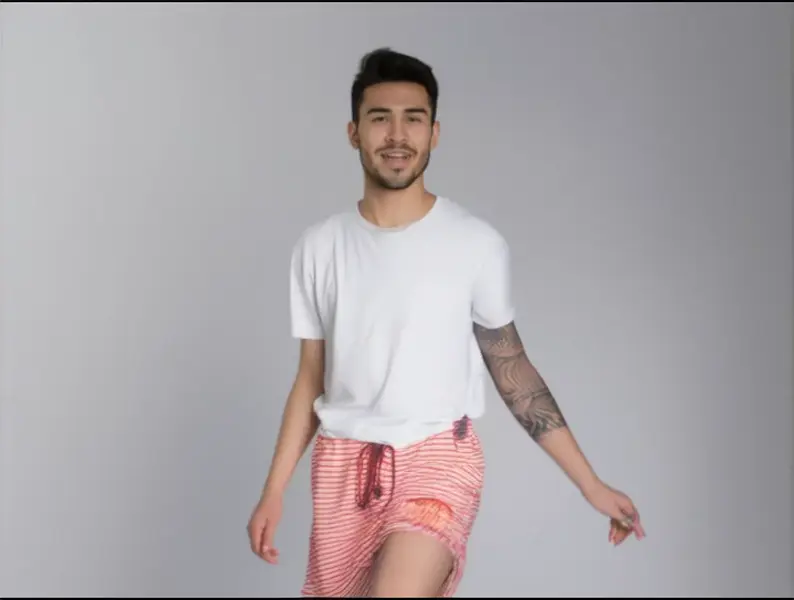
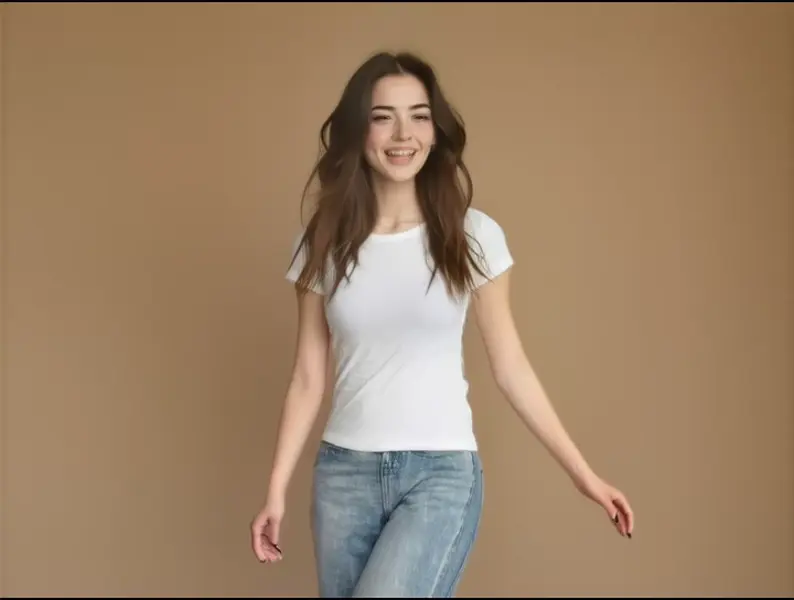
Wan 2.2 Animate Move turns a still character image into video by transferring a performance from a driving video. Supply one character image and one driving clip: the character reproduces the performer's body motion and facial expression, framed to the driving video's aspect ratio, for as long as that clip runs. There is no text prompt — the whole performance comes from the footage you supply. This is the "Move" mode of Wan Animate: the character is animated in its own scene rather than composited into the driving footage.
## Best for - Animating a character illustration, portrait, or brand mascot from a reference performance - Motion transfer — reusing one filmed performance across several different characters - Expression and lip-movement transfer for talking-head clips, driven by video rather than a script - Previsualizing choreography, gestures, or presenter delivery with a stand-in character - Bulk character animation where a written prompt would be too vague to direct the motion
## Choose another model when - You have no driving video and want motion invented from a description — use a text-to-video or image-to-video model - You want to restyle a clip or change its background from a written instruction — use a prompt-driven video editing model - You need mouth movement driven by an audio track instead of by video — use a lip-sync model - You need a still image rather than motion — use an image-editing or text-to-image model
## Tips - Use a clear, unobstructed character image; it is center-cropped, so leave margin around the subject - Keep the driving clip short — cost scales with output duration - `resolution` sets both quality and price: `480p` (the default) is cheapest, then `580p`, then `720p` - `use_turbo` runs an accelerated variant — faster, with a small fidelity trade-off; leave it off for best quality - Framing mismatch between the image and the driving performer is the main cause of weak results
## Advanced Configuration - `video_quality` (`low`, `medium`, `high`, `maximum`; default `high`) and `video_write_mode` (`fast`, `balanced`, `small`; default `balanced`) set how the mp4 is encoded — use `small` for a lighter file and `maximum` for downstream re-encoding.
## Limitations - Large differences in body proportion, camera distance, or framing between the character image and the driving performer can cause warping - Fast motion, heavy occlusion, and hands are the weakest cases - Duration and frame rate follow the driving clip and cannot be set directly
To run via the ModelRunner JavaScript client: ```js import { modelrunner } from "@modelrunner/client";
const result = await modelrunner.subscribe("wan-video/wan-animate/move", { input: { image_url: "https://media.modelrunner.ai/qf7LUwPh7gD0iVj0lMoCF.jpeg", video_url: "https://media.modelrunner.ai/m7GgVU46xQgWaPJGl3kD7.mp4", resolution: "480p", }, }); ```