
swook avatar

Inspyrenet Image Mask API

swook/inspyrenet

Helps find and highlight important objects in high-resolution images. It works without needing special high-quality training data and gives sharp, accurate results.

remove background
A4000,RTX4000
0.00047363

Model Input

Input

RGB input image

You need to be logged in to run this model and view results.
Log in

Model Output

Output

Loading
Generated in 1.112 seconds
Logs (1 lines)

Model Example Requests

Examples

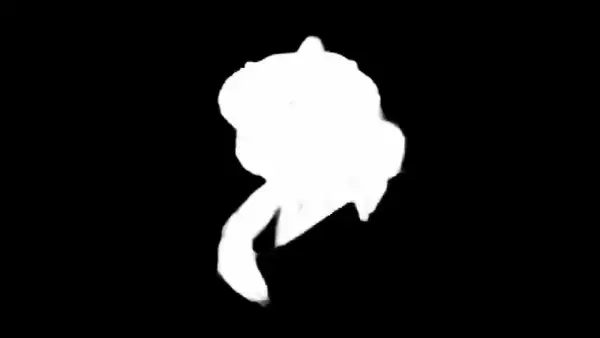
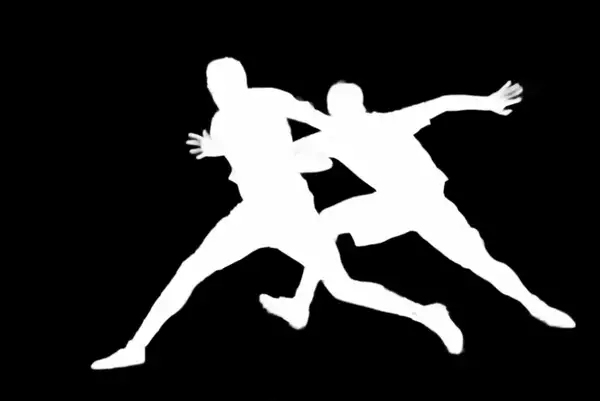
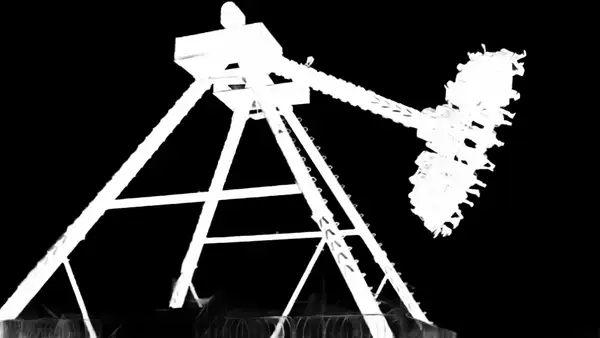
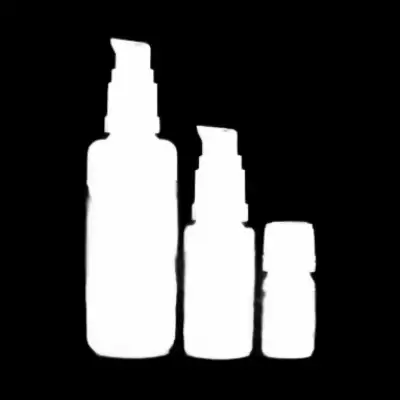
Example output 1Example output 2Example output 3Example output 4

Inspyrenet Image Mask API

Inspyrenet Image Mask is a image-to-image AI model by swook. On ModelRunner it runs through a REST API or via MCP from any AI assistant, at about $0.00047363 per image.

POST https://queue.modelrunner.run/swook/inspyrenet

cURL

# Submit a request to the queue. Input fields go at the top level of the
# body. The optional reserved "metadata" object holds your own flat string
# tags — stored on the request, never sent to the model; filter later with
# GET https://queue.modelrunner.run/requests?metadata=<url-encoded JSON>.
curl -X POST https://queue.modelrunner.run/swook/inspyrenet \
  -H "Authorization: Key $MRUN_API_KEY" \
  -H "Content-Type: application/json" \
  -d '{
    "image_path": "https://brightspotcdn.byu.edu/dims4/default/cef2ac4/2147483647/strip/true/crop/1800x1202+0+0/resize/840x561!/quality/…",
    "metadata": {
      "project": "my-project"
    }
  }'
# → { "request_id": "...", "status_url": "...", "response_url": "..." }

# Poll status_url until "COMPLETED", then fetch the result
curl "https://queue.modelrunner.run/swook/inspyrenet/requests/$REQUEST_ID/status" \
  -H "Authorization: Key $MRUN_API_KEY"
curl "https://queue.modelrunner.run/swook/inspyrenet/requests/$REQUEST_ID" \
  -H "Authorization: Key $MRUN_API_KEY"

JavaScript

import { modelrunner } from "@modelrunner/client";

const result = await modelrunner.subscribe("swook/inspyrenet", {
  input: {
    "image_path": "https://brightspotcdn.byu.edu/dims4/default/cef2ac4/2147483647/strip/true/crop/1800x1202+0+0/resize/840x561!/quality/…"
  },
});
console.log(result);

Python

import os
import requests

headers = {"Authorization": f"Key {os.environ['MRUN_API_KEY']}"}

submitted = requests.post(
    "https://queue.modelrunner.run/swook/inspyrenet",
    headers=headers,
    json={
      "image_path": "https://brightspotcdn.byu.edu/dims4/default/cef2ac4/2147483647/strip/true/crop/1800x1202+0+0/resize/840x561!/quality/…"
    },
).json()

# Poll submitted["status_url"] until "COMPLETED", then:
result = requests.get(submitted["response_url"], headers=headers).json()

Input parameters

NameTypeRequiredDescription
image_pathstring (uri)yesRGB input image

Machine-readable: OpenAPI schema · llms.txt

Use Inspyrenet Image Mask from Claude & Cursor (MCP)

Point Claude Code, Claude Desktop, Cursor, or any MCP client at the ModelRunner MCP server and Inspyrenet Image Mask becomes a tool your assistant can call directly — it authorizes via OAuth (no API key in config) and runs this model with the run_model tool using the endpoint swook/inspyrenet.

MCP client config (Claude Desktop, Cursor)

{
  "mcpServers": {
    "modelrunner": {
      "command": "npx",
      "args": ["-y", "mcp-remote", "https://mcp.modelrunner.run/mcp"]
    }
  }
}

Claude Code

claude mcp add --transport http modelrunner https://mcp.modelrunner.run/mcp

Then ask your assistant, for example: “Run swook/inspyrenet on ModelRunner to generate image”. MCP setup guide.

Model Details

Model Details

**InSPyReNet – Find What Matters in High-Resolution Images** InSPyReNet is a smart tool that helps you detect and highlight the most important parts of an image, even in very high quality. It’s designed to give great results without needing expensive or complex training data. Instead of relying on large datasets, it uses a clever method that compares low- and high-quality versions of an image to create clear and accurate highlights.

You can try it out easily through a web demo, use it in your own projects with a Python API, or run it from your computer using a simple command-line tool.

**✅ Key Features** **Works with High-Resolution Images:** Produces sharp, detailed object highlights.

**No Special Training Data Needed:** Performs well without needing custom or high-res training sets.

**Multiple Ways to Use:** Available as a web app, Python library, and command-line tool.

**Fast and Accurate:** Uses modern deep learning for great performance.

**Extra Tools and Demos:** Includes a demo for lane detection in driving videos and more.

**🎯 Use Cases** **Photo and Video Editing:** Remove backgrounds or highlight subjects easily.

**Driving and Road Scenes:** Spot and track lane markings or key areas in real-time.

**Creative Projects:** Focus attention on people or objects in high-quality media.

**Research and Prototyping:** Quickly test and build tools that need object detection.

**⚠️ Things to Keep in Mind** **Best with a Good GPU:** It runs much faster and smoother with a graphics card.

**Large Images Use More Memory:** Be aware if working with very big files.

**Tech Skills Optional:** Web demo is easy to try, but using the code or API may need some basic Python knowledge.