
Model Details
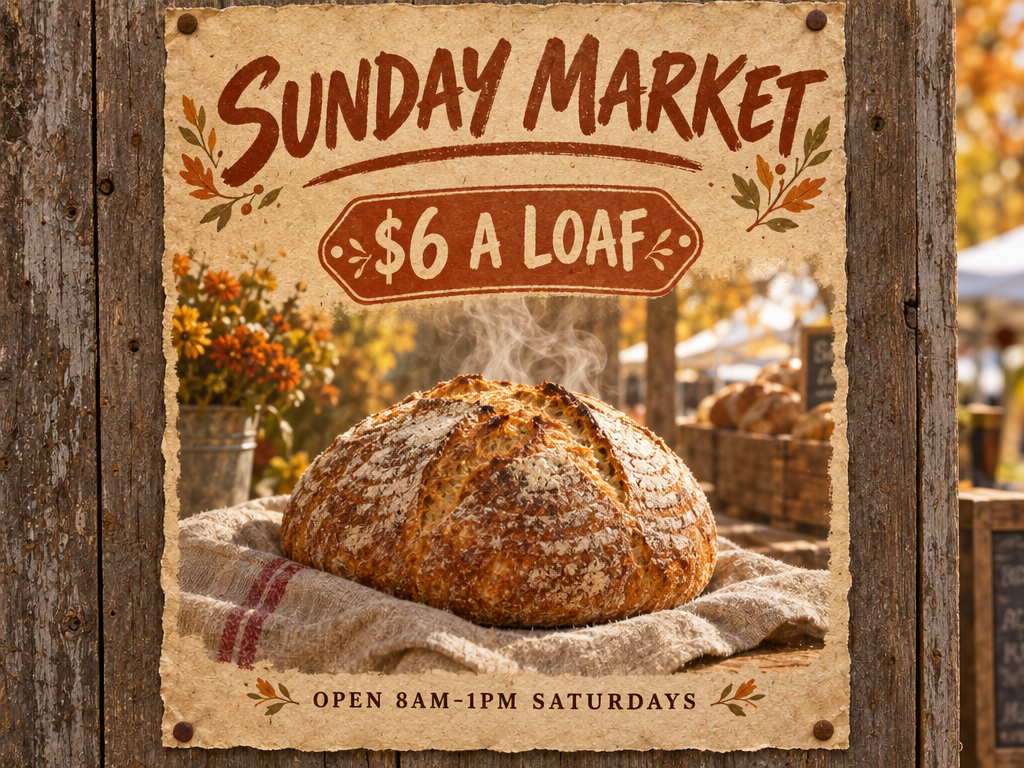
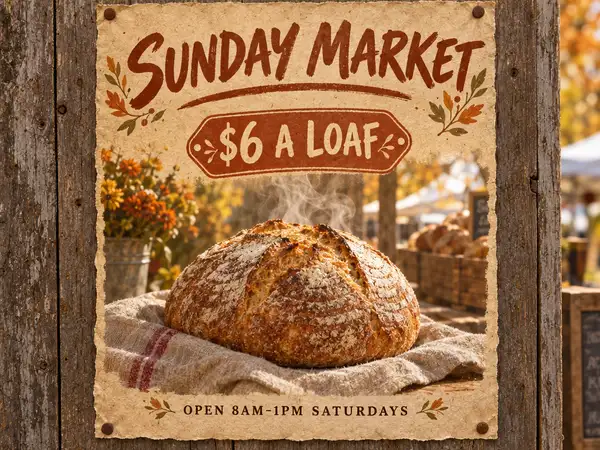
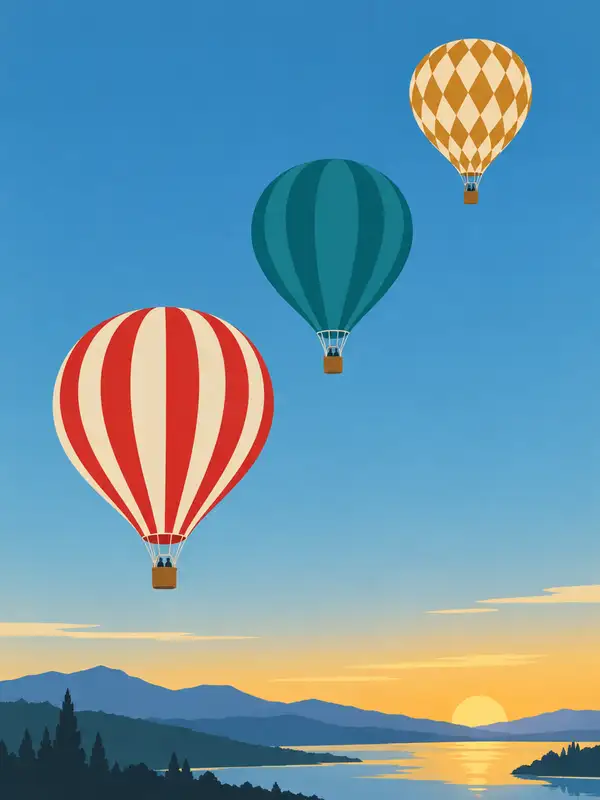
GPT Image 2.5 Flare turns a text prompt into a finished image. It is the everyday default tier of the GPT Image 2.5 line — higher quality than GPT Image 2 at roughly half the latency — and its standout strength is following complex, multi-part visual instructions exactly: counts, placement, style and medium stated together in one prompt all land. It also holds a whole page of structured information in a single pass, so posters, labels, slides and diagrams come out legible and in register, and scenes anchored to real-world facts render with accurate detail instead of a generic approximation.
## Best for - Posters, flyers and album covers where quoted wording must appear exactly as written - Product labels, packaging and signage mockups that need readable type - Infographics, slides and diagrams whose labels stay legible at normal viewing size - Scenes that specify counts, positions and style together in one prompt - High-volume or interactive image generation where turnaround matters as much as quality
## Choose another model when - You want to edit an existing picture or work from reference photos — this endpoint takes text only; use an image-editing model - The image will be viewed large or inspected close up — this tier is tuned for fast everyday generation, so pick a premium high-detail image model - Your subject falls outside OpenAI's content policy — filtering applies to every request and cannot be relaxed
## Tips - Write the prompt in labeled sections — scene, subject, details, constraints — rather than one run-on line; plain formatting beats special syntax - Put required wording in quotes and describe its position and typography; spell unusual words or brand names letter by letter - Ask for "photorealistic" or "real photograph" explicitly when that is the goal - For people, name body framing, relative scale, gaze and interaction with objects - Camera and lens details are cues for appearance, not exact optical simulation
## Limitations - Every request runs at the standard high-quality setting; the two extra-detail tiers GPT Image 2.5 adds are not selectable here - `image_size` offers six named presets only — no custom width and height - `num_images` returns up to four images in one call; each is charged as its own generation
To run via the ModelRunner JavaScript client: ```js import { modelrunner } from "@modelrunner/client";
const result = await modelrunner.subscribe("openai/gpt-image-2.5/flare/text-to-image", { input: { prompt: 'a vintage travel poster of Kyoto with the headline "VISIT JAPAN" across the top in bold serif capitals', image_size: "landscape_4_3", num_images: 1, output_format: "png", }, }); ```