
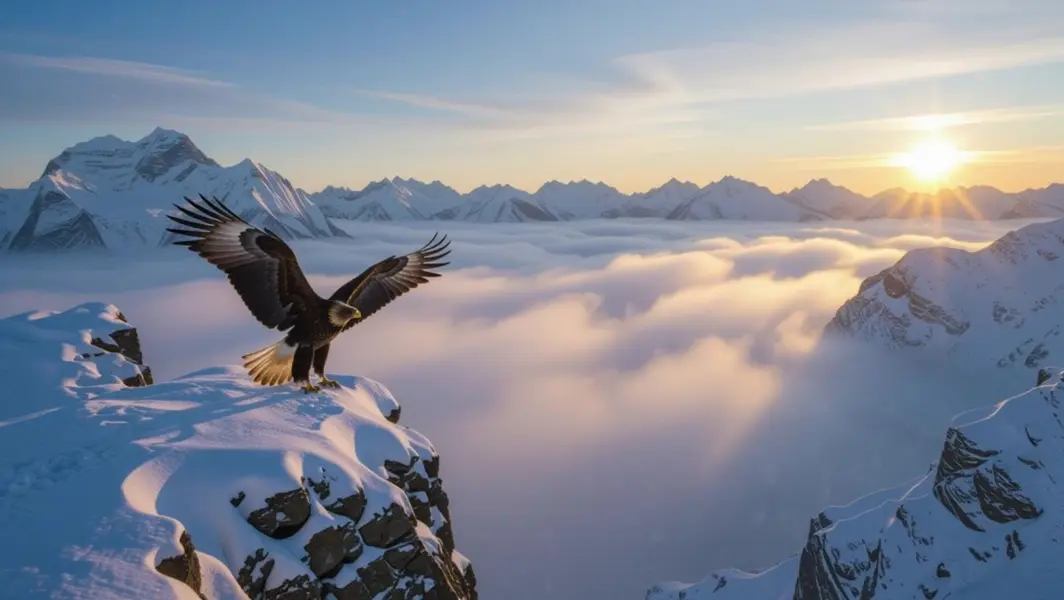
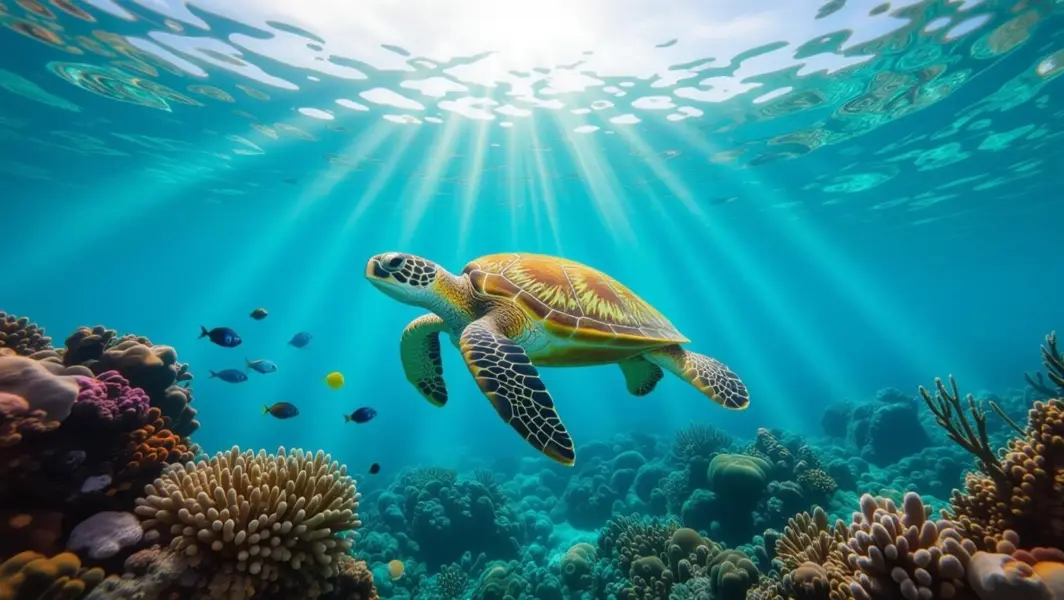
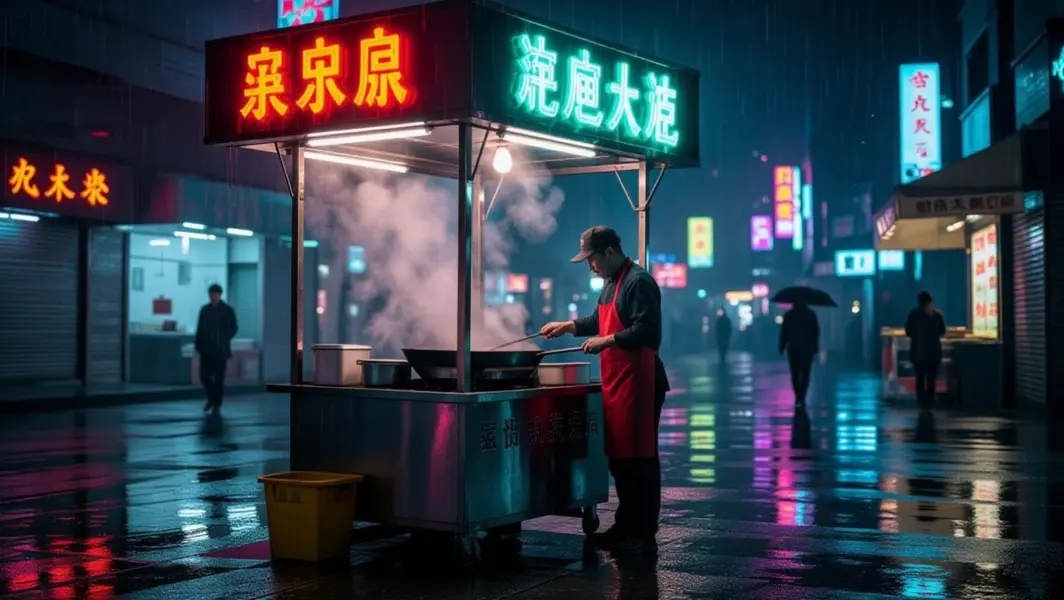
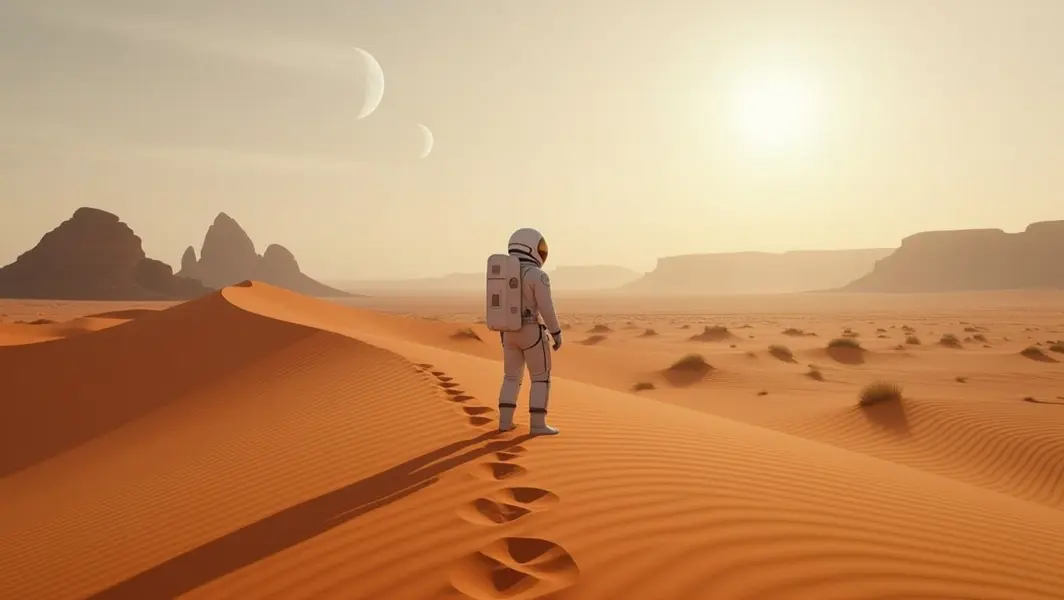
Model Details
Kling 2.6 Pro Image-to-Video brings a still image to life: give it a start frame and a short prompt describing the motion, and it animates the scene into a fluid, cinematic clip while keeping the subject and composition of your source photo intact. Framing (aspect ratio) is inherited from the start image, so the output matches the shape of what you upload. Choose a 5-second or 10-second clip, optionally supply an end frame to interpolate toward, and toggle native audio on or off. Audio is generated together with the video when enabled.
## Best for - Animating an existing photo, illustration, or product shot into a moving clip - Adding believable camera movement and motion to a single hero image or establishing frame - Interpolating between a start and end frame for a controlled transition or reveal - Social-ready clips (vertical, square, or landscape) that keep the exact framing of your source image
## Choose another model when - You have no source image and want to generate motion from a text prompt alone — use a text-to-video model - You need a single still image rather than motion — use a text-to-image model - You need clips longer than 10 seconds or fine frame-by-frame timeline control — use a dedicated long-form video tool
## Tips - Use a JPEG start image; other formats can be rejected. Aim for a clear subject, at least 300x300px, and an aspect ratio between roughly 0.4 and 2.5 - Describe the motion you want, not the scene that is already visible: concrete motion verbs ("slowly pushes in", "drifts forward", "camera pans left") translate well to on-screen movement - Use `negative_prompt` to suppress recurring artifacts such as blur, warping, or low-quality texture - Supply `end_image_url` only when you want the clip to interpolate toward a specific final frame; leave it out for free-running motion - `generate_audio` defaults to true and adds native audio; turn it off if you only need silent video
To run via the ModelRunner JavaScript client: ```js import { modelrunner } from "@modelrunner/client";
const result = await modelrunner.subscribe("kuaishou/kling-video/v2.6/image-to-video", { input: { prompt: "The hot-air balloon drifts slowly forward over the misty valley, soft dawn light, gentle camera push-in", start_image_url: "https://media.modelrunner.ai/Wv3ouBZFL2snbDFPF61m1.jpeg", duration: "5", }, }); ```