
Model Details
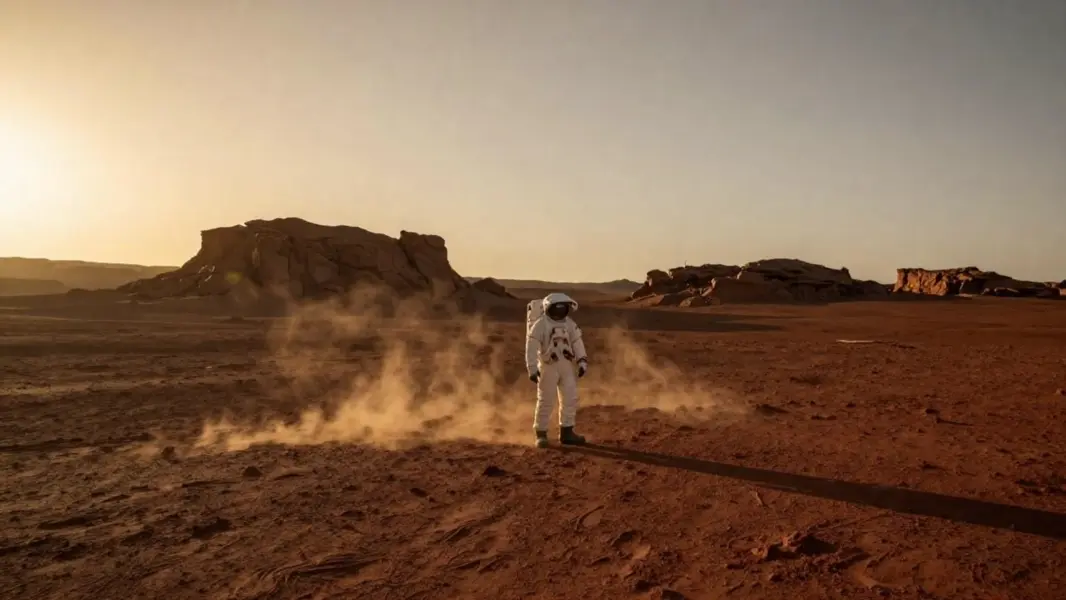
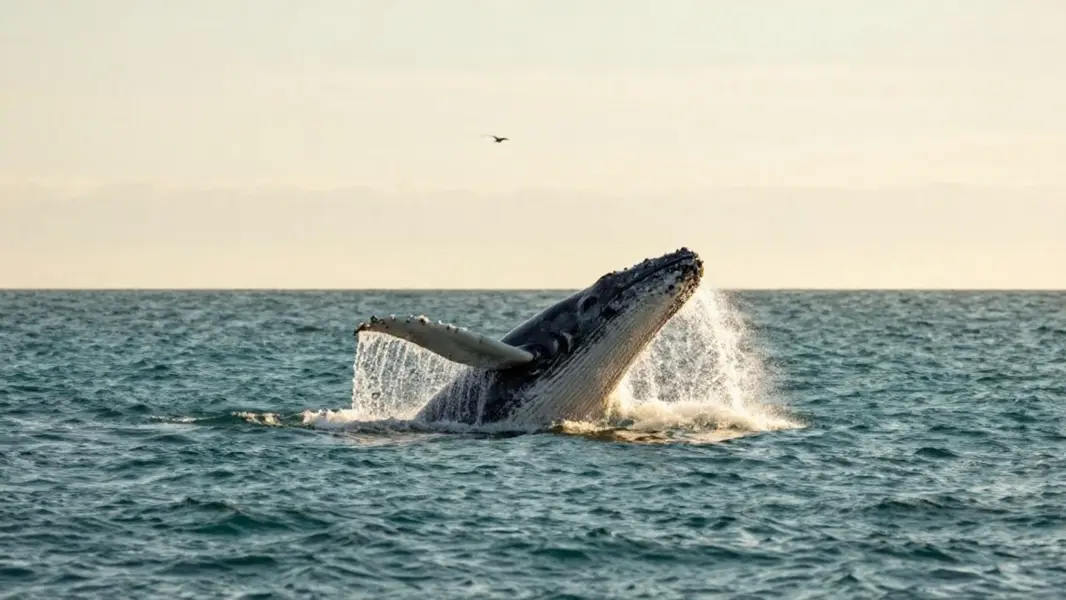
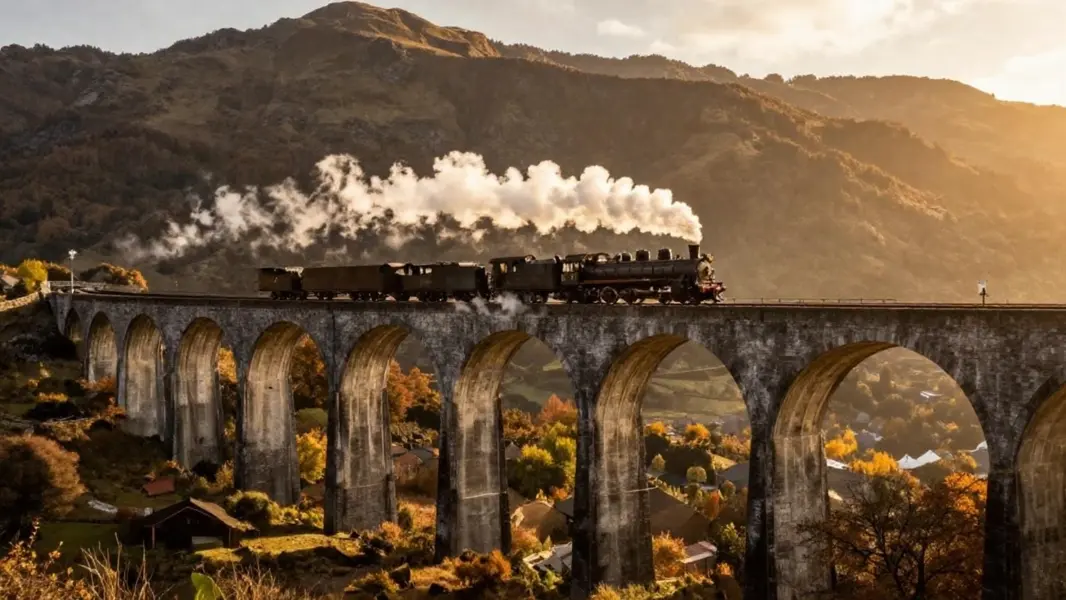
Kling 2.1 Master Image-to-Video is the premium master tier of the Kling video family, bringing a single still image to life: give it a start frame and a short prompt describing the motion, and it animates the scene into a fluid, cinematic clip with the highest motion quality and cinematic fidelity in the lineup. It keeps the subject and composition of your source photo intact while adding lifelike, physically coherent movement and camera motion, so the result reads as a polished, film-grade shot rather than a warped morph. Framing is inherited from the source image, so the output matches the shape of what you upload. Choose a 5-second or 10-second clip.
## Best for - Animating an existing photo, illustration, or product shot into a moving clip when motion quality and cinematic fidelity matter most - Adding believable camera movement and lifelike motion to a single hero image or establishing frame - Turning a static render or concept image into premium, film-grade b-roll - Social-ready clips (vertical, square, or landscape) that keep the exact framing of your source image
## Choose another model when - You want faster or cheaper generations and can trade some fidelity — use the Kling turbo image-to-video tier - You have no source image and want to generate motion from a text prompt alone — use a text-to-video model - You need a single still image rather than motion — use a text-to-image model - You need clips longer than 10 seconds or fine frame-by-frame timeline control — use a dedicated long-form video tool
## Tips - Use a JPEG start image; other formats can be rejected. Aim for a clear subject, at least 300x300px, and an aspect ratio between roughly 0.4 and 2.5 - Describe the motion you want, not the scene that is already visible: concrete motion verbs ("slowly pushes in", "drifts forward", "camera pans left") translate well to on-screen movement - Use `negative_prompt` to suppress recurring artifacts such as blur, warping, or low-quality texture - Raise `cfg_scale` toward 1 for tighter prompt adherence, lower it toward 0 for looser, more creative motion (default 0.5 is a balanced starting point)
To run via the ModelRunner JavaScript client: ```js import { modelrunner } from "@modelrunner/client";
const result = await modelrunner.subscribe("kuaishou/kling-video/v2.1-master/image-to-video", { input: { prompt: "The red hot-air balloon drifts slowly forward over the misty valley as dawn light brightens, gentle cinematic camera push-in", image_url: "https://media.modelrunner.ai/nQkwhoo3UDh0NWXS9FtKC.jpeg", duration: "5", }, }); ```