



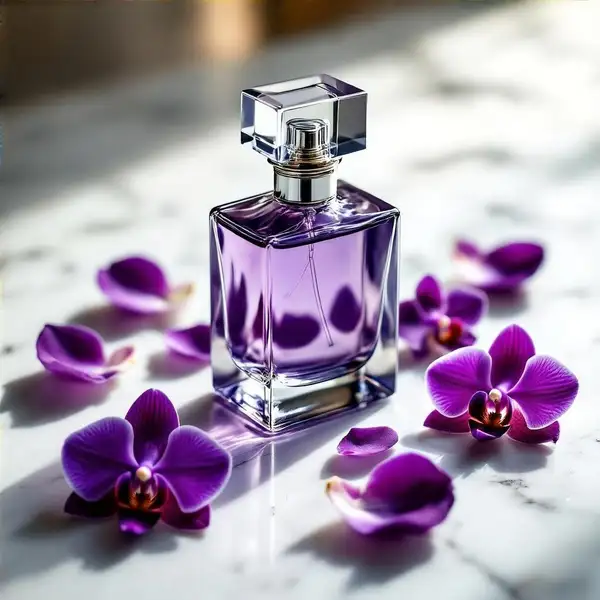
Model Details
HiDream I1 Full turns a text prompt into a high-quality image. It is the full-quality variant of HiDream.ai's 17-billion-parameter open image foundation model, tuned for strong prompt adherence and detailed, coherent results, and it runs at the model's maximum step count for the best fidelity. Give it a descriptive prompt, pick a size, and it returns one to four finished images. You can also attach one or more LoRAs to steer style.
## Best for - Generating photorealistic images and detailed illustrations from a text description - Concept art, product renders, and stylized scenes where fidelity matters more than speed - Marketing and social visuals produced from a short written brief - Applying a custom LoRA to push a consistent style across a batch - Producing several variations at once with num_images (1-4)
## Choose another model when - You need to edit or restyle an existing photo rather than generate from scratch - use an image-editing model - You want the fastest, cheapest draft and can trade some quality - use a speed-optimized text-to-image model - You need reliably legible in-image text for logos or signage - use a model tuned for typography - You need video - use a text-to-video or image-to-video model
## Tips - Write specific, descriptive prompts; use negative_prompt to exclude unwanted elements - image_size accepts a preset (square_hd, portrait_16_9, landscape_4_3, ...) or a custom width/height object; billing is per output megapixel, so larger images cost more - Each image in num_images is billed separately
## Advanced Configuration - loras: attach one or more LoRA weights to bias style or subject. Each entry takes a path (a URL or HuggingFace path to the weights) and an optional scale (0-4, default 1); configured via the API.