

Model Details
Seedance 1.5 Image-to-Video transforms your static pictures into highly expressive, animated video clips. By interpreting your text prompt alongside a reference image, it generates smooth, realistic motion and seamlessly pairs it with synthesized audio. Whether you are animating a portrait, creating a cinematic scene, or producing short social media clips, this model provides an intuitive way to produce engaging multimedia content. You can run the model directly via our app's UI, tweak the settings to your liking, and effortlessly download the resulting video files locally.
**Features** - **Integrated Audio Generation**: Automatically synthesizes contextual audio, sound effects, or speech that aligns with the visual action described in your text prompt. - **Start and End Keyframes**: Uniquely supports both a starting frame (`image_url`) and an optional ending frame (`end_image_url`), giving you precise control over the video's visual transition and final state. - **Camera Stabilization**: Includes a camera lock feature to prevent automated panning or zooming, keeping the narrative focus entirely on the subject's internal movement.
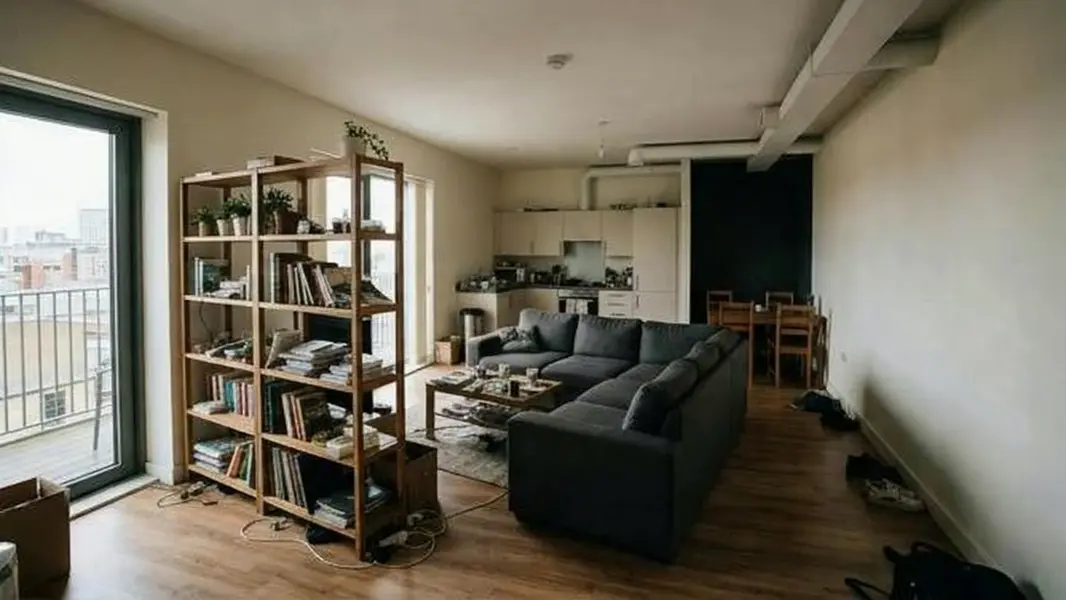
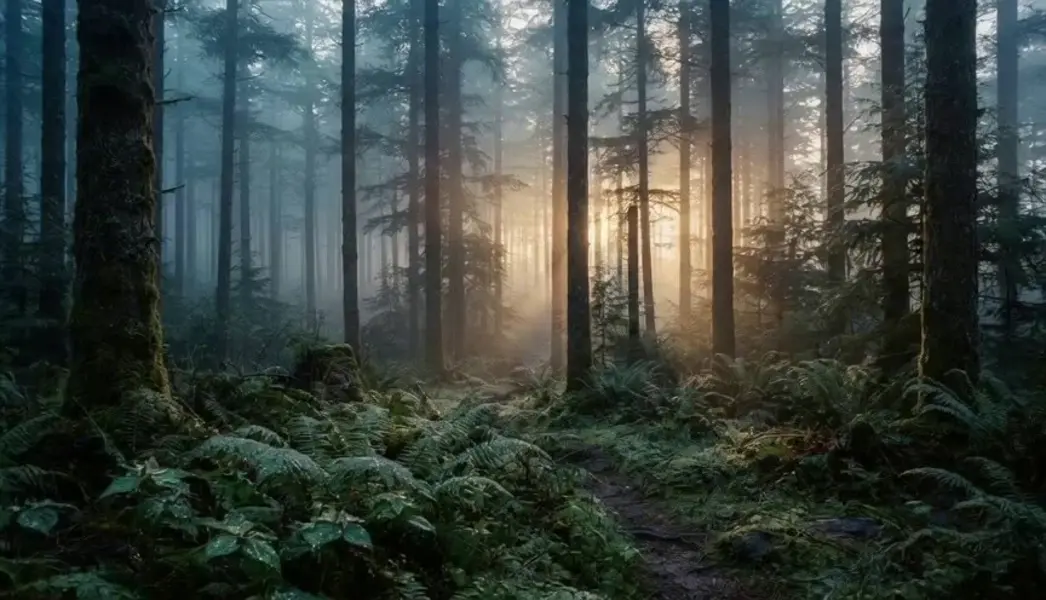
**What it’s good at** - Bringing static character portraits to life with matching dialogue and realistic facial animations. - Creating smooth, visually stunning transitions between two distinct images using start and end frames. - Generating ready-to-publish short-form video content with instantly integrated sound tracks.
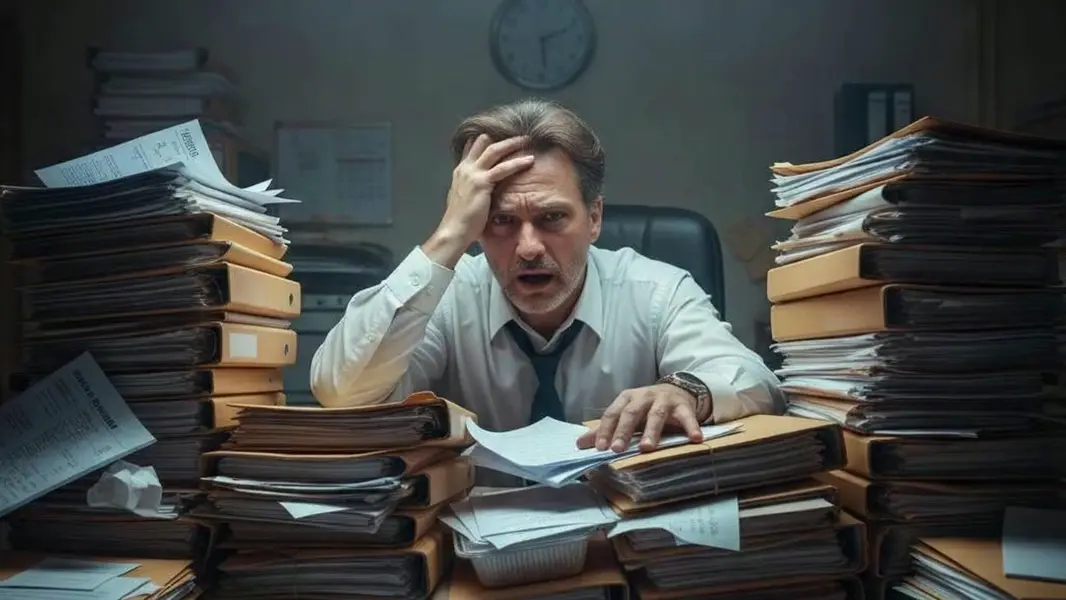
**Tips** - Use high-resolution, clear starting images for the best visual output and accurate subject rendering. - When generating speech, explicitly write the spoken dialogue in quotes within your text prompt (e.g., *A man says "I regret everything"*). - Make sure the environment and lighting implied by your prompt reasonably match the source image.
To run via the ModelRunner JavaScript client: ```javascript import { modelrunner } from "@modelrunner/client";
const result = await modelrunner.subscribe("bytedance/seedance-v1.5/image-to-video", { input: { prompt: "A man is crying and he says \"I shouldn't have done it. I regret everything\"", image_url: "https://example.com/crying_man_portrait.png", generate_audio: true, camera_fixed: false, duration: "5", resolution: "720p" }, });
console.log(result.data); ```