
bria avatar

Bria Eraser API

bria/eraser

Remove unwanted objects, people, or watermarks from a photo by masking them out, leaving a clean, natural-looking result — with commercially safe outputs.

edit
0.04

Model Input

Input

The source image to erase from.

A binary black-and-white mask the same size as the source image. White marks the area to clean/erase; black is preserved.

How the mask was produced: 'manual' for user-generated masks, 'automatic' for algorithm-generated masks like SAM.

Additional Settings

Customize your input with more control.

Attempts to preserve the alpha channel of the input image. Enable only for images with transparency.

You need to be logged in to run this model and view results.
Log in

Model Output

Output

Loading
Generated in 9.007 seconds
Logs (1 lines)

Model Example Requests

Examples

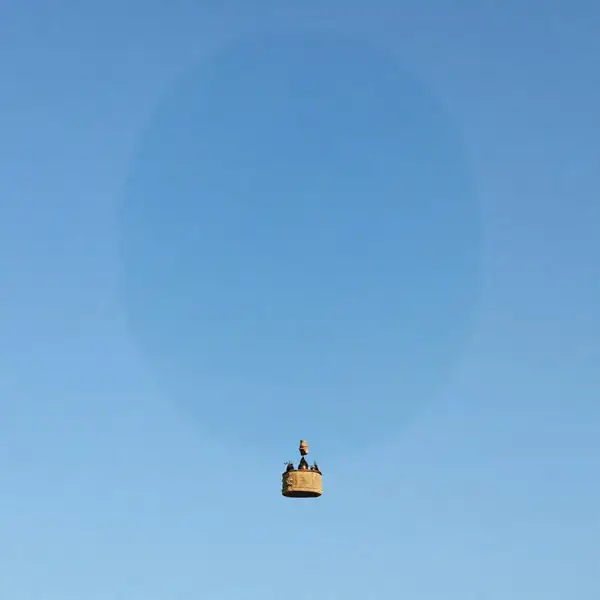
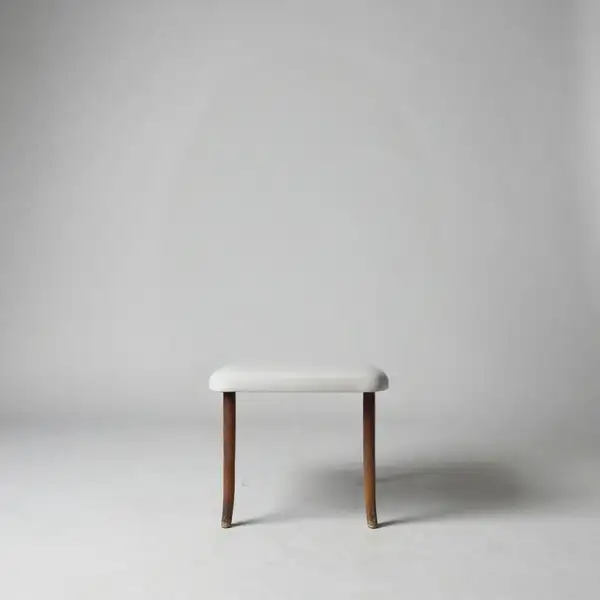
Example output 1Example output 2

Bria Eraser API

Bria Eraser is a image-to-image AI model by bria. On ModelRunner it runs through a REST API or via MCP from any AI assistant, at $0.04 per image.

POST https://queue.modelrunner.run/bria/eraser

cURL

# Submit a request to the queue. Input fields go at the top level of the
# body. The optional reserved "metadata" object holds your own flat string
# tags — stored on the request, never sent to the model; filter later with
# GET https://queue.modelrunner.run/requests?metadata=<url-encoded JSON>.
curl -X POST https://queue.modelrunner.run/bria/eraser \
  -H "Authorization: Key $MRUN_API_KEY" \
  -H "Content-Type: application/json" \
  -d '{
    "mask_url": "https://media.modelrunner.ai/cCZNEvPoR74itfUt-eraser-balloon-mask.png",
    "image_url": "https://media.modelrunner.ai/9hs8elFIkWp5UKIH-eraser-balloon-scene.png",
    "mask_type": "manual",
    "preserve_alpha": false,
    "metadata": {
      "project": "my-project"
    }
  }'
# → { "request_id": "...", "status_url": "...", "response_url": "..." }

# Poll status_url until "COMPLETED", then fetch the result
curl "https://queue.modelrunner.run/bria/eraser/requests/$REQUEST_ID/status" \
  -H "Authorization: Key $MRUN_API_KEY"
curl "https://queue.modelrunner.run/bria/eraser/requests/$REQUEST_ID" \
  -H "Authorization: Key $MRUN_API_KEY"

JavaScript

import { modelrunner } from "@modelrunner/client";

const result = await modelrunner.subscribe("bria/eraser", {
  input: {
    "mask_url": "https://media.modelrunner.ai/cCZNEvPoR74itfUt-eraser-balloon-mask.png",
    "image_url": "https://media.modelrunner.ai/9hs8elFIkWp5UKIH-eraser-balloon-scene.png",
    "mask_type": "manual",
    "preserve_alpha": false
  },
});
console.log(result);

Python

import os
import requests

headers = {"Authorization": f"Key {os.environ['MRUN_API_KEY']}"}

submitted = requests.post(
    "https://queue.modelrunner.run/bria/eraser",
    headers=headers,
    json={
      "mask_url": "https://media.modelrunner.ai/cCZNEvPoR74itfUt-eraser-balloon-mask.png",
      "image_url": "https://media.modelrunner.ai/9hs8elFIkWp5UKIH-eraser-balloon-scene.png",
      "mask_type": "manual",
      "preserve_alpha": false
    },
).json()

# Poll submitted["status_url"] until "COMPLETED", then:
result = requests.get(submitted["response_url"], headers=headers).json()

Input parameters

NameTypeRequiredDescription
image_urlstring (uri)yesThe source image to erase from.
mask_urlstring (uri)yesA binary black-and-white mask the same size as the source image. White marks the area to clean/erase; black is preserved.
mask_typeenumnoHow the mask was produced: 'manual' for user-generated masks, 'automatic' for algorithm-generated masks like SAM. Default: "manual".
preserve_alphabooleannoAttempts to preserve the alpha channel of the input image. Enable only for images with transparency. Default: false.

Machine-readable: OpenAPI schema · llms.txt

Use Bria Eraser from Claude & Cursor (MCP)

Point Claude Code, Claude Desktop, Cursor, or any MCP client at the ModelRunner MCP server and Bria Eraser becomes a tool your assistant can call directly — it authorizes via OAuth (no API key in config) and runs this model with the run_model tool using the endpoint bria/eraser.

MCP client config (Claude Desktop, Cursor)

{
  "mcpServers": {
    "modelrunner": {
      "command": "npx",
      "args": ["-y", "mcp-remote", "https://mcp.modelrunner.run/mcp"]
    }
  }
}

Claude Code

claude mcp add --transport http modelrunner https://mcp.modelrunner.run/mcp

Then ask your assistant, for example: “Run bria/eraser on ModelRunner to generate image”. MCP setup guide.

Model Details

Model Details

Bria Eraser cleanly removes unwanted content from an image. You supply a source image and a binary mask marking the area you want gone; Eraser deletes whatever the mask covers and reconstructs the space behind it so the result looks like the object was never there. It runs prompt-free — there is no text instruction to write. Its strength is precise, seamless object removal that reconstructs plausible background rather than leaving a smear or a hole.

Bria models are trained exclusively on fully licensed data, making outputs safe and risk-free for commercial use.

## Best for - Erasing unwanted objects, people, or distractions from a photo (cleanup / distraction removal) - Removing watermarks, logos, timestamps, or text overlays by masking them - Cleaning up product and real-estate photos before publishing - Deleting photobombers or clutter while keeping the rest of the image untouched

## Choose another model when - You want to add or replace content in the masked region rather than erase it — use a generative-fill / inpainting model - You want to cut out the subject and get a transparent-PNG background — use a background-removal model - You want to enlarge the canvas and generate new surroundings — use an outpainting / expand model - You need an instruction-driven edit described in words — use a prompt-based image editor

## Tips - Draw the mask tightly around the object; white pixels mark what gets erased, black is preserved - The mask must match the source image's dimensions, or the regions won't line up - Set `mask_type` to `automatic` only when your mask came from an algorithm like SAM; leave it `manual` for hand-drawn masks

## Advanced Configuration

### mask_type Tells Eraser how the mask was produced. `manual` (default) is for user-drawn or hand-edited masks. `automatic` is for masks generated by a segmentation algorithm such as SAM. Match this to how you created the mask so the model interprets the boundaries correctly.

### preserve_alpha When the input image has transparency, set this to `true` to keep the alpha channel intact in the output. Leave it `false` (default) for ordinary opaque photos.

To run via the ModelRunner JavaScript client: ```js import { modelrunner } from "@modelrunner/client";

const result = await modelrunner.subscribe("bria/eraser", { input: { image_url: "https://media.modelrunner.ai/example-source.png", mask_url: "https://media.modelrunner.ai/example-mask.png", mask_type: "manual", }, }); ```