
Model Details
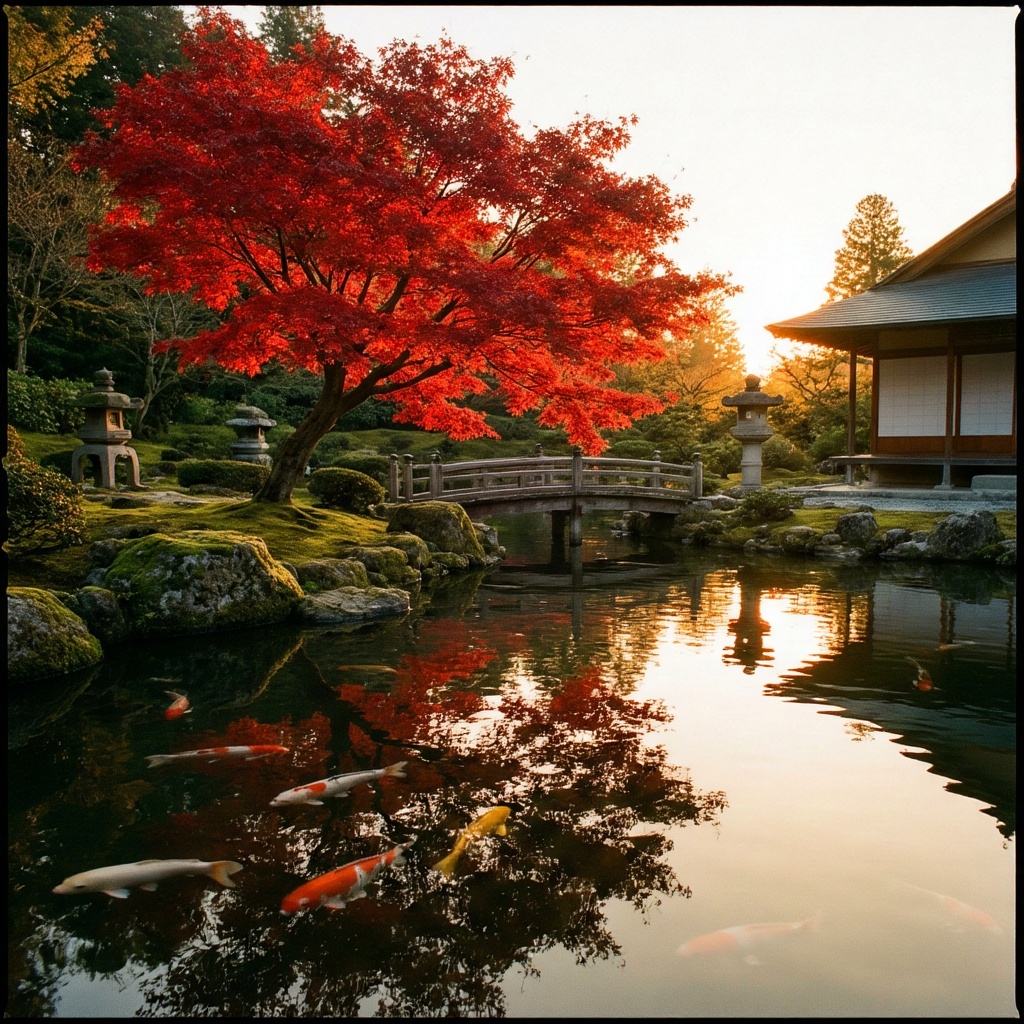
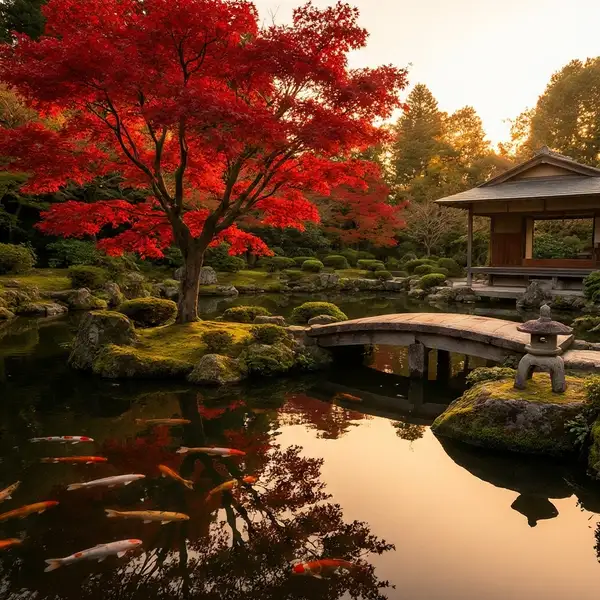
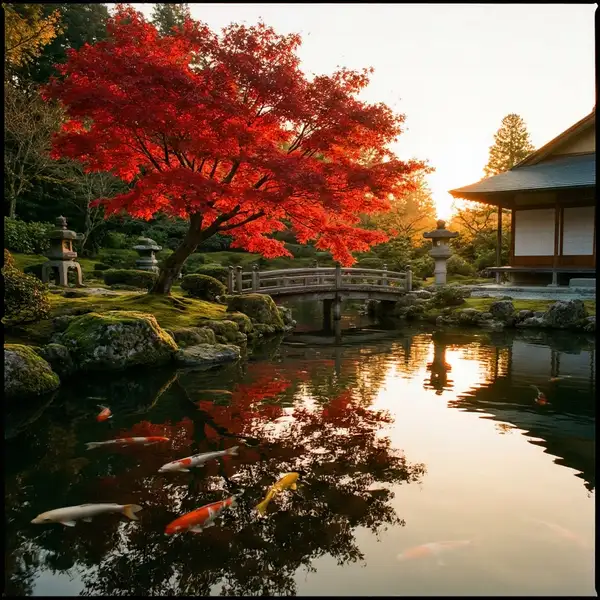
Boogu-Image turns a text prompt into a high-quality image. Provide a prompt describing the scene, pick an aspect ratio, and it renders detailed, coherent images with strong prompt adherence. Its distinctive control is a CFG guidance schedule: you can shape how strongly the prompt is enforced across the denoising process, which helps balance fidelity to your wording against natural-looking detail. It can produce up to four images per request and supports common aspect ratios from square to wide landscape.
## Best for - General text-to-image generation: scenes, characters, products, concept art, and illustrations from a written description - Iterating on a single idea by generating several variations at once (up to four per request) - Targeting a specific aspect ratio (square, portrait, or landscape) without cropping - Dialing in prompt adherence vs. detail through the guidance scale and CFG schedule
## Choose another model when - You want to edit, inpaint, or restyle an existing image rather than generate from scratch — use an image-editing model - You need to render long, precisely-spelled text inside the image as the primary goal — use a model specialized for in-image text - You need video output — use a text-to-video or image-to-video model
## Tips - Put the subject and the most important details early in the prompt; use `negative_prompt` to suppress unwanted elements - Raise `guidance_scale` for tighter prompt adherence, lower it for more natural, less constrained results - Set `output_format` to `png` when you need lossless output; the default `jpeg` is smaller and faster - Pass a fixed `seed` to reproduce a result or to vary one knob at a time
To run via the ModelRunner JavaScript client: ```js import { modelrunner } from "@modelrunner/client";
const result = await modelrunner.subscribe("boogu/boogu-image", { input: { prompt: "A red apple on a white marble table, soft studio lighting", image_size: "square_hd", num_images: 1, }, }); ```