
black-forest-labs avatar

FLUX.1 Kontext [pro] API

black-forest-labs/flux-kontext/pro

Edit an existing image from a text instruction — change objects, style, background, or text — with high prompt adherence, legible typography, and commercial-usage rights.

edit
0.04

Model Input

Input

The edit instruction. Describe the change to apply to the source image (e.g. 'put a donut next to the flour') and name anything that should stay the same.

The source image to edit. Unmentioned regions are kept consistent while the described change is applied.

Additional Settings

Customize your input with more control.

Min: 1 - Max: 20

How strongly the result follows the edit instruction. Raise for stronger adherence; lower if the edit looks over-applied.

Min: 1 - Max: 4

The number of edited image variations to generate. Each generated image is billed separately.

Force the output aspect ratio. Leave unset to match the source image's aspect ratio.

Content-moderation strictness from '1' (strictest) to '6' (most permissive).

The format of the generated image.

Whether to automatically enhance the prompt for potentially better results.

Random seed. The same seed, prompt, and image produce the same result.

You need to be logged in to run this model and view results.
Log in

Model Output

Output

Loading
Generated in 9.651 seconds
Logs (1 lines)

Model Example Requests

Examples

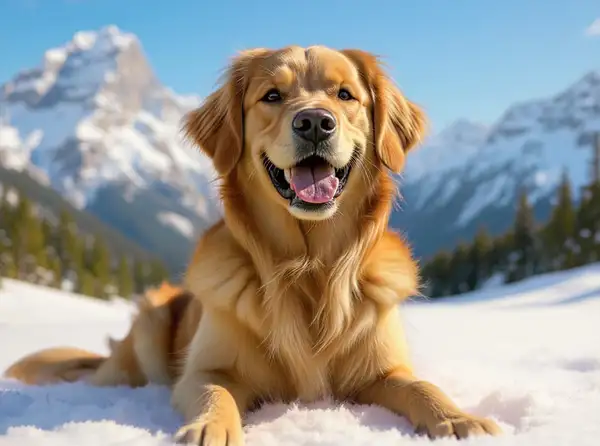
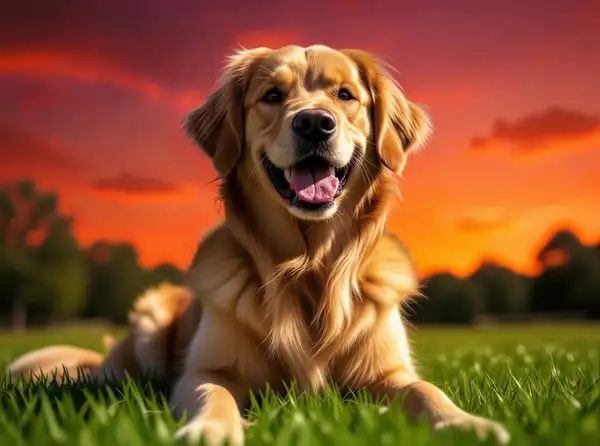
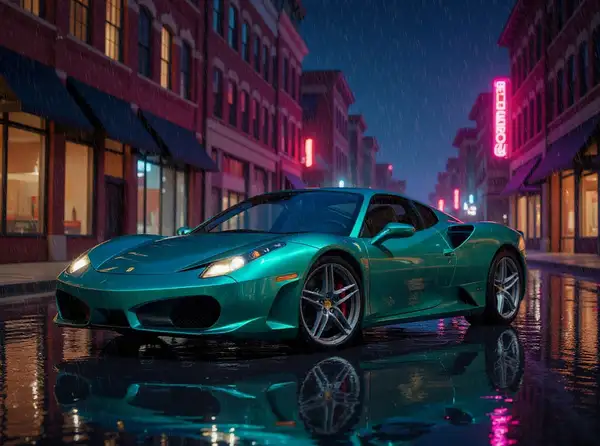
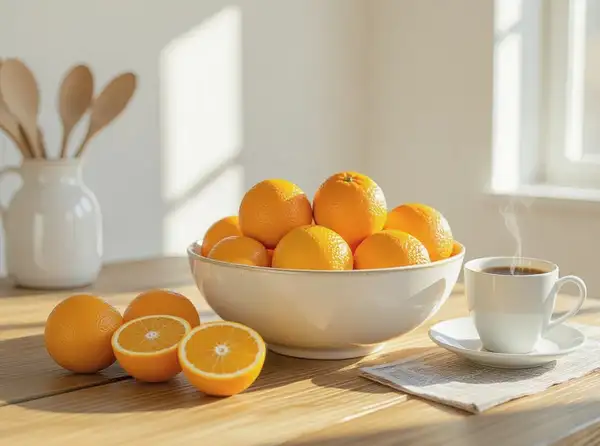
Example output 1Example output 2Example output 3Example output 4

FLUX.1 Kontext [pro] API

FLUX.1 Kontext [pro] is a image-to-image AI model by black-forest-labs. On ModelRunner it runs through a REST API or via MCP from any AI assistant, at $0.04 per image.

POST https://queue.modelrunner.run/black-forest-labs/flux-kontext/pro

cURL

# Submit a request to the queue
curl -X POST https://queue.modelrunner.run/black-forest-labs/flux-kontext/pro \
  -H "Authorization: Key $MRUN_API_KEY" \
  -H "Content-Type: application/json" \
  -d '{
    "input": {
      "prompt": "Replace the plain sky with a vivid sunset filled with dramatic orange and purple clouds, leaving the buildings below …",
      "image_url": "https://media.modelrunner.ai/lIHWaA0znjyPvZStmHCtw.jpeg",
      "num_images": 1,
      "output_format": "jpeg",
      "enhance_prompt": false,
      "guidance_scale": 3.5,
      "safety_tolerance": "2"
    }
  }'
# → { "request_id": "...", "status_url": "...", "response_url": "..." }

# Poll status_url until "COMPLETED", then fetch the result
curl "https://queue.modelrunner.run/black-forest-labs/flux-kontext/pro/requests/$REQUEST_ID/status" \
  -H "Authorization: Key $MRUN_API_KEY"
curl "https://queue.modelrunner.run/black-forest-labs/flux-kontext/pro/requests/$REQUEST_ID" \
  -H "Authorization: Key $MRUN_API_KEY"

JavaScript

import { modelrunner } from "@modelrunner/client";

const result = await modelrunner.subscribe("black-forest-labs/flux-kontext/pro", {
  input: {
    "prompt": "Replace the plain sky with a vivid sunset filled with dramatic orange and purple clouds, leaving the buildings below …",
    "image_url": "https://media.modelrunner.ai/lIHWaA0znjyPvZStmHCtw.jpeg",
    "num_images": 1,
    "output_format": "jpeg",
    "enhance_prompt": false,
    "guidance_scale": 3.5,
    "safety_tolerance": "2"
  },
});
console.log(result);

Python

import os
import requests

headers = {"Authorization": f"Key {os.environ['MRUN_API_KEY']}"}

submitted = requests.post(
    "https://queue.modelrunner.run/black-forest-labs/flux-kontext/pro",
    headers=headers,
    json={"input": {
      "prompt": "Replace the plain sky with a vivid sunset filled with dramatic orange and purple clouds, leaving the buildings below …",
      "image_url": "https://media.modelrunner.ai/lIHWaA0znjyPvZStmHCtw.jpeg",
      "num_images": 1,
      "output_format": "jpeg",
      "enhance_prompt": false,
      "guidance_scale": 3.5,
      "safety_tolerance": "2"
    }},
).json()

# Poll submitted["status_url"] until "COMPLETED", then:
result = requests.get(submitted["response_url"], headers=headers).json()

Input parameters

NameTypeRequiredDescription
promptstringyesThe edit instruction. Describe the change to apply to the source image (e.g. 'put a donut next to the flour') and name anything that should stay the same.
image_urlstring (uri)yesThe source image to edit. Unmentioned regions are kept consistent while the described change is applied.
guidance_scalenumbernoHow strongly the result follows the edit instruction. Raise for stronger adherence; lower if the edit looks over-applied. Default: 3.5.
num_imagesintegernoThe number of edited image variations to generate. Each generated image is billed separately. Default: 1.
aspect_ratioenumnoForce the output aspect ratio. Leave unset to match the source image's aspect ratio.
safety_toleranceenumnoContent-moderation strictness from '1' (strictest) to '6' (most permissive). Default: "2".
output_formatenumnoThe format of the generated image. Default: "jpeg".
enhance_promptbooleannoWhether to automatically enhance the prompt for potentially better results. Default: false.
seedintegernoRandom seed. The same seed, prompt, and image produce the same result.

Machine-readable: OpenAPI schema · llms.txt

Use FLUX.1 Kontext [pro] from Claude & Cursor (MCP)

Point Claude Code, Claude Desktop, Cursor, or any MCP client at the ModelRunner MCP server and FLUX.1 Kontext [pro] becomes a tool your assistant can call directly — it authorizes via OAuth (no API key in config) and runs this model with the run_model tool using the endpoint black-forest-labs/flux-kontext/pro.

MCP client config (Claude Desktop, Cursor)

{
  "mcpServers": {
    "modelrunner": {
      "command": "npx",
      "args": ["-y", "mcp-remote", "https://mcp.modelrunner.run/mcp"]
    }
  }
}

Claude Code

claude mcp add --transport http modelrunner https://mcp.modelrunner.run/mcp

Then ask your assistant, for example: “Run black-forest-labs/flux-kontext/pro on ModelRunner to generate image”. MCP setup guide.

Model Details

Model Details

FLUX.1 Kontext [pro] edits an image you provide by following a plain-language instruction. You pass a source photo and a prompt describing the change — swap an object, restyle the scene, replace the background, alter text, or adjust color — and it re-renders the image with that edit applied while keeping everything you didn't mention consistent. It is the production, closed-weights editing tier from Black Forest Labs: higher prompt adherence and stronger typography than the open-weights tier, tuned for commercial work, with commercial-usage rights included. Its strength is character and scene consistency across edits — faces, products, composition, and untouched regions stay stable instead of being regenerated from scratch, so iterative edits compound cleanly.

## Best for - Instruction edits to a photo — "change the wooden floor to white marble", "make it nighttime", "remove the person on the left" - Commercial and marketing edits where prompt adherence and clean typography matter (edit or add legible text and signage) - Restyling or relighting a scene while preserving the subject's identity and pose - Replacing or restyling backgrounds without regenerating the foreground - Iterative, multi-step edits where consistency must hold across rounds

## Choose another model when - You have no source photo and want to generate an image from a prompt alone — use a text-to-image model - You want the edited result animated or in motion — use an image-to-video model - You need a precisely masked inpaint of one region only — use a dedicated inpainting model - You want the lowest cost and can trade some prompt adherence for open weights — use FLUX.1 Kontext [dev]

## Tips - Describe the change precisely and name what should stay the same — Kontext keeps unmentioned regions consistent, so specific instructions edit less of the image - Leave `aspect_ratio` unset to match the source image's aspect (recommended for aligned before/after comparison); set it only when you deliberately want to reframe the output - Raise `guidance_scale` toward the higher end of its range for stronger adherence to the instruction; lower it if the edit looks over-applied

## Advanced Configuration - `guidance_scale` (1–20, default 3.5) controls how strongly the result follows the instruction; raise it for stronger edits, lower it if the edit looks over-applied. - `aspect_ratio` (unset by default) forces the output aspect ratio — one of `21:9`, `16:9`, `4:3`, `3:2`, `1:1`, `2:3`, `3:4`, `9:16`, `9:21`. Leave it unset to match the input image's aspect. - `safety_tolerance` (`1`–`6`, default `2`) sets content-moderation strictness: `1` is the strictest, `6` the most permissive. - `num_images` (1–4, default 1) sets how many edited variations to generate; each generated image is billed separately. - `output_format` selects `jpeg` (default) or `png`. - `enhance_prompt` (default false) automatically expands your instruction for potentially better results.

To run via the ModelRunner JavaScript client: ```js import { modelrunner } from "@modelrunner/client";

const result = await modelrunner.subscribe("black-forest-labs/flux-kontext/pro", { input: { prompt: "Change the wooden floor to white marble.", image_url: "https://media.modelrunner.ai/OnB0a9tFqLGcUP53RQ46n.png", guidance_scale: 3.5, output_format: "jpeg", }, }); ```