Generating a Full iOS Asset Library With ModelRunner, Inside an AI Coding Session
The Project
Roomix is an iOS app that helps users redesign their homes using AI. You take a photo of your living room, kitchen, balcony, or garden, pick a style, and the app generates a reimagined version of the space. Under the hood, Roomix uses ModelRunner's inference queue to submit render jobs, poll for results, and stream the generated image back to the user's device.
But there was a gap: the app had no demo assets. No sample "before" photos a developer or tester could use to exercise the redesign flow, no product reference images for the interior/exterior catalog, and no exterior scene photos for the landscape redesign feature. Every time someone wanted to test the app in the iOS Simulator, they had to supply their own photos manually — a friction point that slows down both development and demonstration.
The Problem: 29 Images, Zero Starting Points
To make the app testable and demo-ready, we needed four categories of images placed directly into the Xcode asset catalog (Assets.xcassets) so the iOS Simulator could pick them up automatically — and, critically, available in the Simulator's Photos library so they appear when a developer taps the photo picker inside the app:
| Category | Count | Purpose |
|---|---|---|
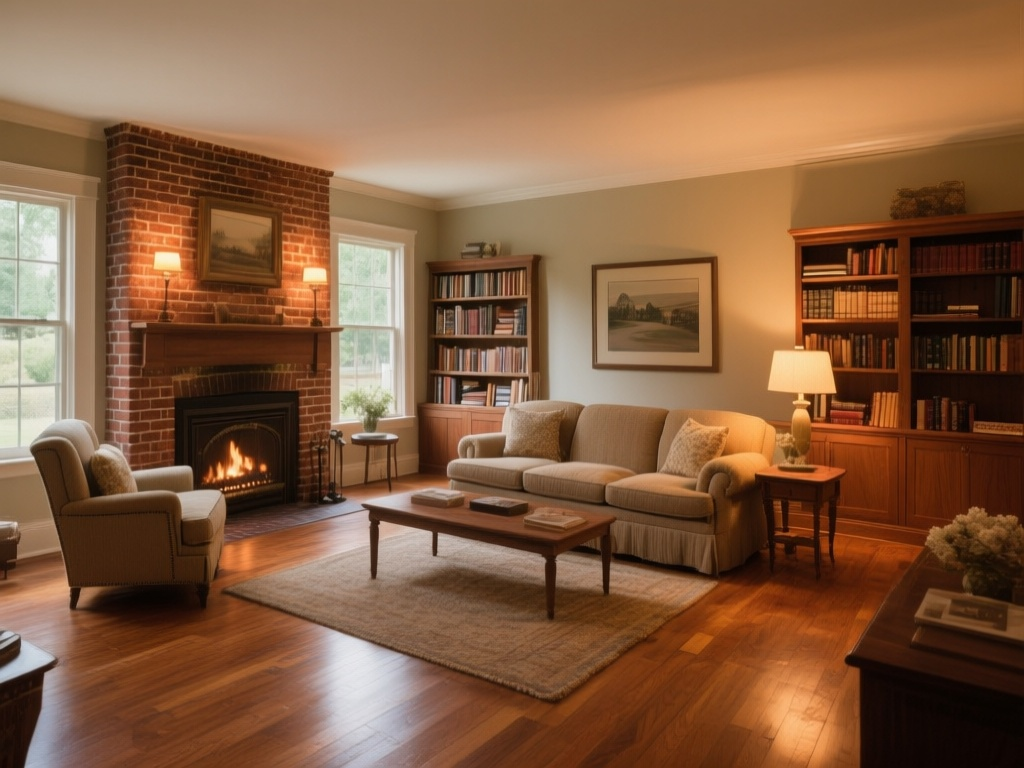
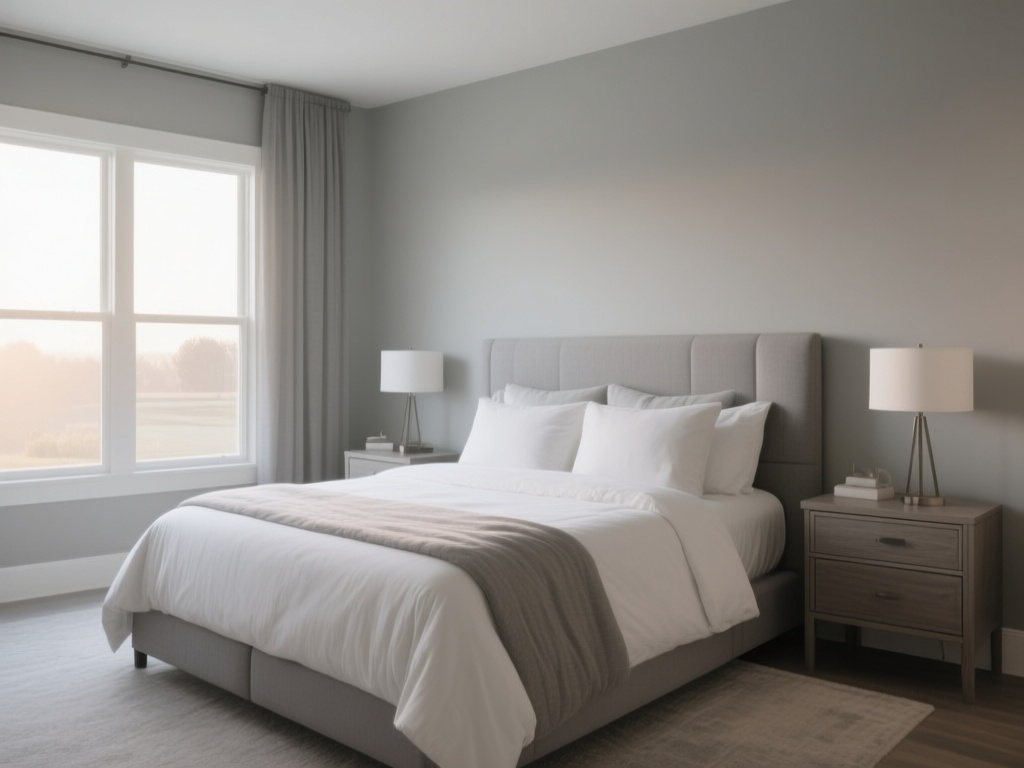
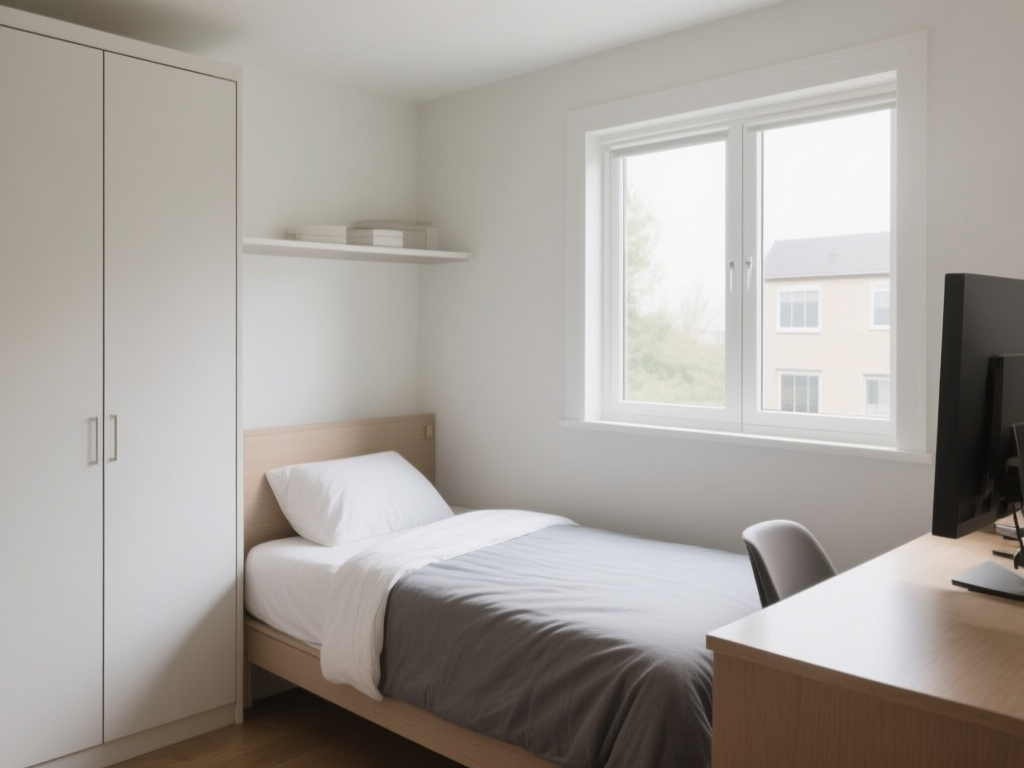
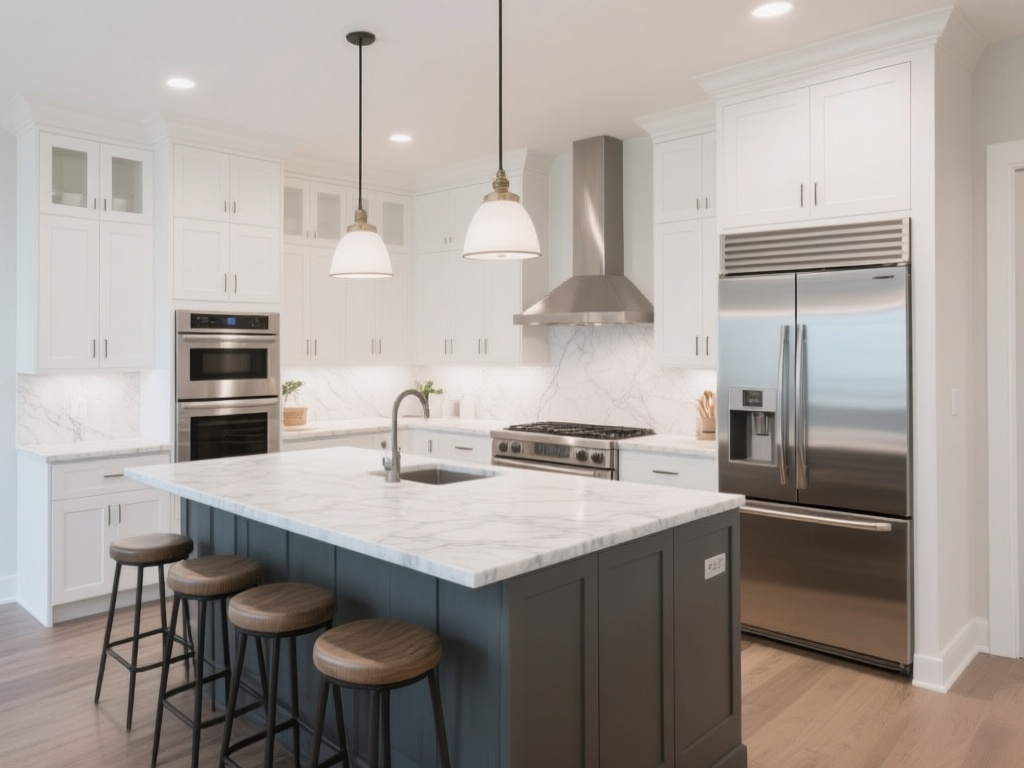
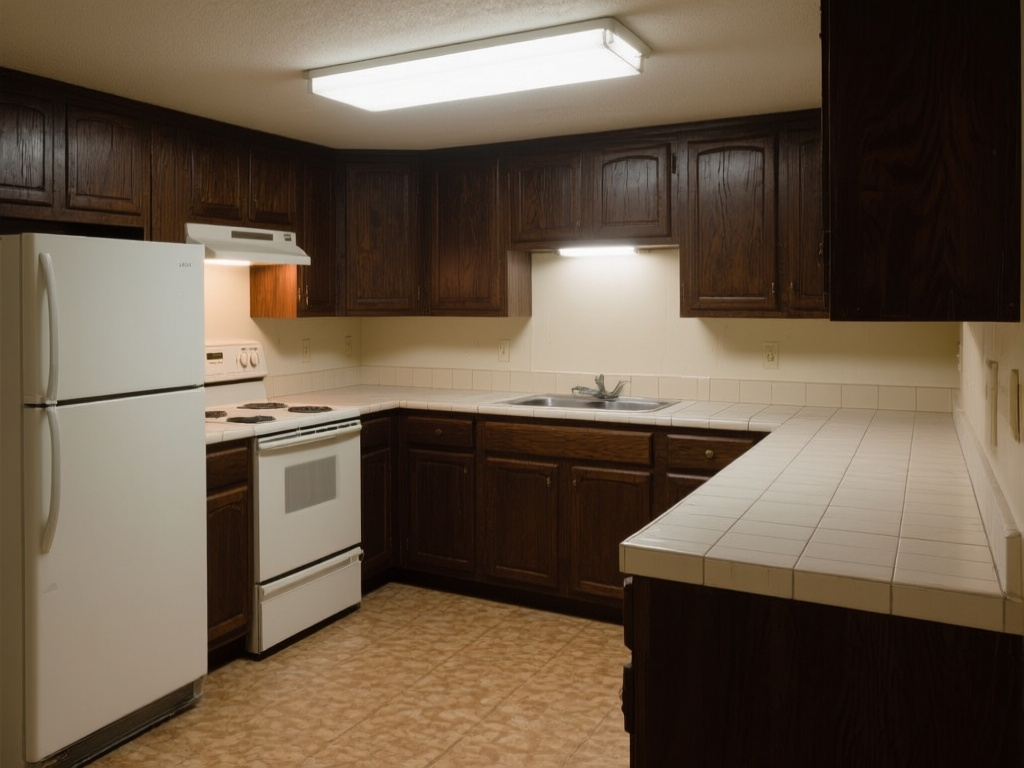
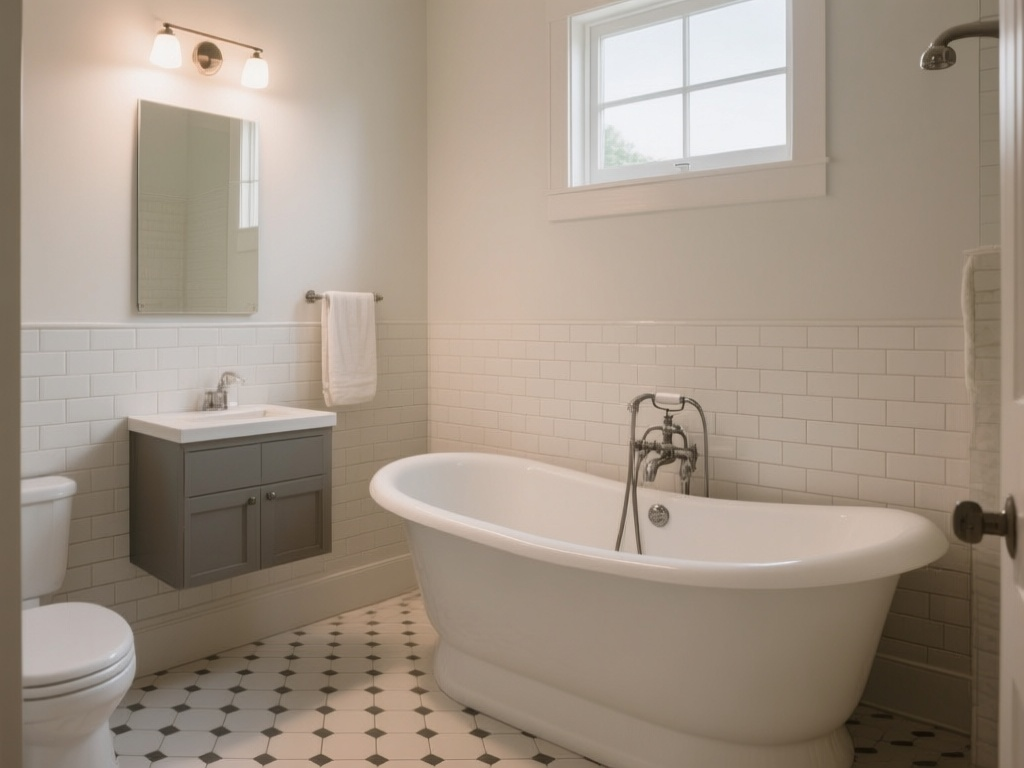
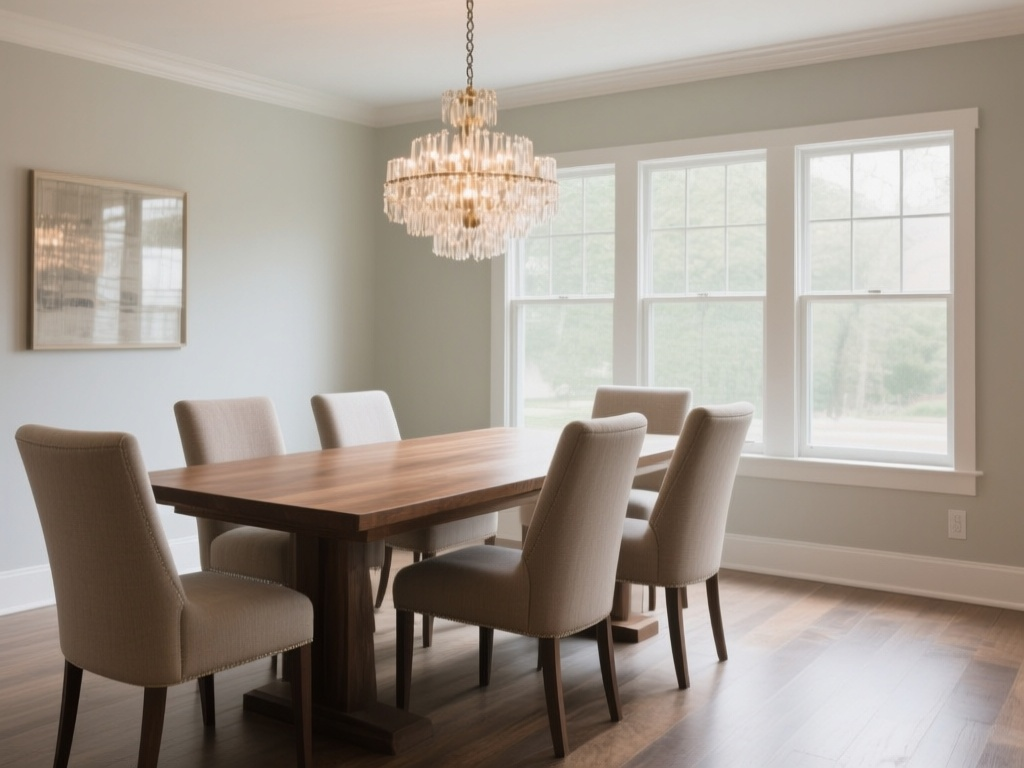
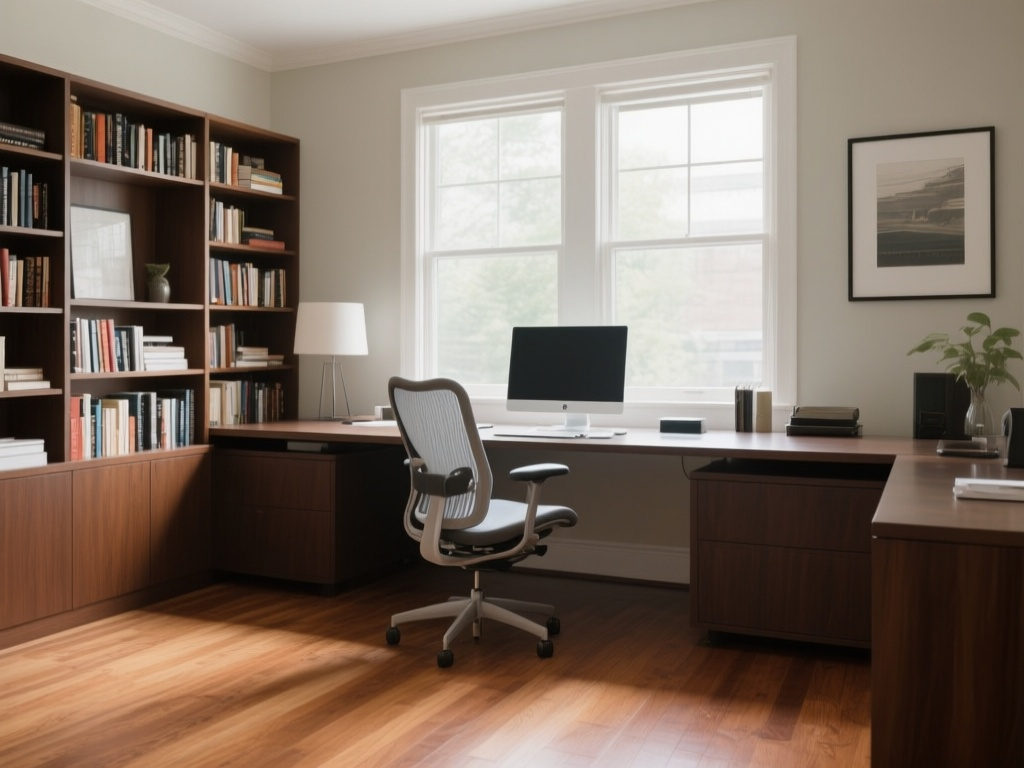
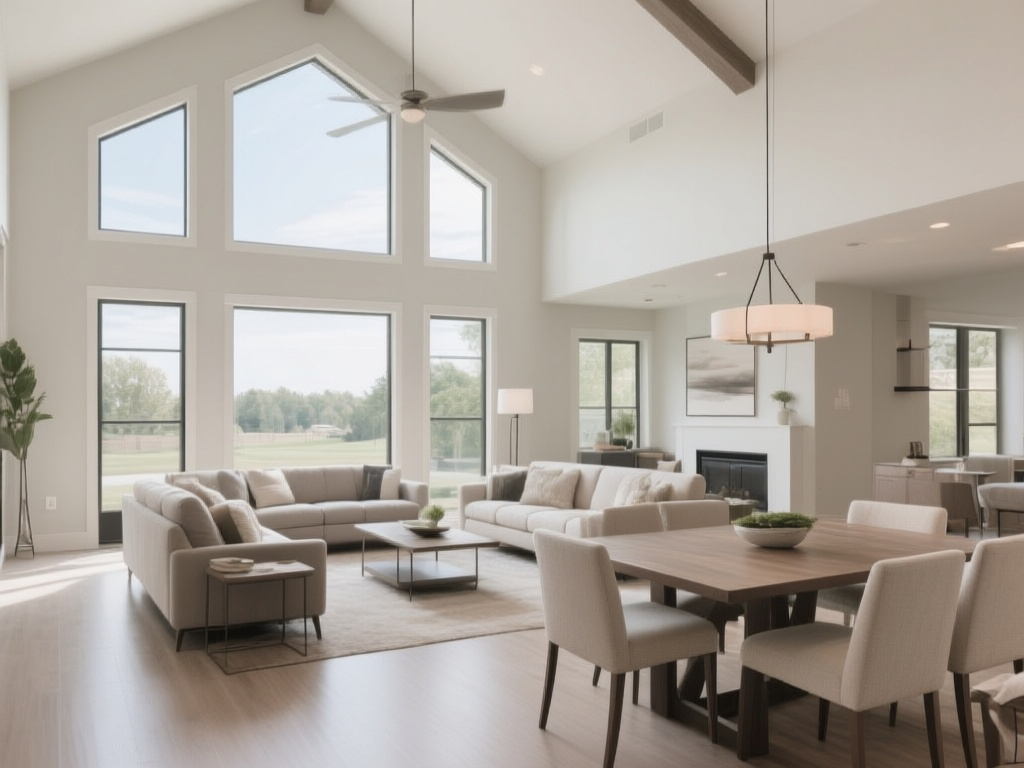
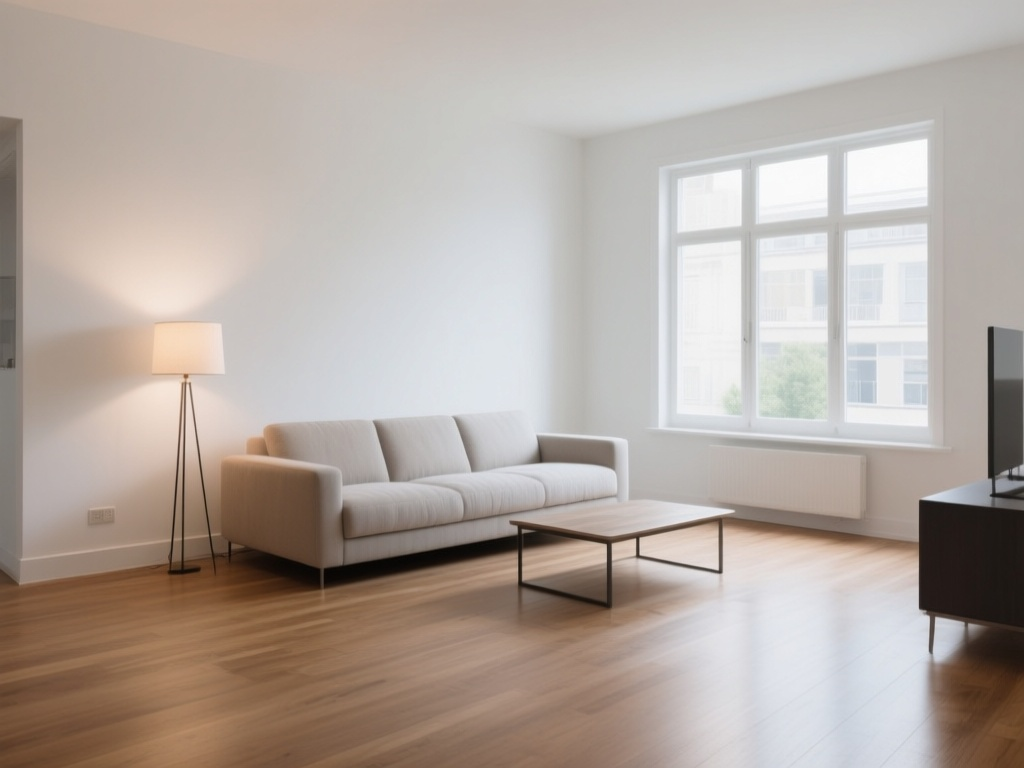
| Interior room "before" photos | 10 | Source photos users would redesign (living rooms, kitchens, bedrooms, etc.) |
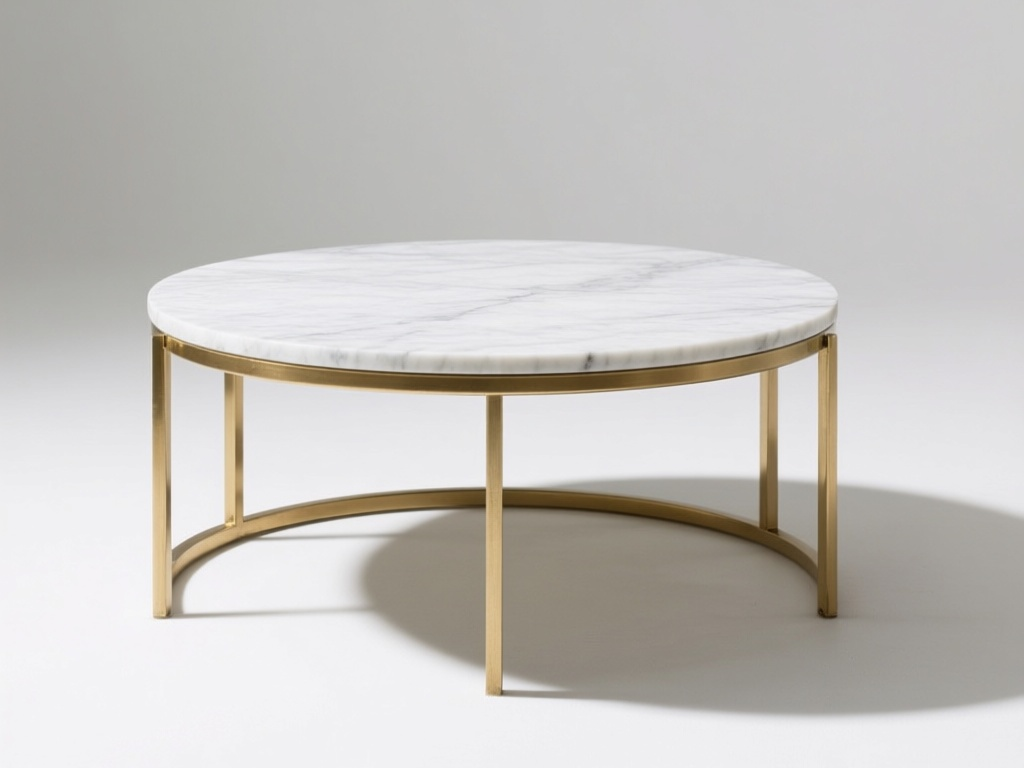
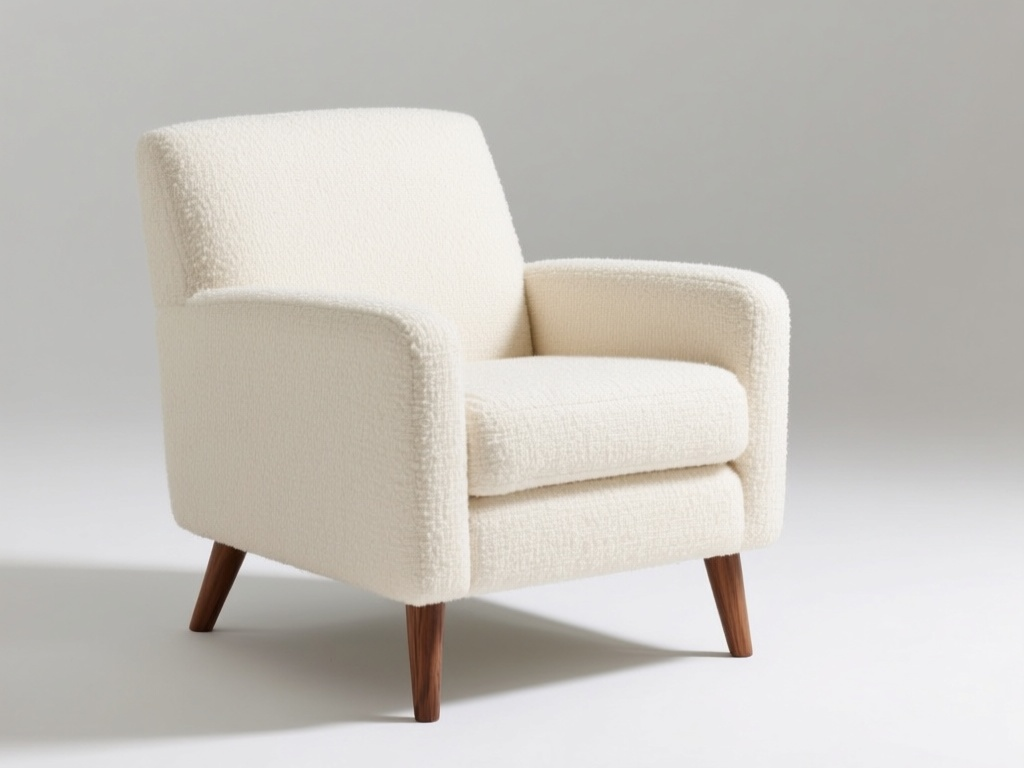
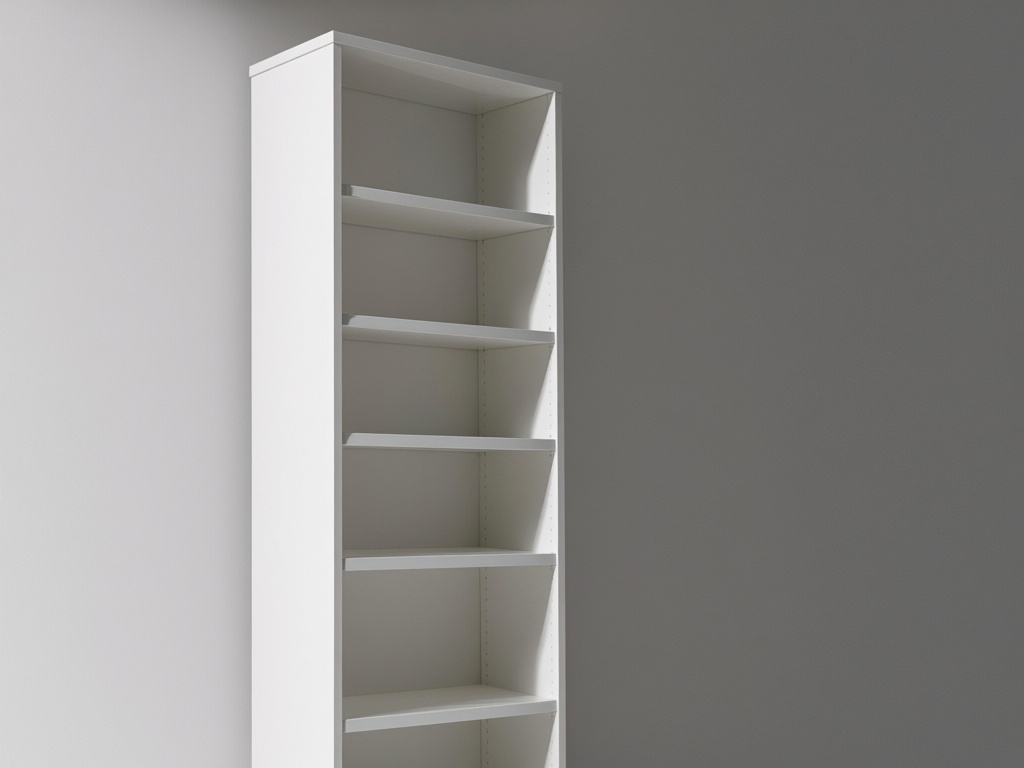
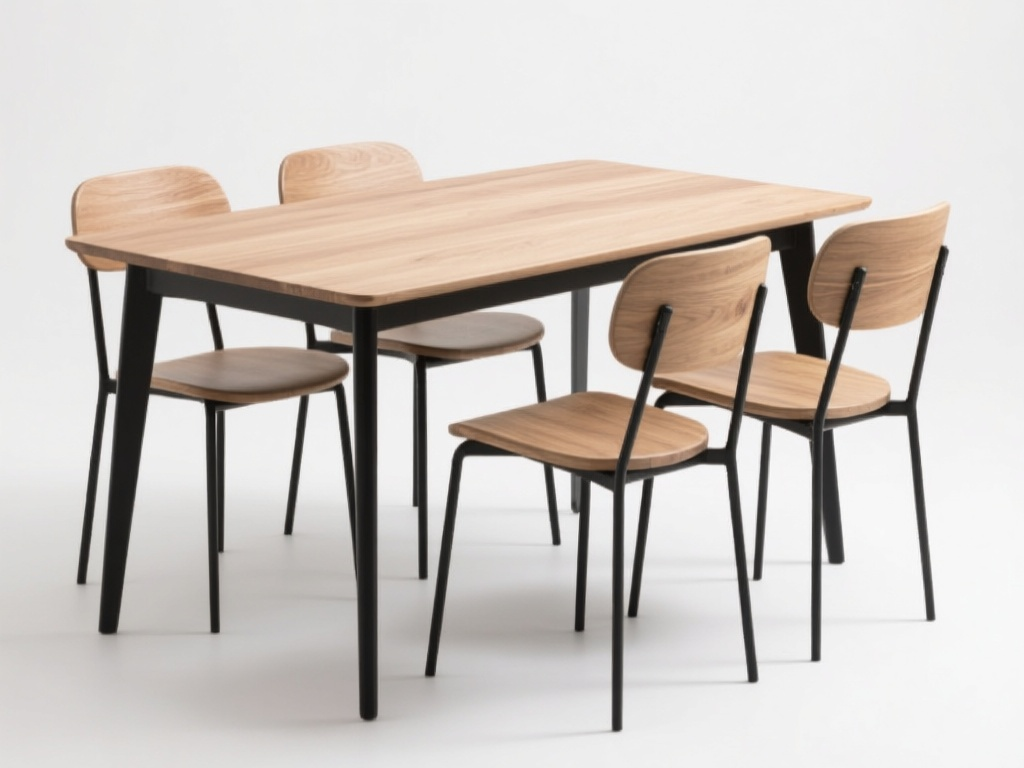
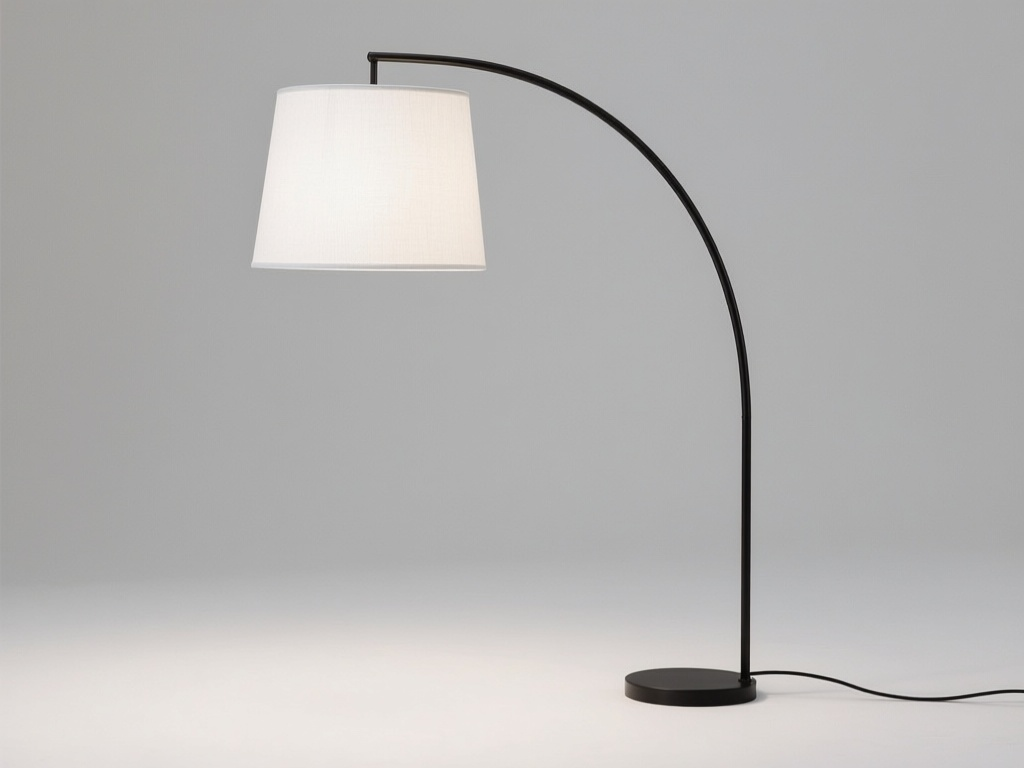
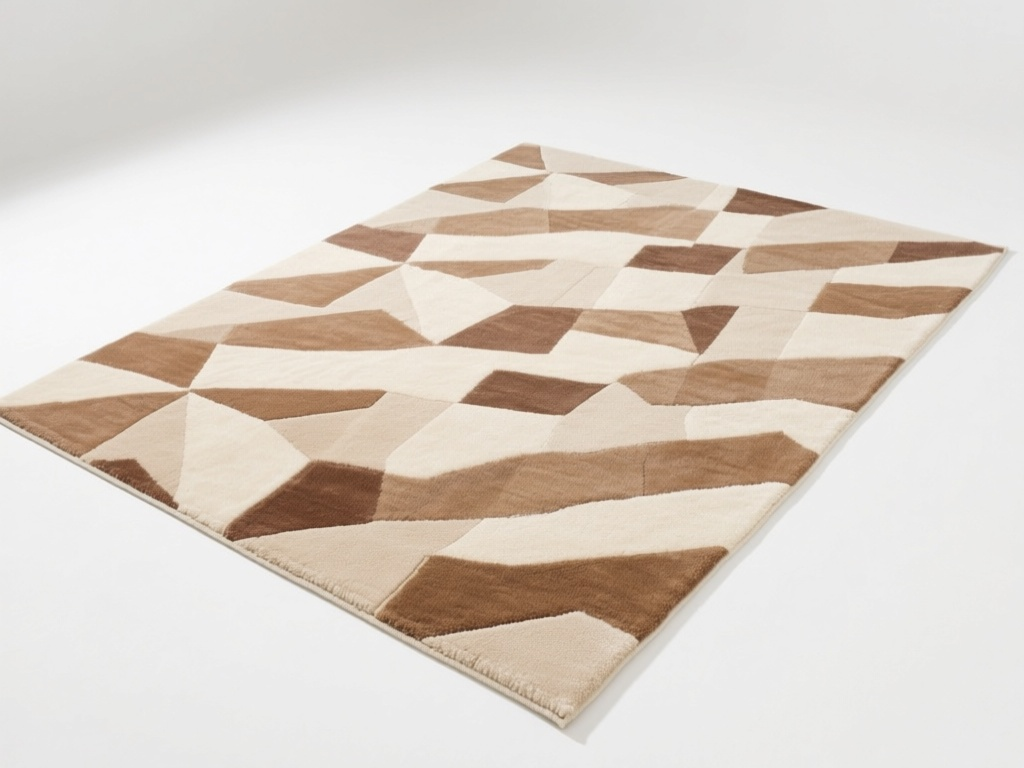
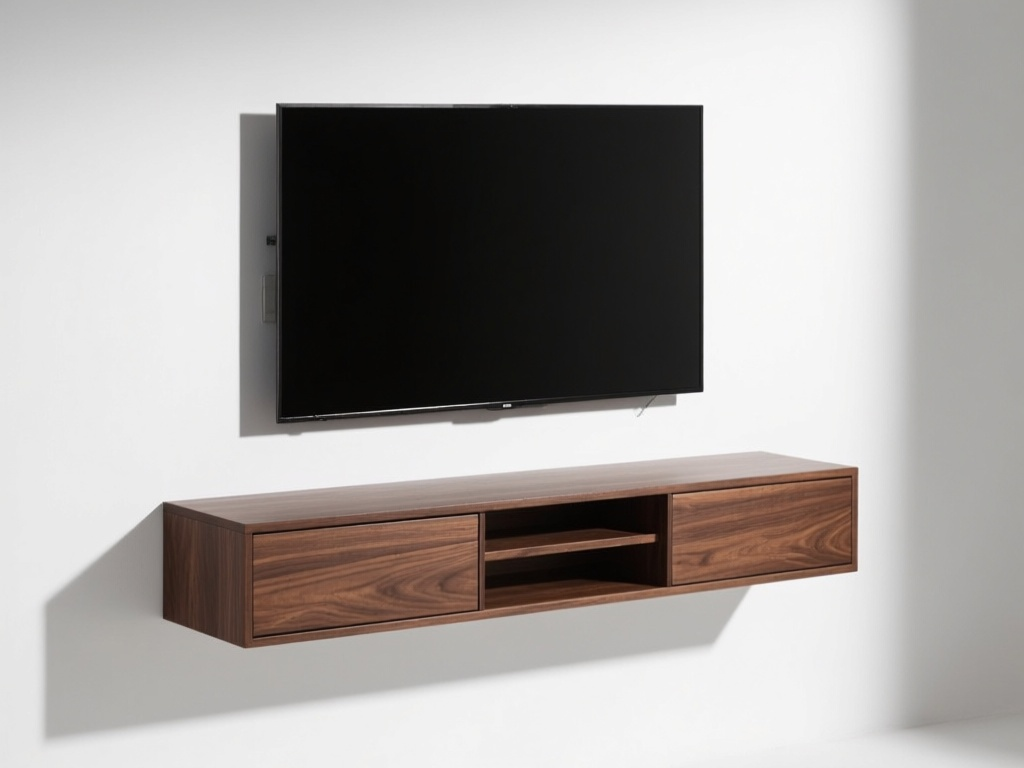
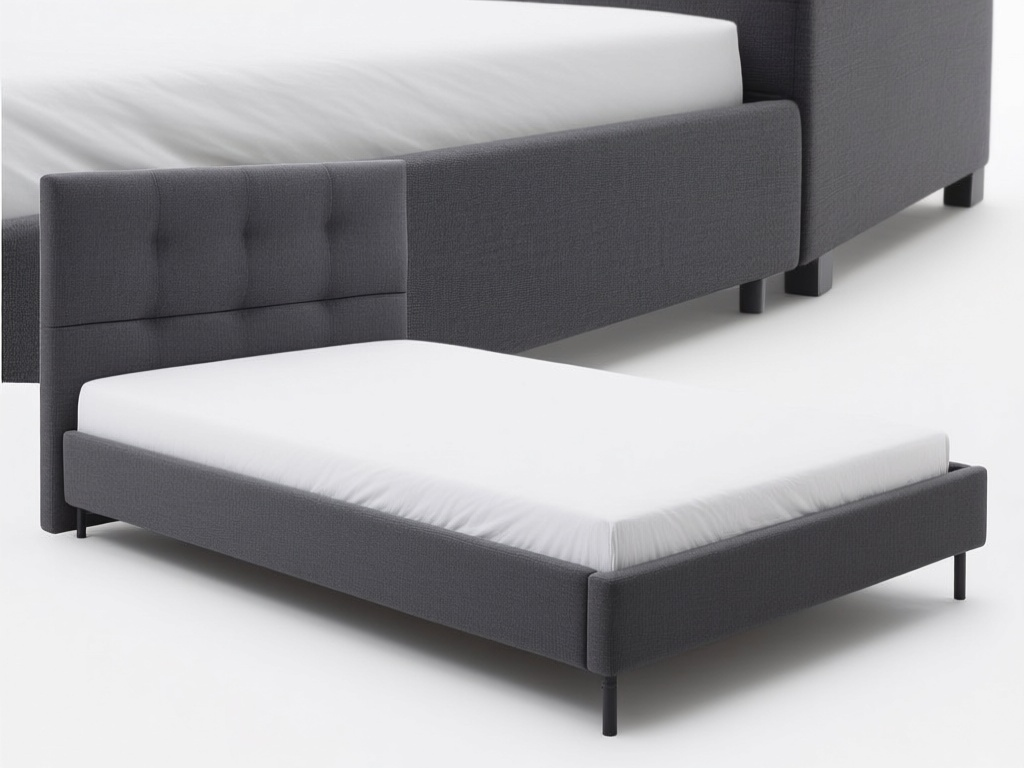
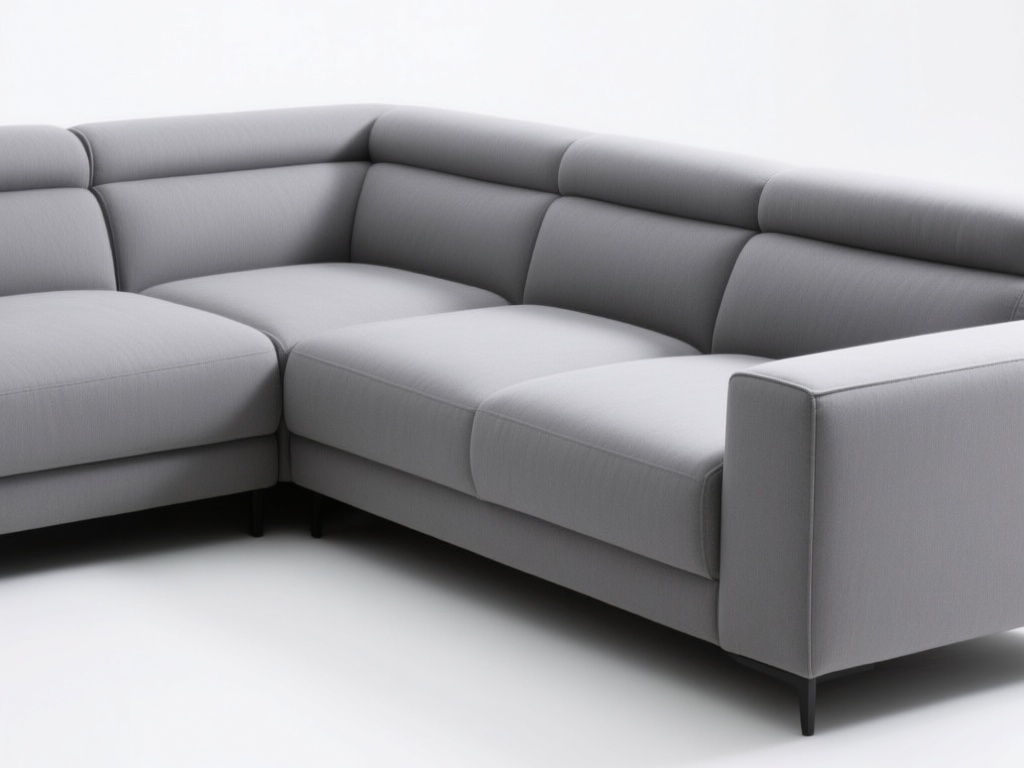
| Interior product images | 10 | Product catalog items: sofas, tables, lighting, rugs, etc. |
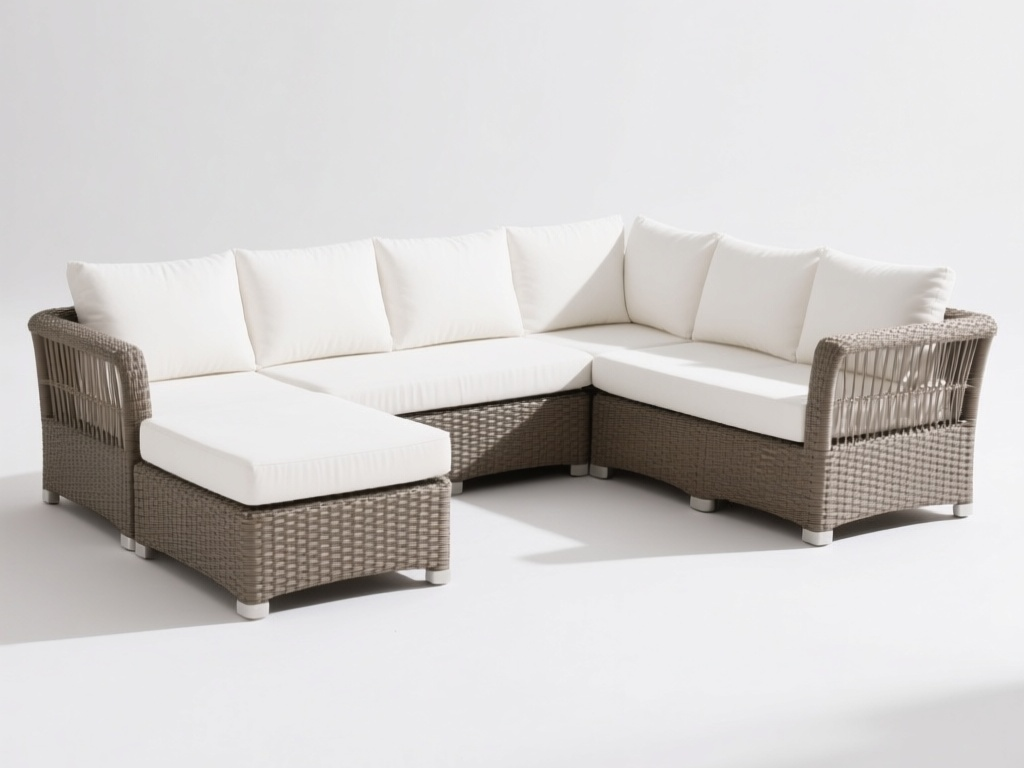
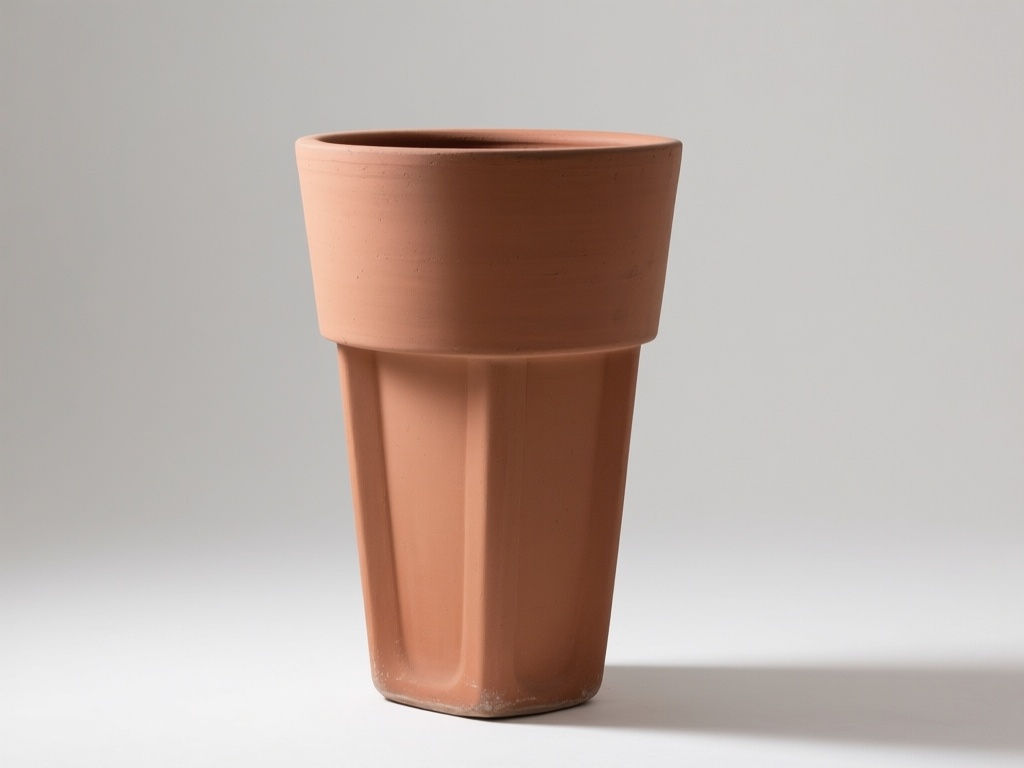
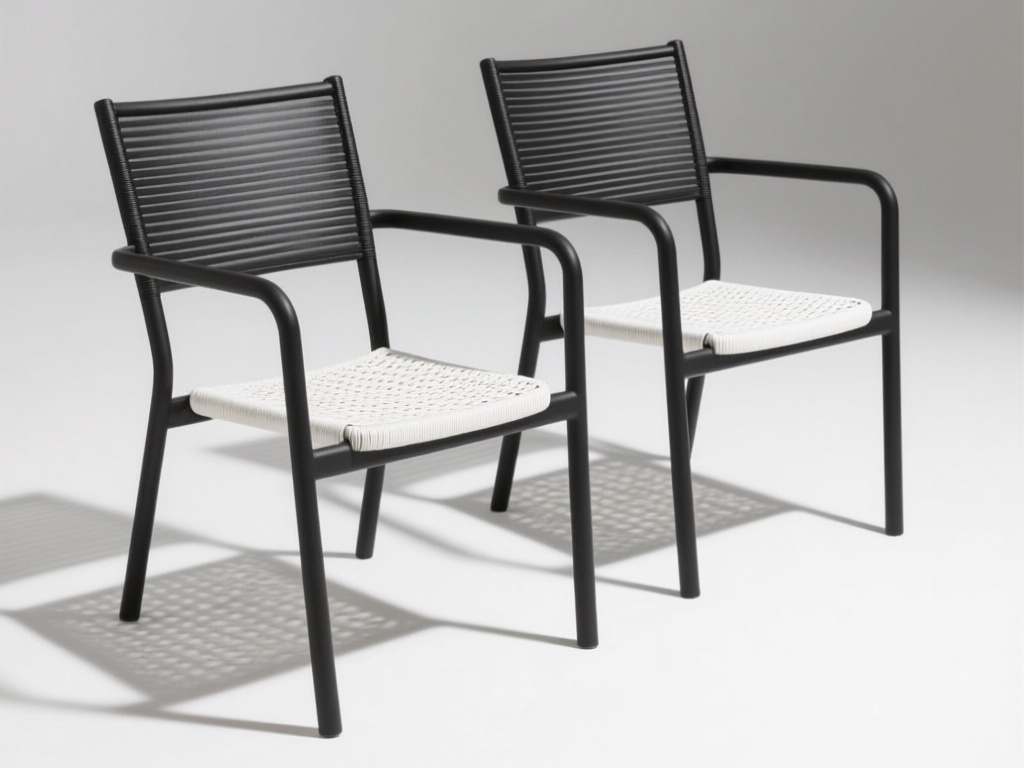
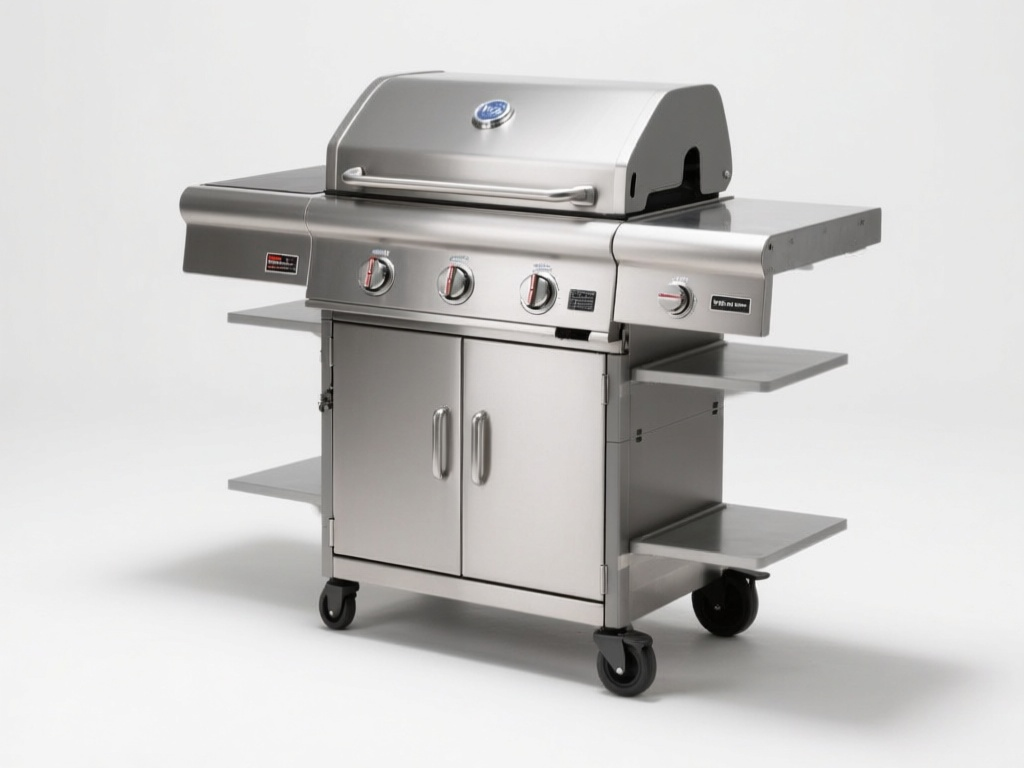
| Exterior/garden product images | 4 | Outdoor furniture, planters, BBQ grills |
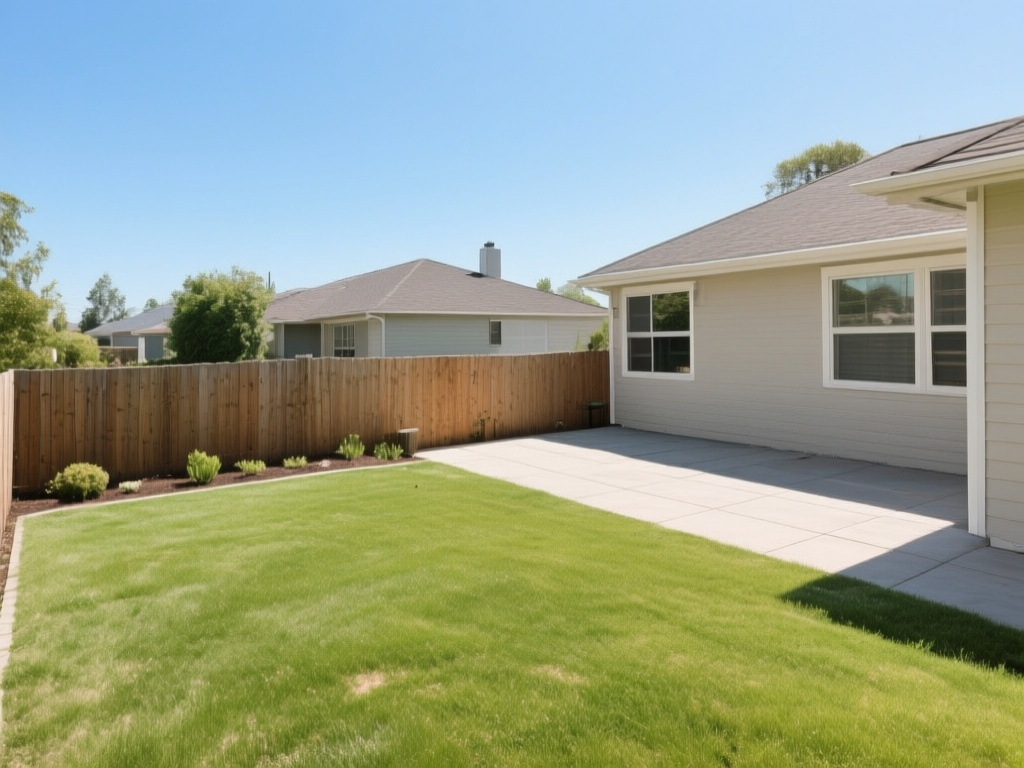
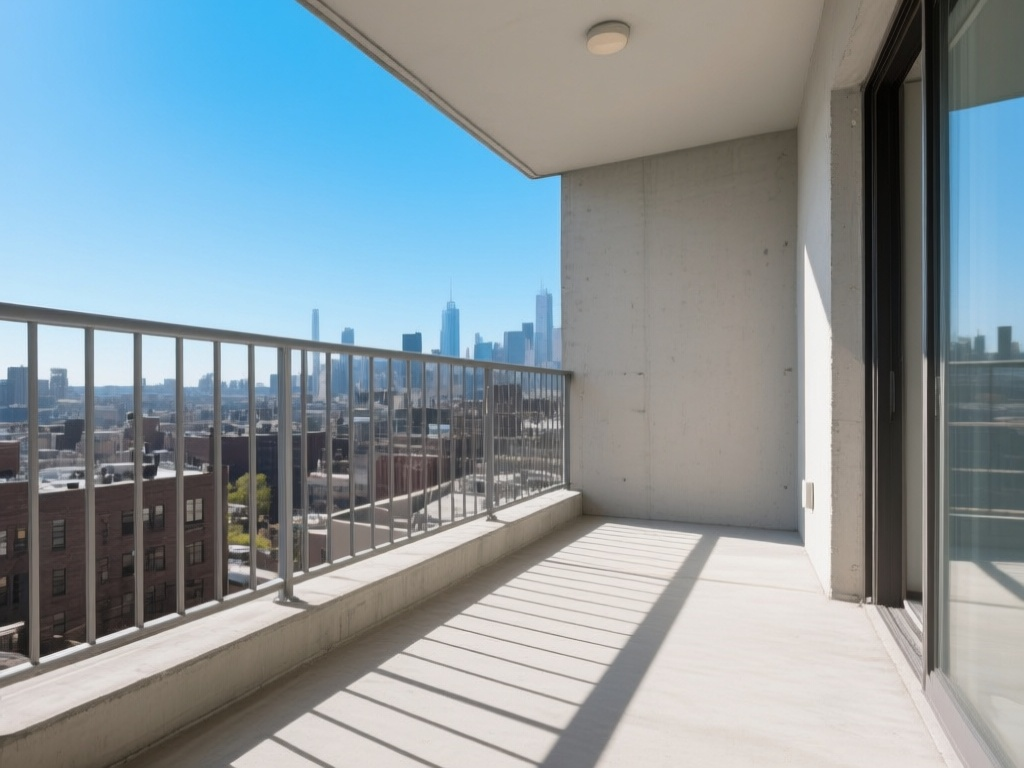
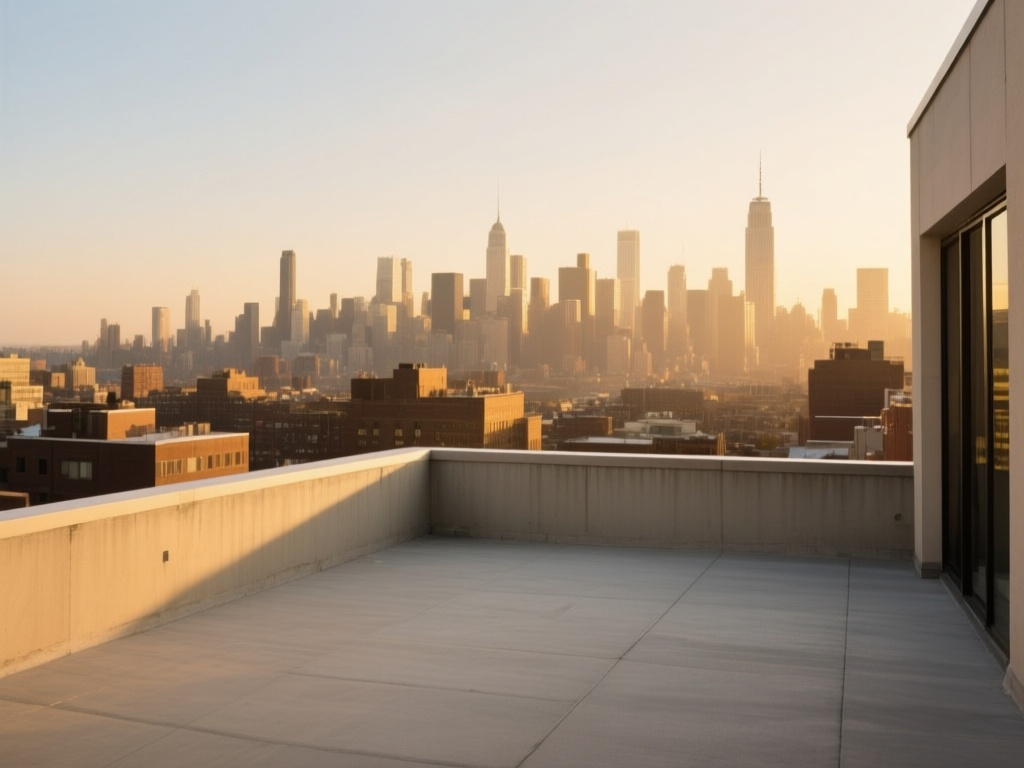
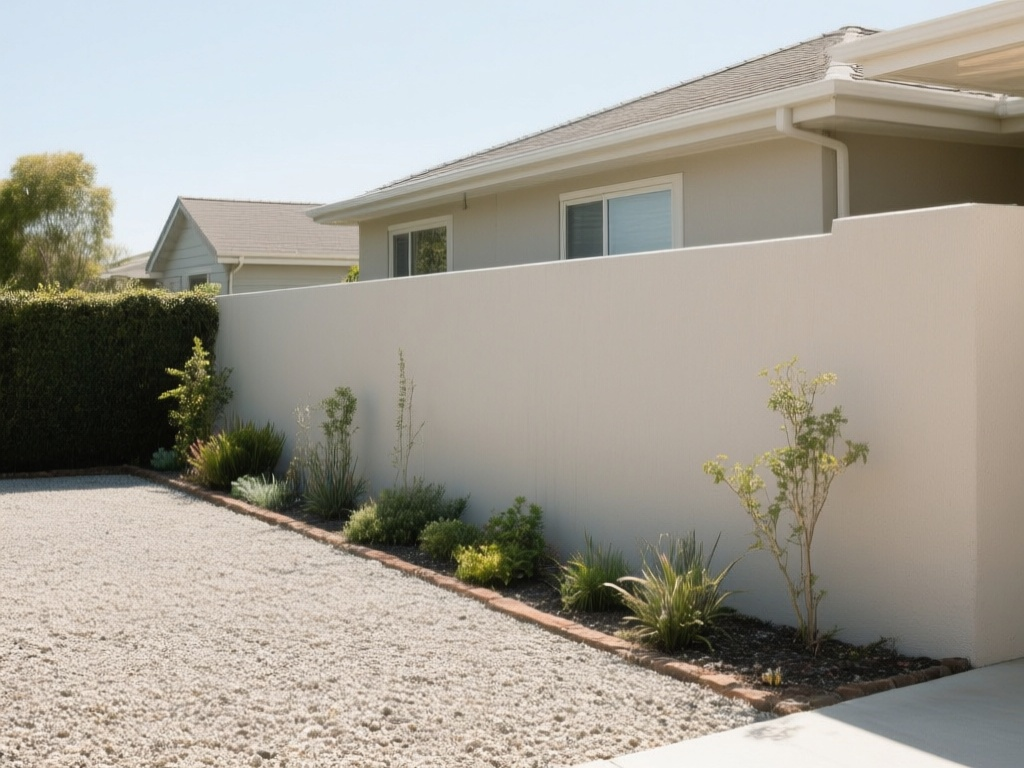
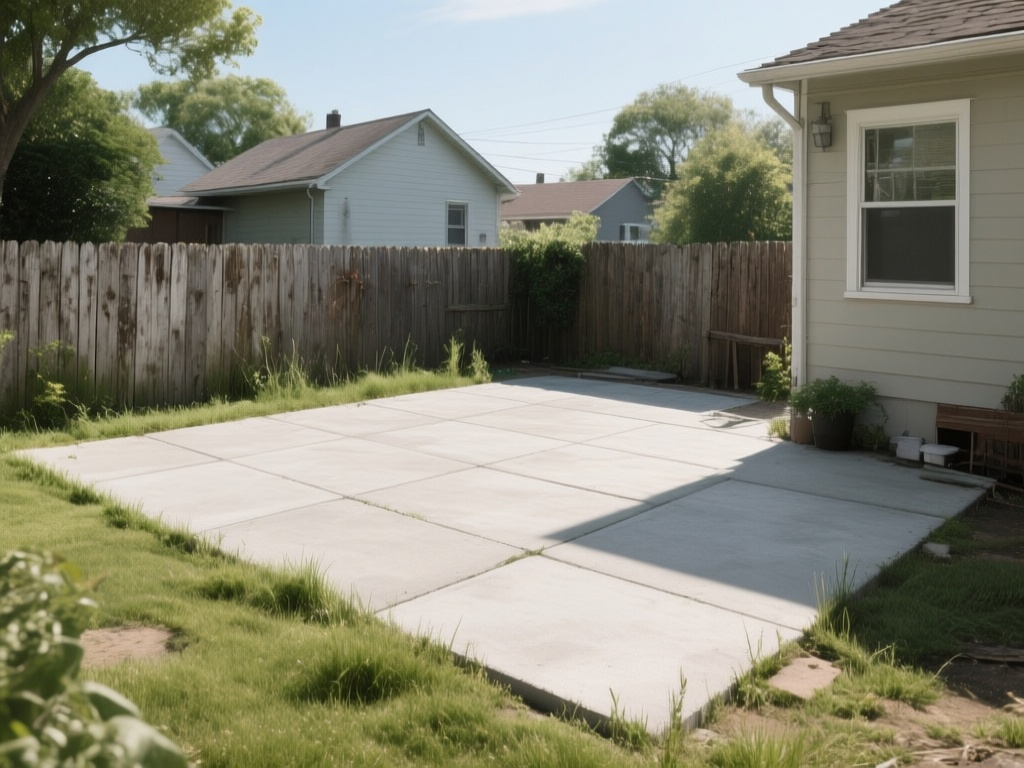
| Exterior scene "before" photos | 5 | Garden, balcony, patio, rooftop scenes for landscape redesign |
Hand-picking 29 royalty-free, high-quality photos from stock libraries would have taken hours of searching, licensing, and resizing. Generating them with AI from precise text prompts was the obvious alternative — but only if the generation API was easy enough to wire into an automated pipeline.
Why ModelRunner
A few things made ModelRunner the right choice here:
1. It's already in the stack. Roomix already calls ModelRunner's queue API to submit interior redesign jobs. The same API key, the same request/poll pattern. There was no new service to sign up for, no new authentication to configure.
2. The MCP integration made automation trivial. ModelRunner exposes an MCP (Model Context Protocol) server, which means Claude Code — the AI coding assistant driving this session — could call mcp__modelrunner__run_model and mcp__modelrunner__wait_for_request as native tool calls, no shell scripting or REST client code required. The entire generation pipeline lived inside a Claude Code workflow.
3. Model selection was straightforward. A single call to list_models with category: "text-to-image" surfaced the full catalog. We chose Qwen-Image (qwen/qwen-image) for its strong photorealism, reliable prompt adherence for interior/product scenes, and per-megapixel pricing that keeps bulk generation affordable.
4. The async request pattern fits batch workloads perfectly. ModelRunner's run_model returns a requestId immediately; wait_for_request polls until completion. That pattern is trivially parallelizable — we submitted all 29 requests concurrently and let them resolve in parallel rather than waiting on each one serially.
How It Was Done
The entire pipeline was orchestrated by a Claude Code Workflow — a deterministic multi-agent script that fans work out across parallel subagents.
The pipeline (per image)
Prompt → run_model (qwen/qwen-image) → requestId
       → wait_for_request            → image URL
       → curl -L -o <path>           → .jpg on disk
       → write Contents.json         → valid .imageset bundle
Each of the 29 images went through this pipeline independently. The workflow's pipeline() primitive chained the three stages without a synchronization barrier — image A could be downloading while image B was still generating, maximizing throughput.
Folder structure written into xcassets
Assets.xcassets/
├── SampleRooms/                    ← 10 interior room photos
│   ├── room-living-modern.imageset/
│   ├── room-bedroom-master.imageset/
│   └── ...
├── SampleProducts/
│   ├── Interior/                   ← 10 interior product images
│   │   ├── product-sectional-sofa.imageset/
│   │   └── ...
│   └── Exterior/                   ← 4 garden/balcony products
│       ├── product-outdoor-sofa.imageset/
│       └── ...
└── Exterior/                       ← 5 exterior scene photos
    ├── exterior-garden-plain.imageset/
    └── ...
Each .imageset folder contains the generated .jpg and a valid Contents.json that Xcode's asset catalog compiler understands. The images are immediately addressable in SwiftUI with Image("SampleRooms/room-living-modern").
Making images selectable in the photo picker
Placing images in Assets.xcassets makes them accessible in Swift via UIImage(named:) or SwiftUI's Image() — useful for style previews and onboarding screens. But it does not put them in the device's Photos library. When a developer taps the photo picker inside Roomix (backed by SwiftUI's PhotosPicker), they see the Simulator's camera roll — and xcassets images simply don't appear there.
Roomix's entire user flow begins with the photo picker. Without sample photos in the simulator's photo library, every test session starts with "go find a photo on your own." That kills demo momentum and adds unnecessary friction to every development iteration.
The fix is one command Apple provides specifically for this: xcrun simctl addmedia. It pushes any image file directly into the booted simulator's Photos library, making it show up in the camera roll just like a real photo taken on a real device.
xcrun simctl addmedia <SIMULATOR_UDID> /path/to/image.jpg
After all 29 images were generated and saved to xcassets, we collected every .jpg path and pushed them all to the booted simulator in a single call:
IMAGES=$(find Assets.xcassets/SampleRooms \
               Assets.xcassets/SampleProducts \
               Assets.xcassets/Exterior \
         -name "*.jpg" | sort)

echo "$IMAGES" | xargs xcrun simctl addmedia 3679DB58-5299-4CF3-B04A-72402311305A
From that point on, opening the photo picker in Roomix inside the simulator shows all 29 AI-generated images — 10 interior rooms, 10 product shots, 4 garden/balcony products, and 5 exterior scenes — ready to pick and feed into the redesign flow. No manual photo hunting, no "use your own phone's photo" workaround.
One caveat worth noting: the photo library is per-simulator. If you boot a fresh simulator (or a different device type), you need to re-run addmedia against its UDID. The xcassets copy serves as the durable source of truth; addmedia is the one-time push step each time a new simulator is provisioned.
Prompt strategy
Prompts were tuned to the two distinct visual styles needed:
- Room/scene photos: "Photorealistic wide-angle photo of…, professional real estate interior photography" — anchored to the vocabulary of architectural photography to get natural lighting, correct perspective, and empty-room compositions.
- Product images: "Professional product photo of…, pure white background, studio lighting, centered composition" — studio-style isolation so the subject reads clearly as a catalog item.
Results
- 29 images generated and placed in under 10 minutes of wall-clock time (parallel generation).
- Zero manual steps between "generate" and "usable in Xcode" — the workflow wrote the asset bundles directly.
- Consistent quality across all categories: photorealistic room scenes, clean white-background product shots, and credible exterior/garden vistas.
- The old placeholder assets (54 hand-picked style preview PNGs) were replaced entirely, reducing asset bundle size while adding coverage for new features.
The Bigger Picture
This task illustrates a pattern that goes beyond asset generation: ModelRunner as infrastructure inside a developer workflow. Because ModelRunner exposes both a standard REST API and an MCP server, AI coding agents can call it as a first-class tool — not just as a backend for user-facing features, but as a capability the development process itself consumes.
For a product like Roomix that already depends on ModelRunner for its core AI feature, the jump from "ModelRunner powers our redesign renders" to "ModelRunner also populates our test asset library" required almost no additional integration work. The same pattern could extend to generating app store screenshots, onboarding illustrations, or localized marketing visuals — all driven by prompts, versioned in git alongside code.
Roomix is built with SwiftUI and SwiftData, targeting iOS 17.0+. The asset generation workflow described here was authored and executed by Claude Code using the ModelRunner MCP server.
Appendix: Request IDs and output URLs (29 images)
Every image was generated via qwen/qwen-image on ModelRunner. The table below records the asset name, the ModelRunner requestId (useful for audit, replay, or pricing reconciliation), and the CDN URL of the output image.